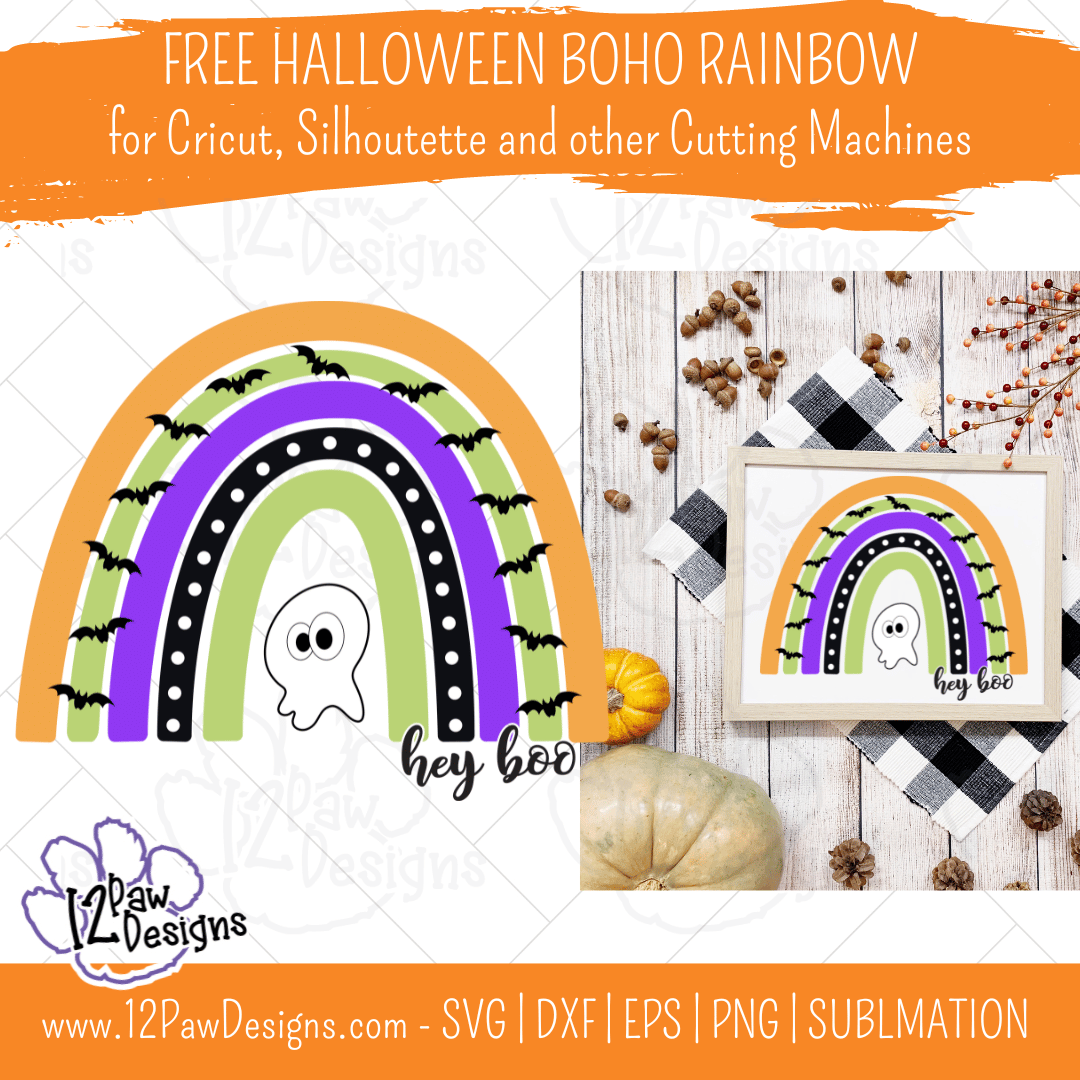
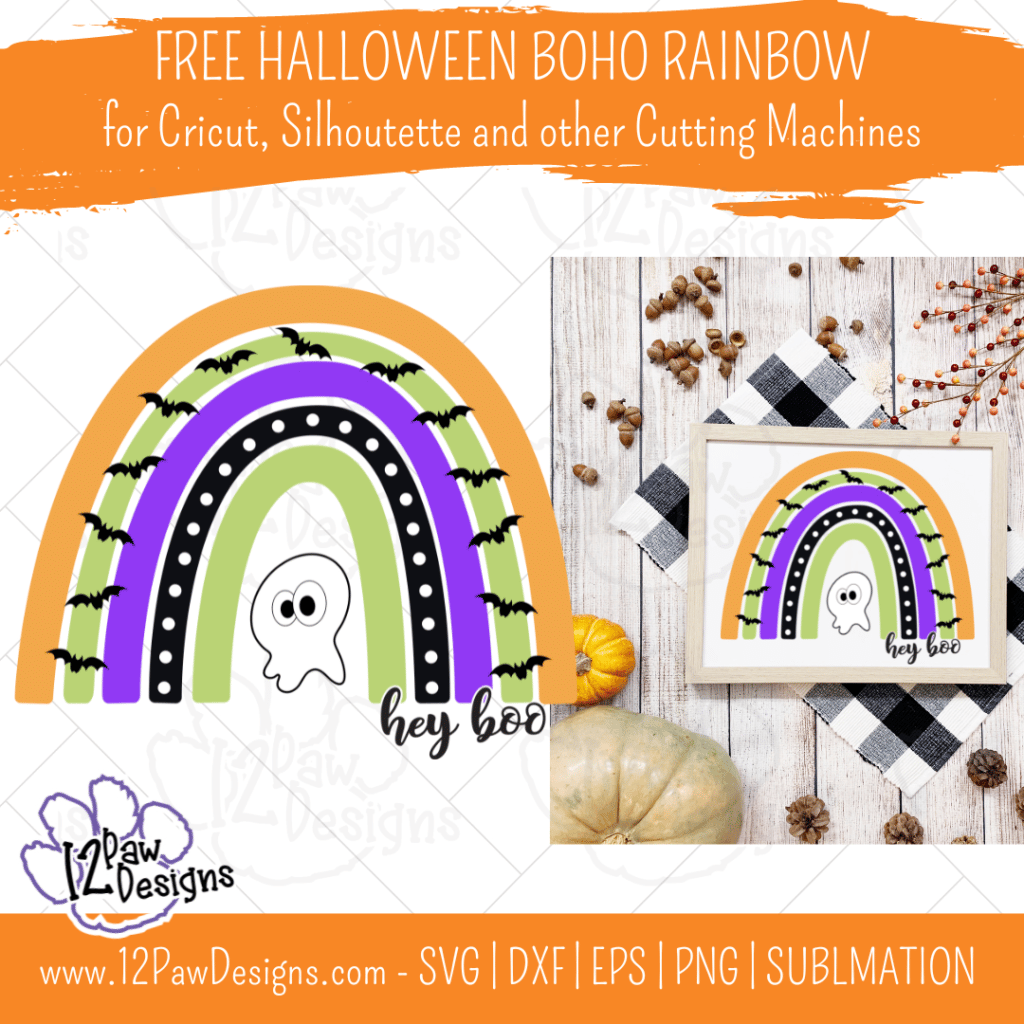
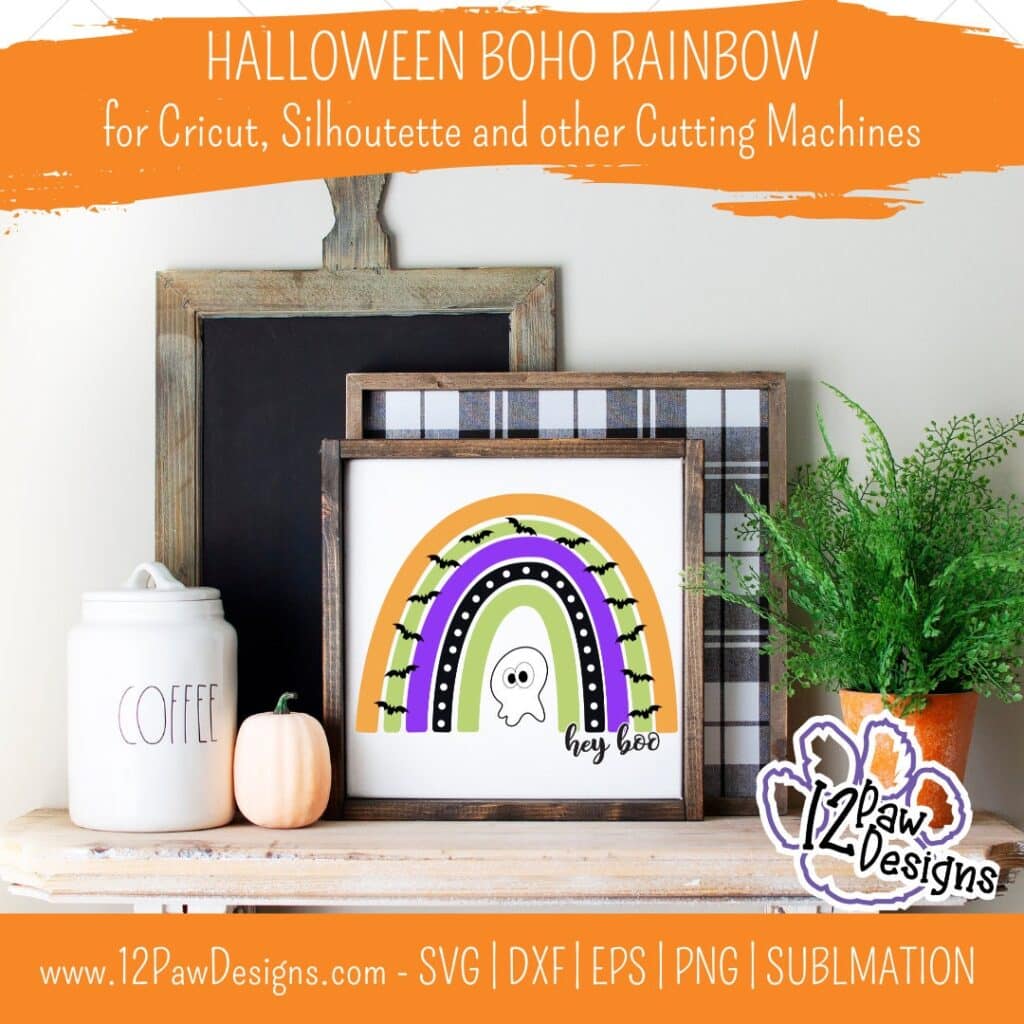
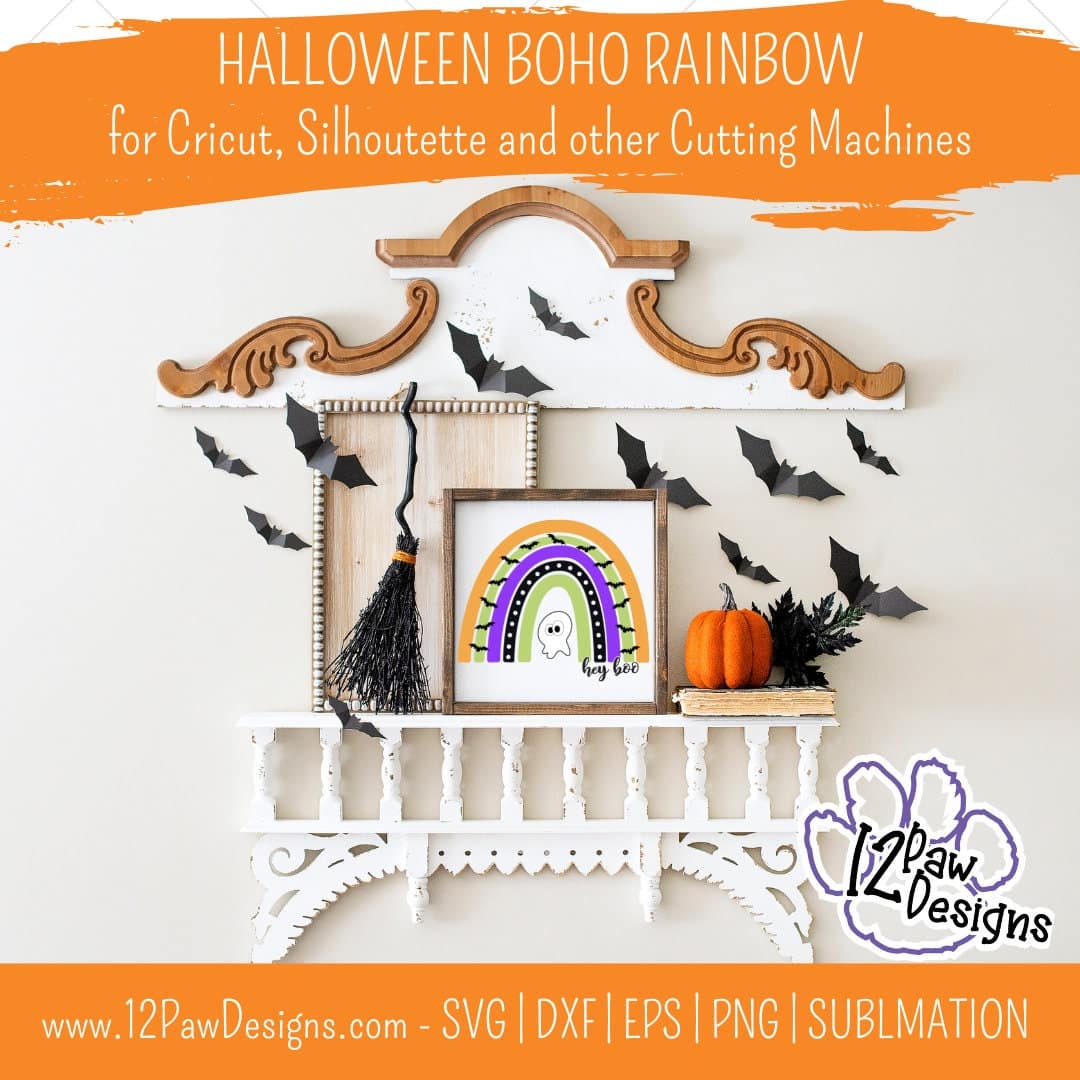
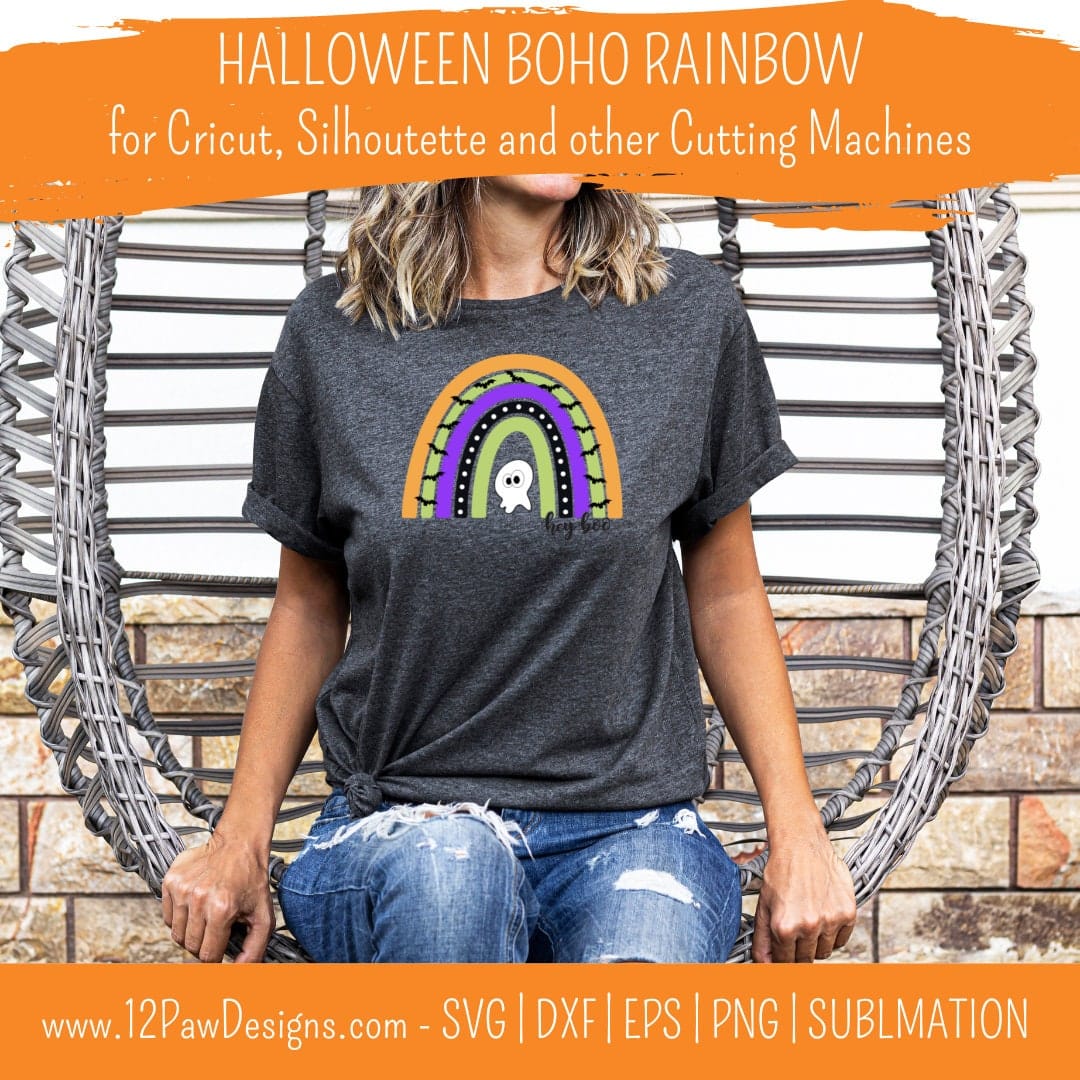
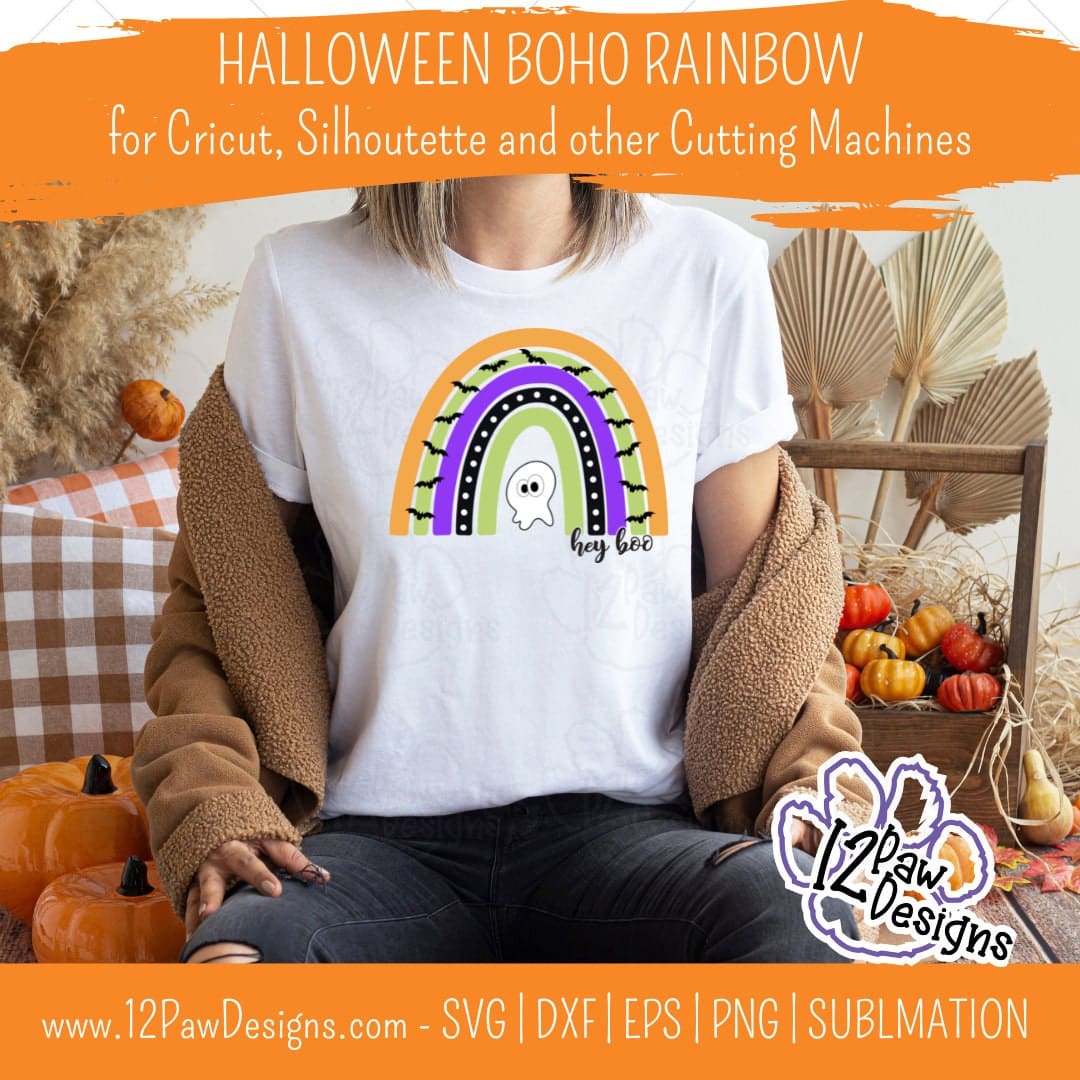
Hey Boo! It is a spooktacular time of the year! Halloween is next month and that means a Halloween Boho Rainbow is what we need. This design has bats and a cute little ghost!
Do you decorate for Halloween? Dress up? If you don’t dress up this would be a fun option. You can leave the bats off as well if you are a fan of bats. You could also use the ghost by itself as well! So many options.
Crafting time! Head over to the freebie library and download your files. You will find it at number 102. Have fun creating!
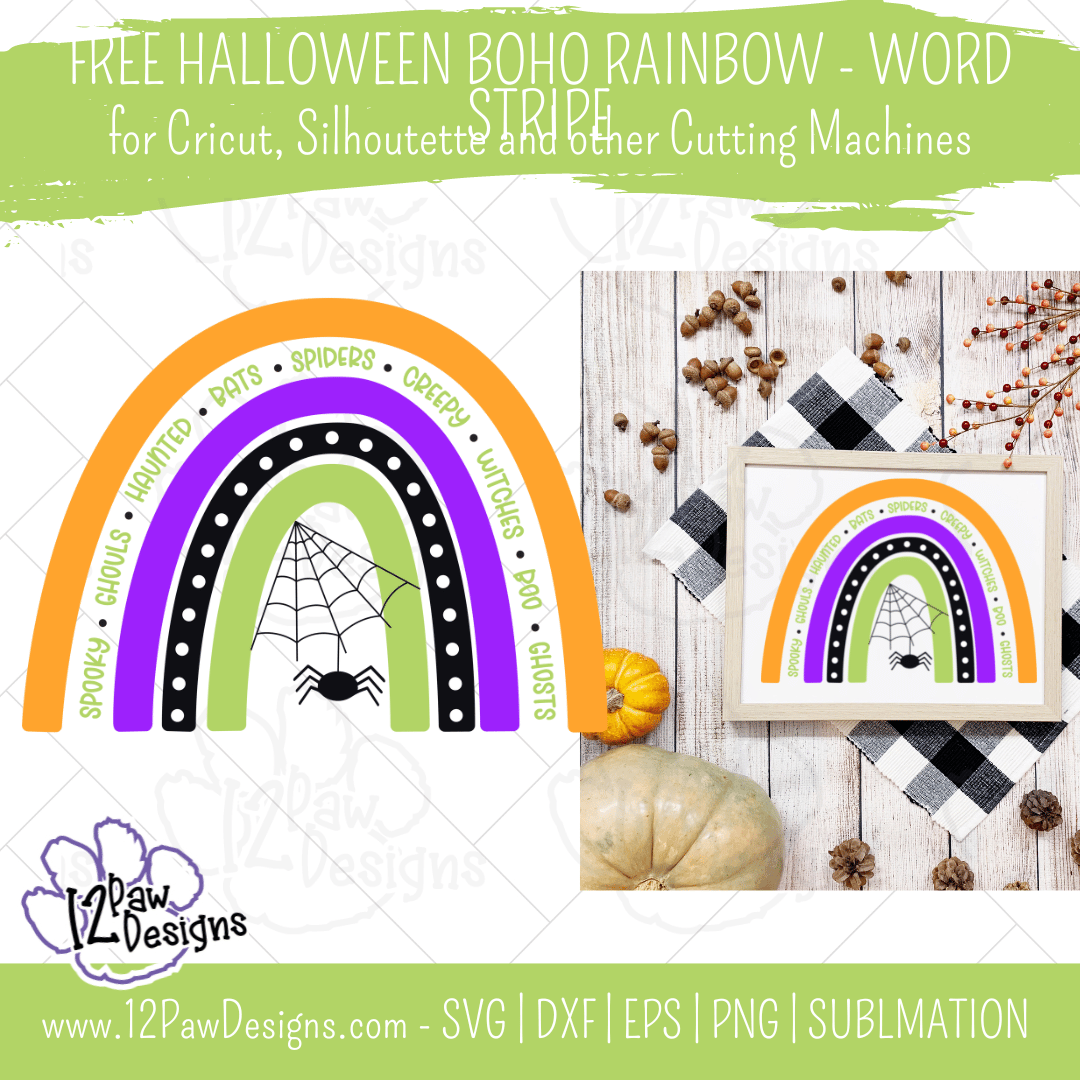
This week I also have a bonus file for your. The link will be in the Crafty Paws Facebook group. This bonus design has Halloween words as a stipe and I put a spider web and spider in the center. I hope you enjoy this bonus design!
BONUS FILE in the Crafty Paw Facebook Page
Halloween Rainbow, Halloween Boho Rainbow, Boho Rainbow, Word Stripe, Spider, Cricut Silhouette, Svg/Png/Eps/Sublimation, Digital Download, Cut File
How to get your FREE Halloween Boho Rainbow design…
To get your FREE file please go to my Freebie Library, sign in (don’t worry if you are not a member yet, sign up and the password will be emailed to you!!! Also, remember I include it in the bottom of the weekly email too!) and download Number 102 – Halloween Boho Rainbow. The downloaded file will have multiple file options SVG, PNG, DXF (If you have the free version of Silhouette Studio you will need this file) and EPS.
I really hope you enjoy the Halloween Boho Rainbow SVG.. Remember a Pinterest pin would be so appreciated! I can’t wait to see what you create. Please share with me. You can come back here and add a comment or add one to Facebook too!
DO NOT resell any of the files as digital download or any other form. DO NOT claim the files as your own. DO NOT modify and resell the files in any form.
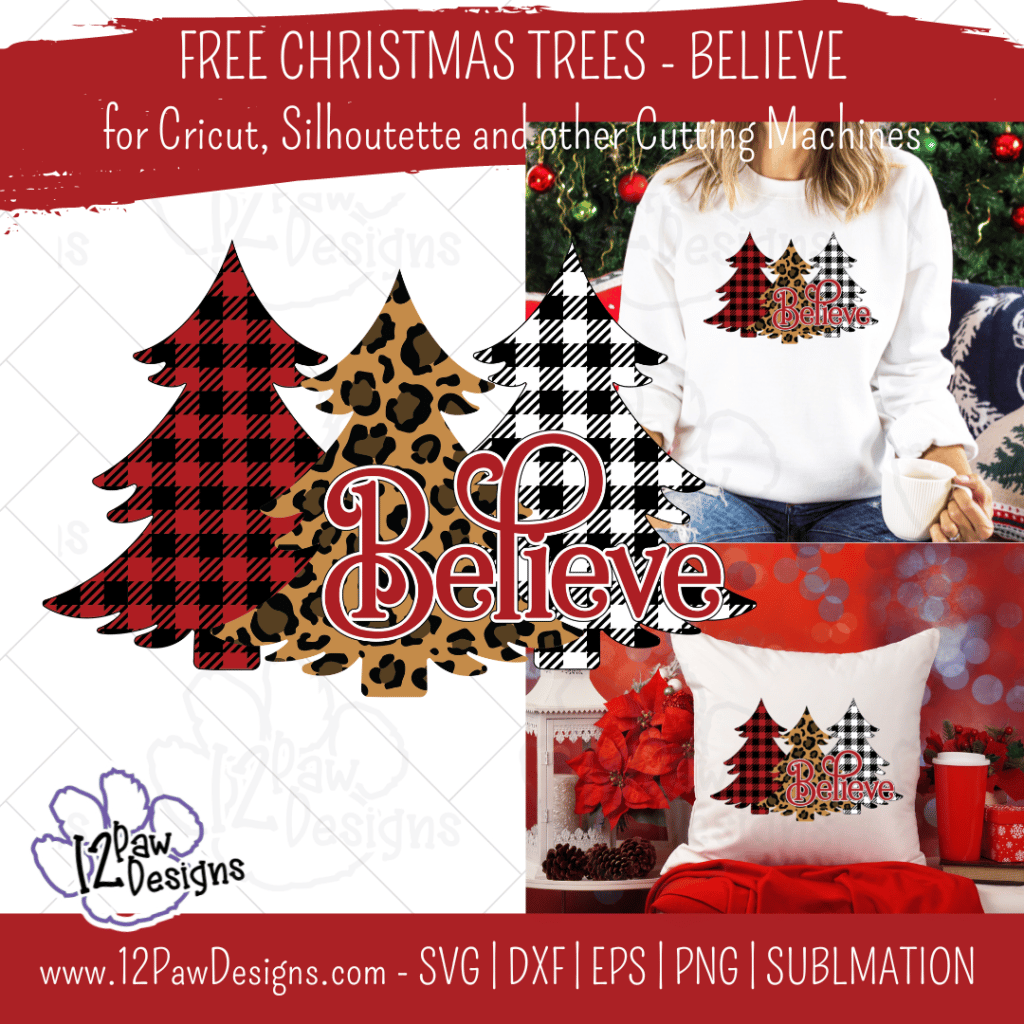
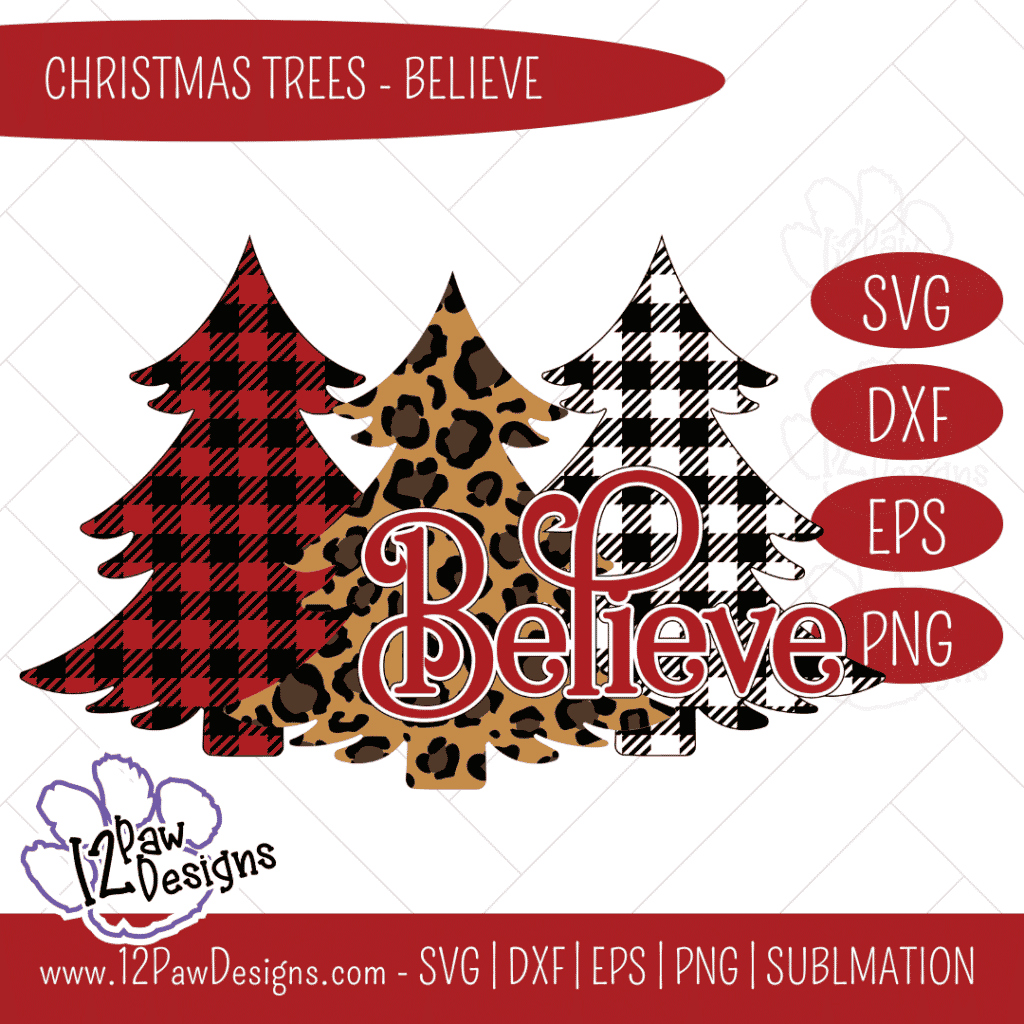
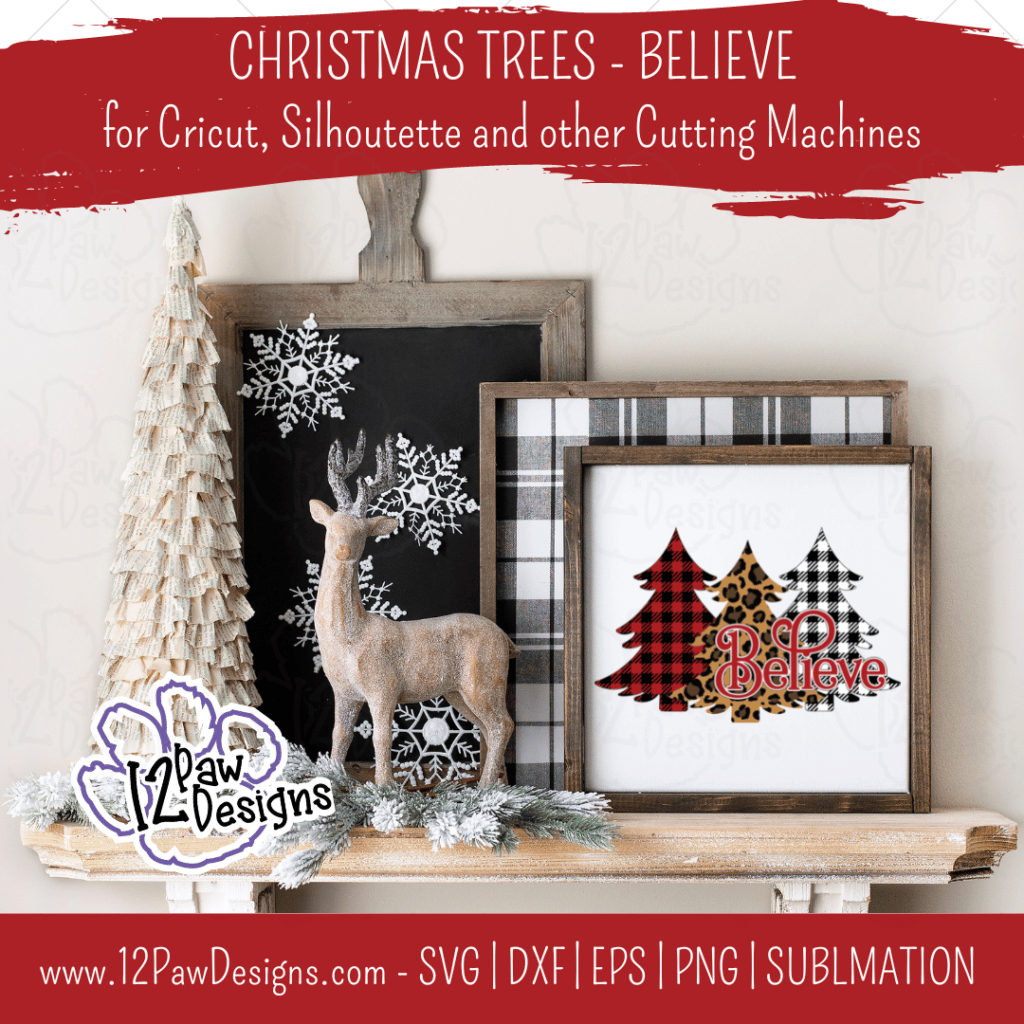
Christmas Truly is a Time to Believe. I love how the magic of the season brings out the best in people. It’s a feeling I wish we kept all year long. This week I am sharing with you Christmas Tree Believe, This design has Christmas Tree Leopard and in buffalo plaid.
The design is all setup in layers for you. However, you could also use your favorite pattern vinyl. Into sublimation?? Perfect! You can use the design for that as well.
Head over to the freebie library and download your files. You will find it at number 94. Design up your signs, shirts or bag and remember that we all should believe in the magic of Christmas.
*** THANK YOU ***
Last Thursday was the Christmas in July live sale. I had over 35 product that i showed off. Did you miss it?? That is ok. Catch it on replay here! If you have questions ask away!
How to get your FREE Christmas Tree Believe Digital File…
To get your FREE file please go to my Freebie Library, sign in (don’t worry if you are not a member yet, sign up and the password will be emailed to you!!! Also, remember I include it in the bottom of the weekly email too! 😉 ) and download Number 94 – Christmas Tree Believe. The downloaded file will have multiple file options SVG, PNG, DXF (If you have the free version of Silhouette Studio you will need this file) and EPS.
I really hope you enjoy Christmas Tree Believe.. Remember a Pinterest pin would be so appreciated! I can’t wait to see what you create. Please share with me. You can come back here and add a comment or add one to Facebook too!
Christmas Tree Believe
Christmas Tree Believe, Christmas Tree Leopard, Christmas Buffalo Plaid, Cricut Silhouette, Svg/Dxf/Png/Eps/Sublimation, Digital Download, Cut FileChristmas Tree Believe, Christmas Tree Leopard, Christmas Buffalo Plaid, Cricut Silhouette, Svg/Dxf/Png/Eps/Sublimation, Digital Download, Cut FileChristmas Tree Believe, Christmas Tree Leopard, Christmas Buffalo Plaid, Cricut Silhouette, Svg/Dxf/Png/Eps/Sublimation, Digital Download, Cut FileChristmas Tree Believe, Christmas Tree Leopard, Christmas Buffalo Plaid, Cricut Silhouette, Svg/Dxf/Png/Eps/Sublimation, Digital Download, Cut FileChristmas Tree Believe, Christmas Tree Leopard, Christmas Buffalo Plaid, Cricut Silhouette, Svg/Dxf/Png/Eps/Sublimation, Digital Download, Cut File
Here is a sampling….
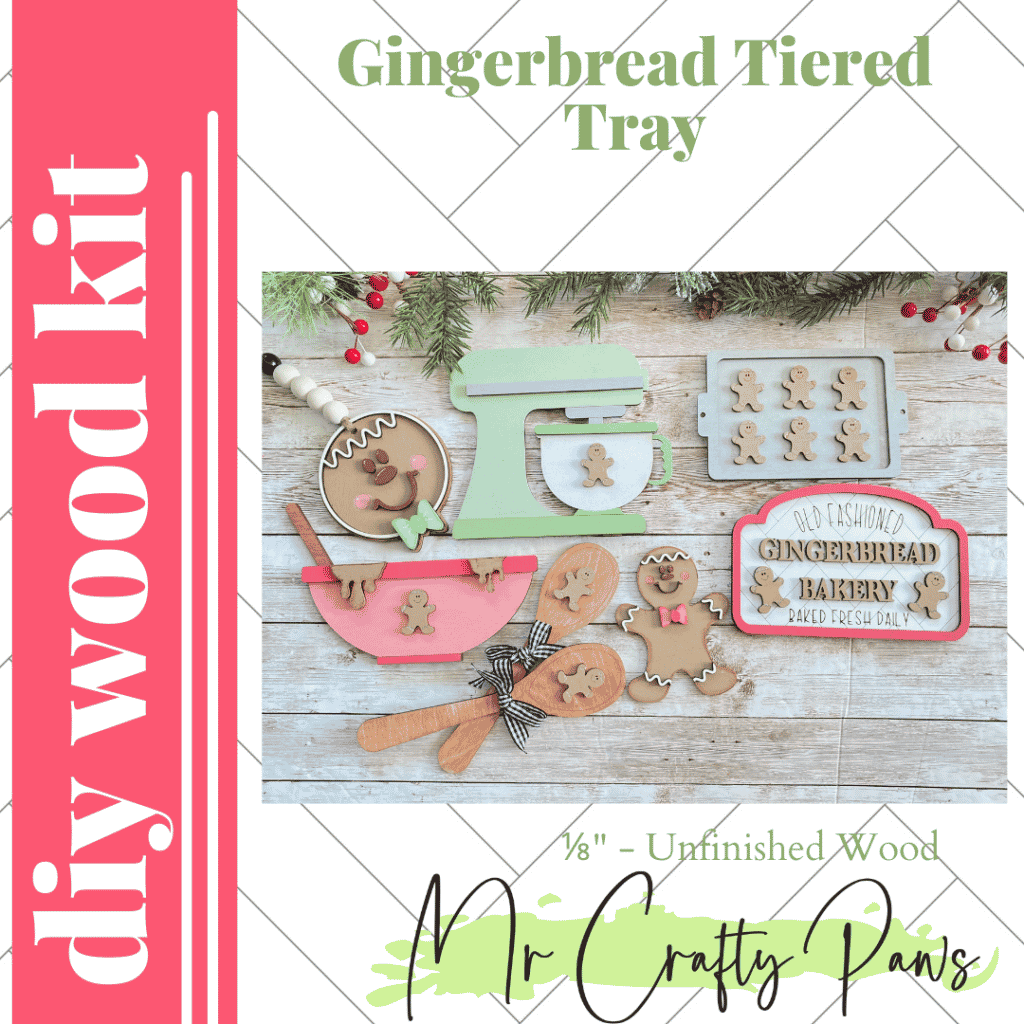
Christmas in July Christmas in July DIY Gingerbread Tiered Tray, Christmas Tiered Tray Decor, Gingerbread Decor, Christmas, Christmas Tier Tray, Unfinished Wood Blank, Diy Wood KitChristmas in July Christmas in July
DO NOT resell any of the files as digital download or any other form. DO NOT claim the files as your own. DO NOT modify and resell the files in any form.
Hard to believe it is July already! So lets celebrate with Christmas in July. This year I will focus the month on getting a jump start on the holiday. To start the month off I have designed a Christmas Subway Art. Also made it in the shape of a Christmas Ornament. I went with vintage colors. However, feel free to choose your own and share it with us! I also have a bundle version too!!!
The Christmas Subway Art is a mix of holiday words in fun fonts. I have added in starts, dots and snowflakes to complete the design. Part of the Crafty Paws facebook group?? I have put a bundle version over there for you! I have added options for bow choices and an option for no bow all words! All files are perfect for vinyl or sublimation! So grab your files and your favorite cutting machine and have some fun!
BONUS alert! Find the link to the bundle in the Craft Paws Facebook group. Click the link below!
Christmas Subway Art Bundle , Christmas Bulb Subway Art Bulb, Ornament Subway, Cricut Silhouette, Svg/Dxf/Png/Eps/Sublimation, Digital Download, Cut File
To get your FREE file please go to my Freebie Library, sign in (don’t worry if you are not a member yet, sign up and the password will be emailed to you!!! Also, remember I include it in the bottom of the weekly email too! 😉 ) and download Number 91 – Christmas Subway Art. The downloaded file will have multiple file options SVG, PNG, DXF (If you have the free version of Silhouette Studio you will need this file) and EPS.
I really hope you enjoy the Christmas Subway Art. Remember a Pinterest pin would be so appreciated! I can’t wait to see what you create. Please share with me. You can come back here and add a comment or add one to Facebook too!
DO NOT resell any of the files as digital download or any other form. DO NOT claim the files as your own. DO NOT modify and resell the files in any form.
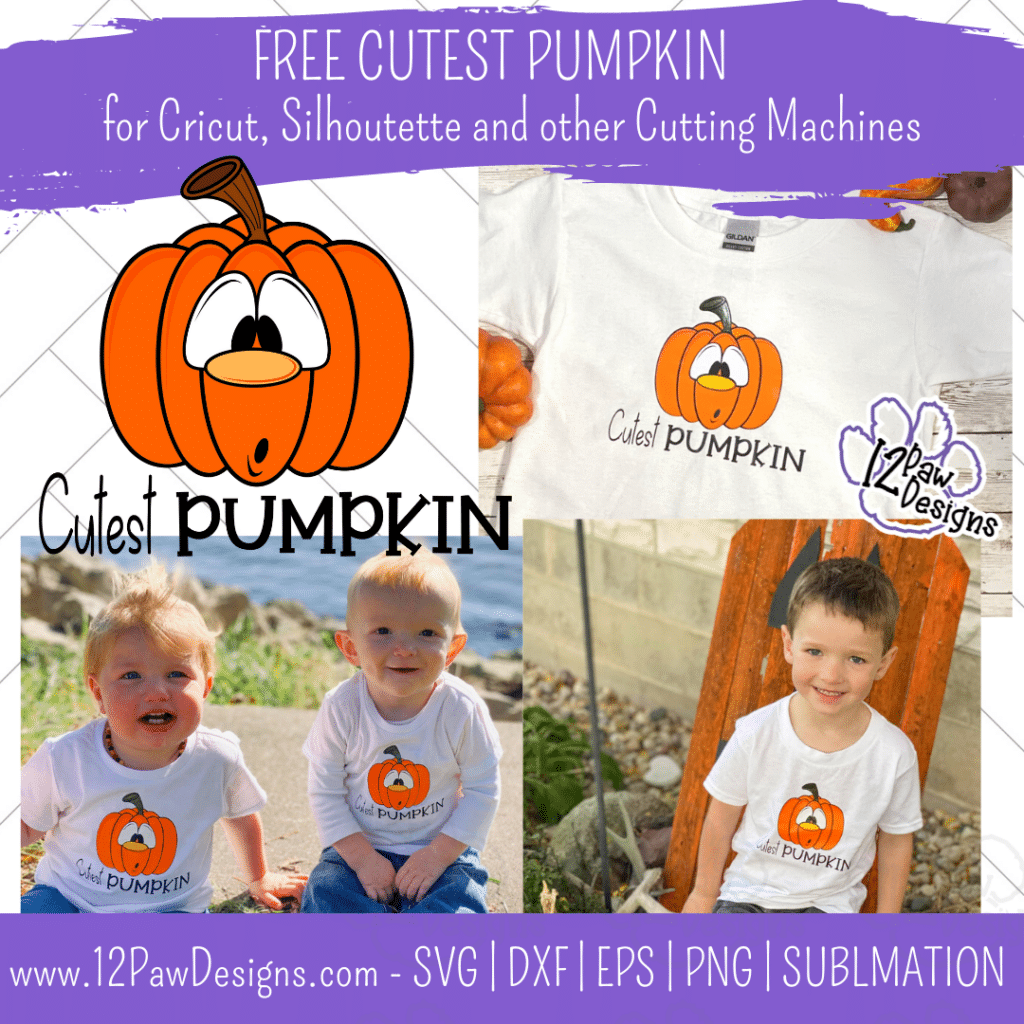
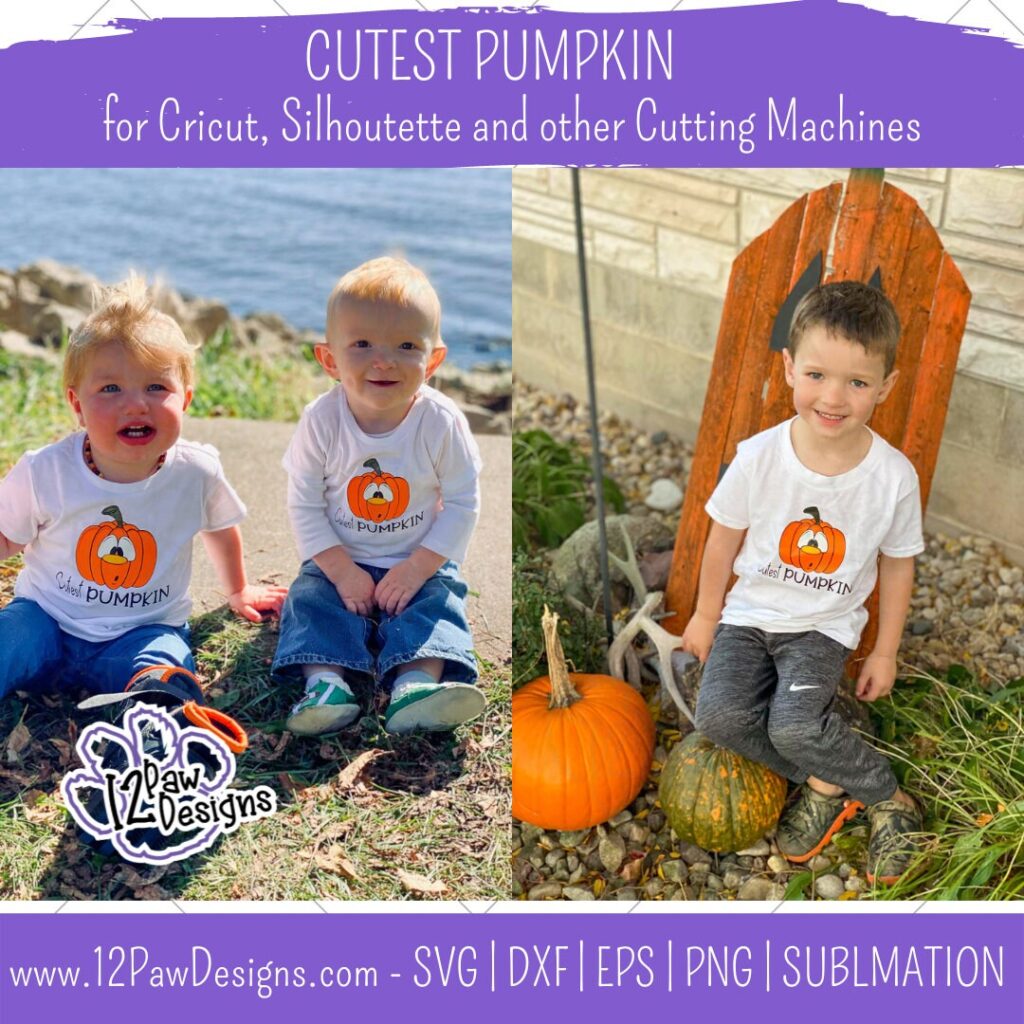
Oh, they ARE the Cutest Pumpkin! This week I am blessed to have the assistance of these 3 adorable cousins to model our Funny Pumpkin! They are absolutely adorable!! I am sharing with you this Cutest Pumpkin file so you can make your own cute shirts!
The blog will focus on making layered vinyl heat transfer shirt. I will show you how I do it and a few tips to help the process.
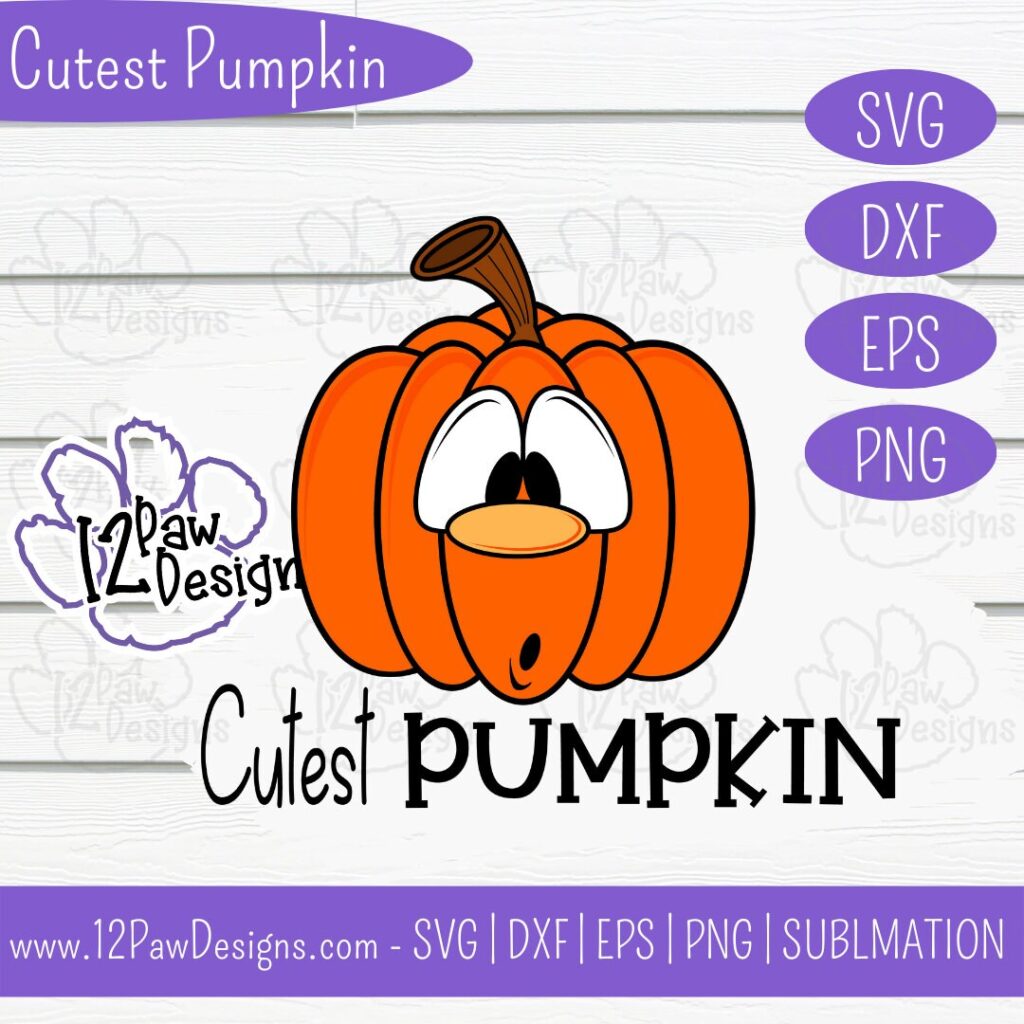
This weeks FREE Cutest Pumpkin PNG/SVG/cut file can be found in the Freebie Library. File number is 57 (remember the password is always in the bottom of your weekly email from me). I have also created a video tutorial along with some directions on how I made these shirts. I can’t wait to see your projects!!
Remember to join our Facebook Craft Group!!!
I am so excited to let you know that I started a Facebook Craft Group. The goal of the group is to welcome ALL crafters. I craft in different mediums, styles and type. Wood, vinyl, paint, sublimation, tumblers, etc. No matter what you do this group is for you. Come and join us!!! Click the link! Crafty Paws for All Cricut Silhouette Glowforge Sublimation and More
Step 1 – Open the file in your favorite cutting software. Cut vinyl to the size you need for your project. I did 6×6 for a 4T and 24 month and then 5×5 for the 12 month. Now if you are doing heat transfer vinyl remember to mirror your image. I actually like to flip my image before I send to cut. This way I don’t have to worry about forgetting to mirror or the software moving it on me. It has saved me vinyl.
Also, remember shiny or “pretty” side down on your mat.
Step 2 – Once you have everything cut weed your vinyl.
Step 3 – Heat your press to the proper heat setting for your vinyl.
Step 4 – Prepare your vinyl There are quite a few layers. I like to layer everything together prior to pressing. I organize them on how I would put them on the shirt. So the black base of the pumpkin first, then the orange, eyes, stem, nose, highlights, eye lines and mouth. Now remember you can do some items at the same time to press. You just need to make sure that the transfer sheets do not touch.
Once I have everything layered I fold in half to find the center. For the shirt I wanted Cutest Pumpkin words center under. So I cut them off and moved them.
Step 5 – Once the press is at temp place your pressing pillow down. The reason for the pressing pillow is the seams of the shirt. The pillow will help give you even presses and pressure on the shirt.
Step 6 – Next take the shirt and fold in half and give it a quick press. This helps you find the center seam and takes any moisture out. Then lay it on the pillow. I actually did my reverse so I could see it better.
Step 7 – Now lay your black piece down on the shirt. Use the center seam from the fold you did and line that up on the fold you did. You want to go about 1″ down on a kids shirt. Also, place the Cutest Pumpkin words down as well. Now you are going to press. HINT!!!!! You only want to press long enough to get the transfer sheet to release. So 2 to 3 seconds max. The reason is HTV shrinks. Too much heat will make it hard for the next layers to line up. Remove the transfer sheet. Remove transfer sheets.
Next lay your orange down on the black back and again, only press for 2 to 3 seconds max. Remove the transfer sheet.
Next do the eyes. I also did the stem since the transfer sheet didn’t touch. Press, 2 to 3 seconds. Remove transfer sheets.
Then do the highlights and nose. Press 2 to 3 seconds. Remove transfer sheets.
Then eye lines and mouth. Press 2 to 3 seconds. Remove transfer sheets.
Step 8 – Once all the layers are on do one final press for the full recommended time of your HTV. You want to see fibers in the HTV.
Step 9 – Put the shirts on the punkins and go ohhh!!
To get your FREE file please go to my Freebie Library, sign in (don’t worry if you are not a member yet, sign up and the password will be emailed to you!!! Also, remember I include it in the bottom of the weekly email too! 😉 ) and download Number 57 – Cutest Pumpkin . The downloaded file will have multiple file options SVG, PNG, DXF (If you have the free version of Silhouette Studio you will need this file) and EPS.
I really hope you enjoy my Cutest Pumpkin Design. Remember a ? Pinterest pin would be so appreciated! I can’t wait to see what you create. Please share with me. You can come back here and add a comment or add one to Facebook too!
DO NOT resell any of the files as digital download or any other form. DO NOT claim the files as your own. DO NOT modify and resell the files in any form.
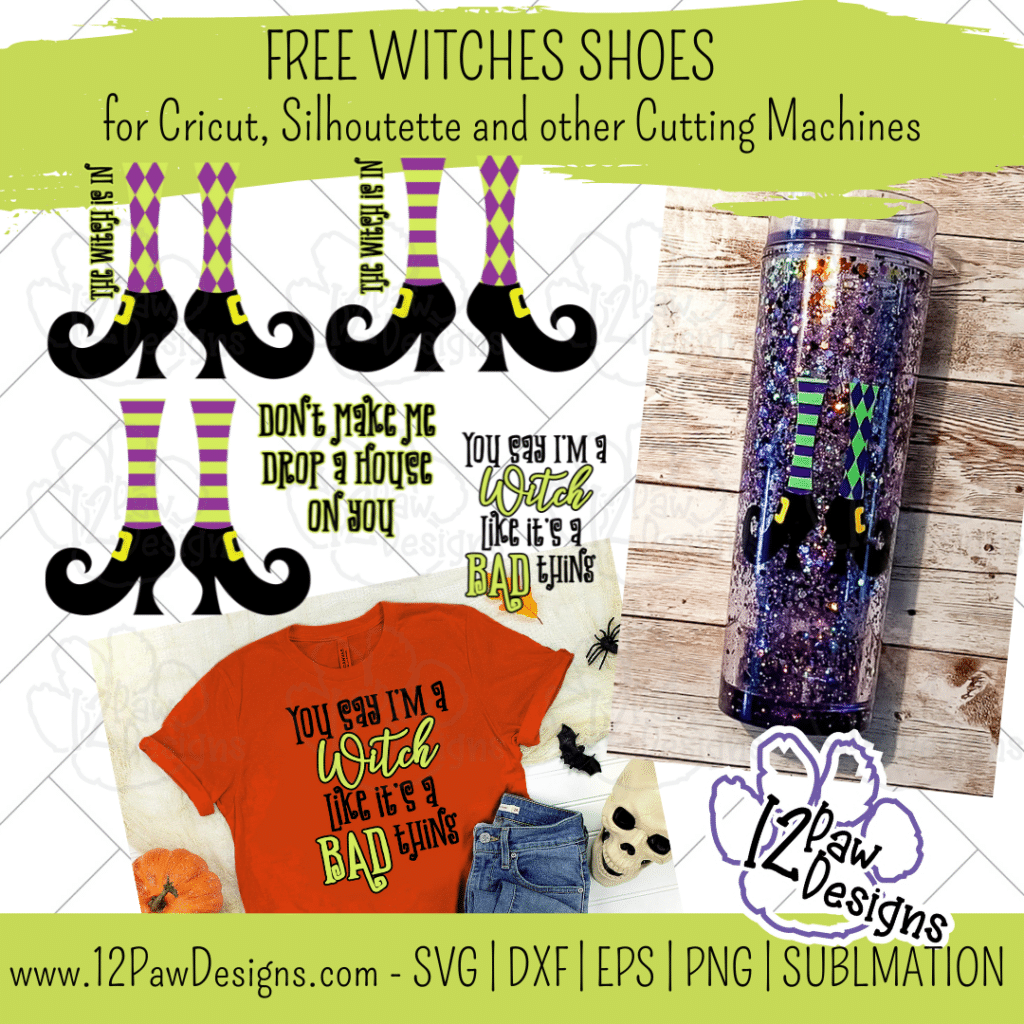
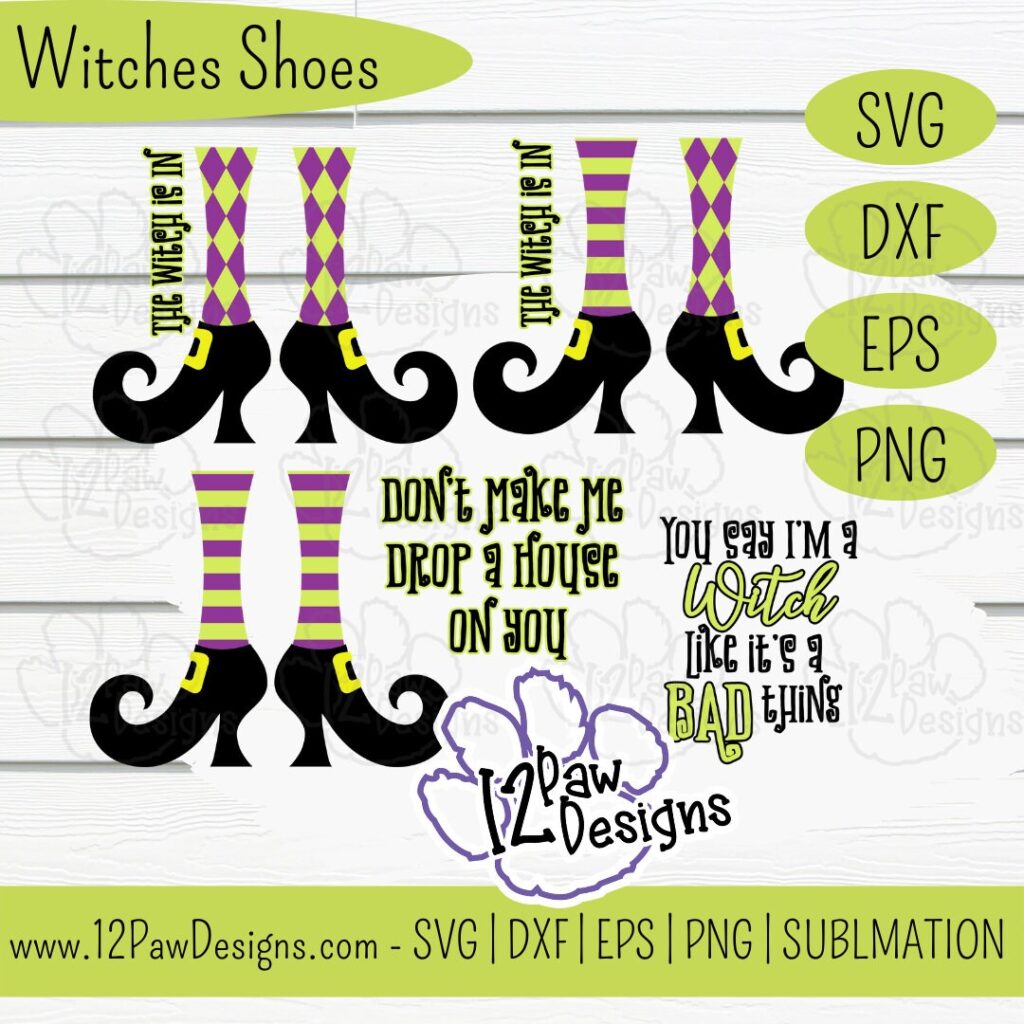
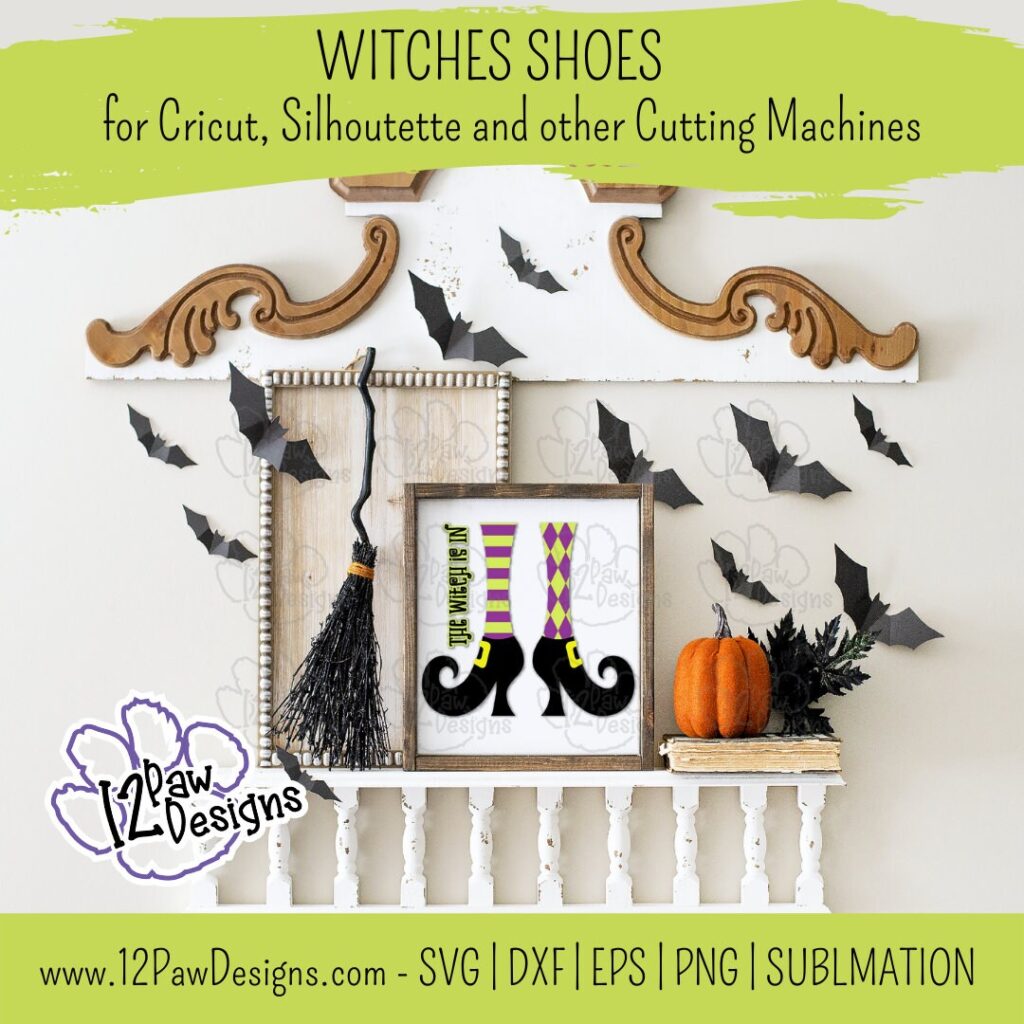
I love decorating with Witch legs and Witches Shoes during Halloween. It just reminds me that the Witch Is In! So I designed some fun shoes and leg patterns to help you decorate. Then add in some fun sayings: The witch is in, Don’t Make me Drop a House on you and You Say I’m a Witch like it’s a Bad Thing and you are sure to have some whimsical fun options to decorate with or wear!
Witches Shoes can be used on a shirt, a trick or treat bucket, sign, etc. I made an acrylic glitter tumbler with the files. There are so many possibilities.
This weeks FREE Witches Shoes PNG/SVG/cut file can be found in the Freebie Library. File number is 55 (remember the password is always in the bottom of your weekly email from me). I have also created a video tutorial along with some directions (a lot of don’t 😉 ) below on how I made this tumbler. I can’t wait to see your projects!!
Remember to join our Facebook Craft Group!!!
I am so excited to let you know that I started a Facebook Craft Group. The goal of the group is to welcome ALL crafters. I craft in different mediums, styles and type. Wood, vinyl, paint, sublimation, tumblers, etc. No matter what you do this group is for you. Come and join us!!! Click the link! Crafty Paws for All Cricut Silhouette Glowforge Sublimation and More
Baby Oil is an option – You do not need the water and Glycerin then
UV Resin and Light
Glitter – I used a mix of fine and chunky
Parchment Paper
Weeding tools, scissors, cutting knife, transfer tape, etc
Rubbing alcohol
Cotton pads
Scrapper
Plastic mix cup, popsicle stick, gloves
Syringe or condiment bottle from the dollar tree
Video Tutorial – Witches Shoes Tumbler
Here are the steps I took to make my tumbler
Step 1 – Open the file in your favorite cutting software. Cut vinyl to the size you need for your project.
Step 2 – Take your double wall tumbler and your drill and drill a hole into the bottom. NOTE: Care to only go through the first layer!! Reverse the drill to get it out and keep particles out. Also, make sure you are doing it to the edge of the tumbler to help get the glitter and liquid in,
Step 3 – Mix your glitter up. Now, there is such a thing as too much glitter. When I made my cup I put way to much in and had to work on getting some out. I save you from having to watch that part!
Step 4 – Now add the glitter to the tumbler. Couple of things I found that could be helpful is to tape a “glitter shield” around the cup. Just a piece of typing paper taped. It would help keep glitter spill to a minimum. Then a small funnel would help. I used paper. However, it was not working. So this is were the shield would help and then I did a taping motion to get the glitter in.
Step 5 – Now for the liquid mixture. I started with a vegetable glycerin and distilled water mix. However, because i had too much glitter it was not floating. I ended up working to get some out. I did grab another tumbler and added glitter and the glycerin\water mix and that seem totally fine. Back to my original tumbler…I ran out of vegetable glycerin and thought I would try baby oil. This works too, it is just a slower float. To add your liquid to the tumbler I used a large syringe. However, you could use condiment bottles from the Dollar Tree. Tilt your cup to get the air bubbles out and get as much liquid in as you can. Put your finger over the hole and shake it and tip it to make sure it is the way you like it.
I also added a mica powder to the glycerin\water mix. It tends to sink with the glitter so I don’t think I would do it again. However, it all is about what you like and what you want it to look like. I am sharing things i tried to help you along the way.
Step 6 – Once your tumbler is the way you would like clean off the bottom with alcohol and a pad. Next take your UV Resin and cover the hole. Then put the light over it. Repeat. Make sure the cup sits flat also. I ran my light a few times to make sure it was sealed.
Step 7 – This is something extra I did. Just to make sure the bottom was sealed good. I took and covered the bottom with UV and then added fine glitter. Chunky can cause you issues to get it smooth so stick too fine. Use your popsicle stick, silicone brush, etc and smooth it out. Then again use the light multiple times to make sure it is sealed.
Step 8 – Clean the area of the tumbler where you are going to place the vinyl with alcohol and a pad. Set aside.
Step 9 – Now to weed our vinyl. I then used parchment paper to help me layer my vinyl. I used the mixed leg pattern and did the pattern over the legs. Then layered the legs over the shoes.
Step 10 – Apply the vinyl to the tumbler. Make sure you rub it on well.
Step 11 – Shake and play with the tumbler!!! Enjoy!
To get your FREE file please go to my Freebie Library, sign in (don’t worry if you are not a member yet, sign up and the password will be emailed to you!!! Also, remember I include it in the bottom of the weekly email too! 😉 ) and download Number 55 – Witches Shoes. The downloaded file will have multiple file options SVG, PNG, DXF (If you have the free version of Silhouette Studio you will need this file) and EPS.
I really hope you enjoy Frankenstein. Remember a ? Pinterest pin would be so appreciated! I can’t wait to see what you create. Please share with me. You can come back here and add a comment or add one to Facebook too!
DO NOT resell any of the files as digital download or any other form. DO NOT claim the files as your own. DO NOT modify and resell the files in any form.