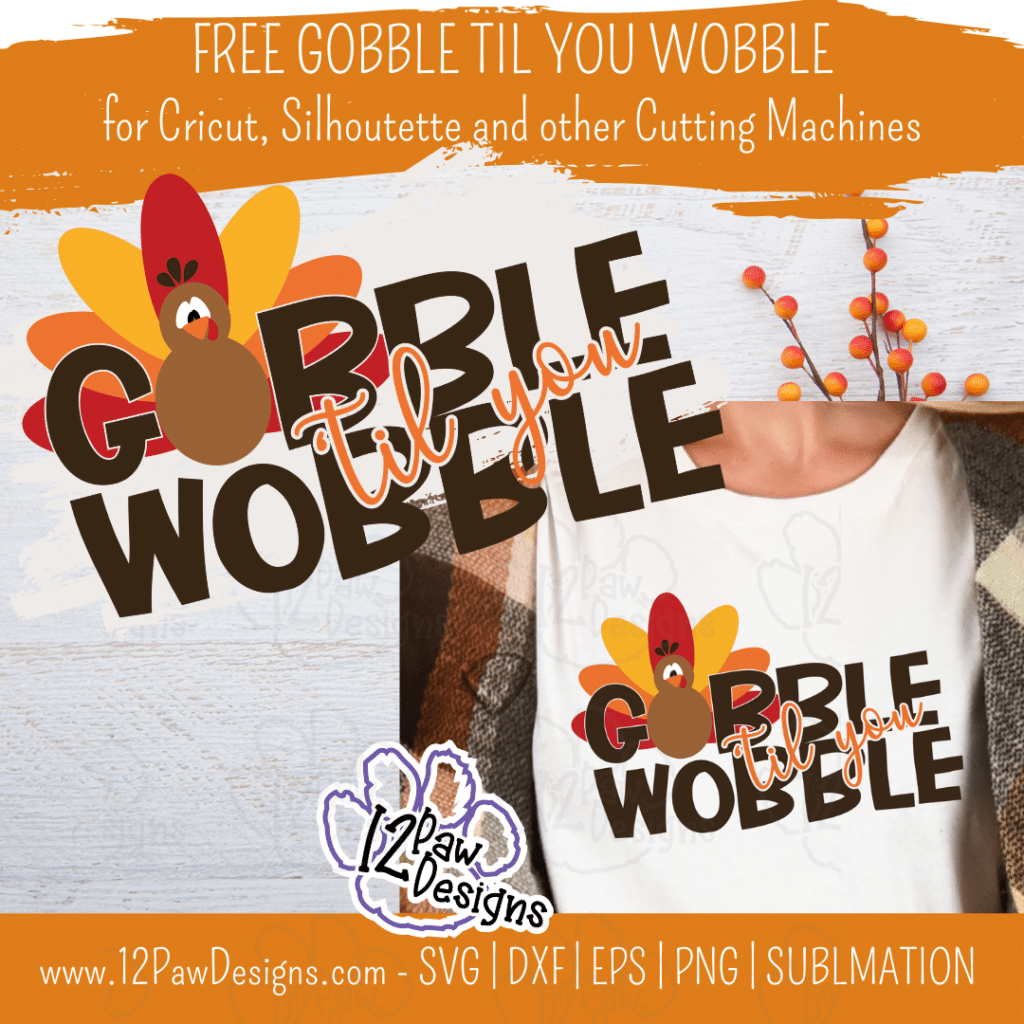
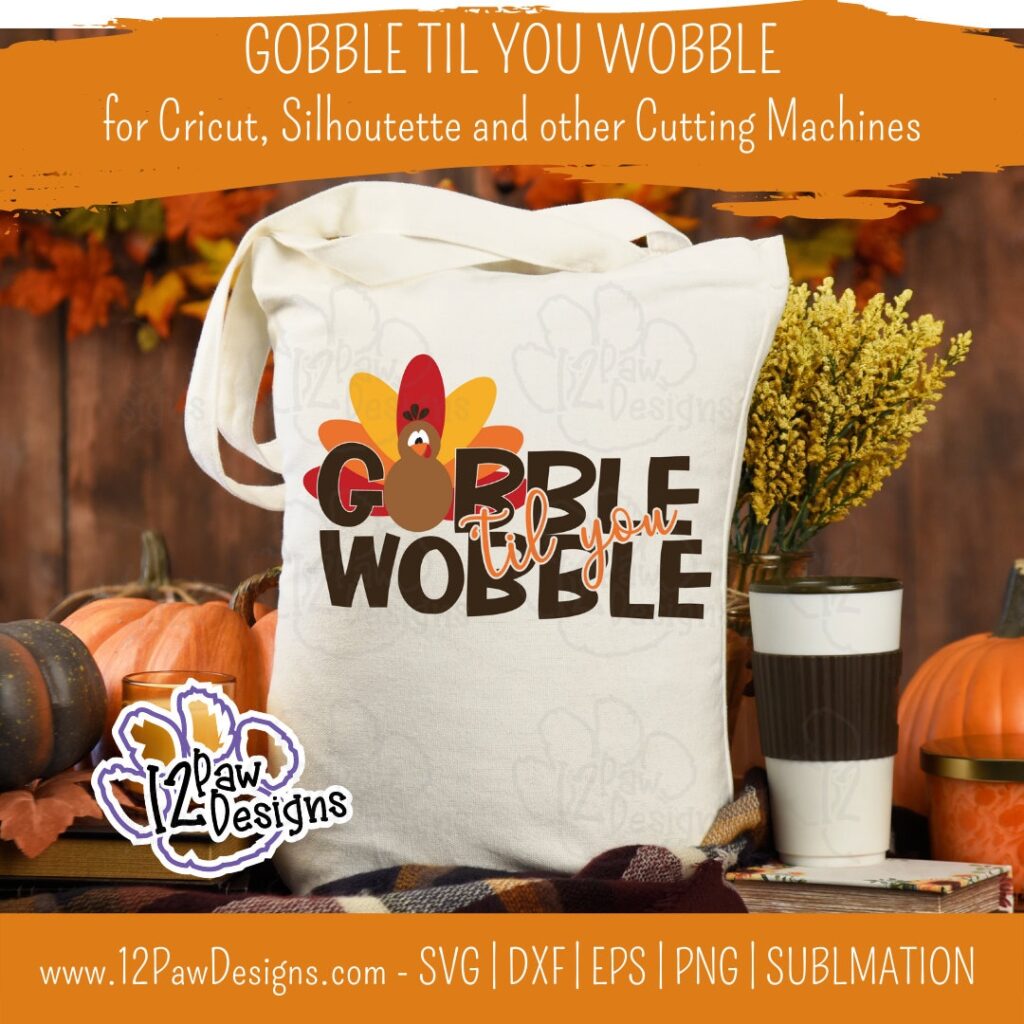
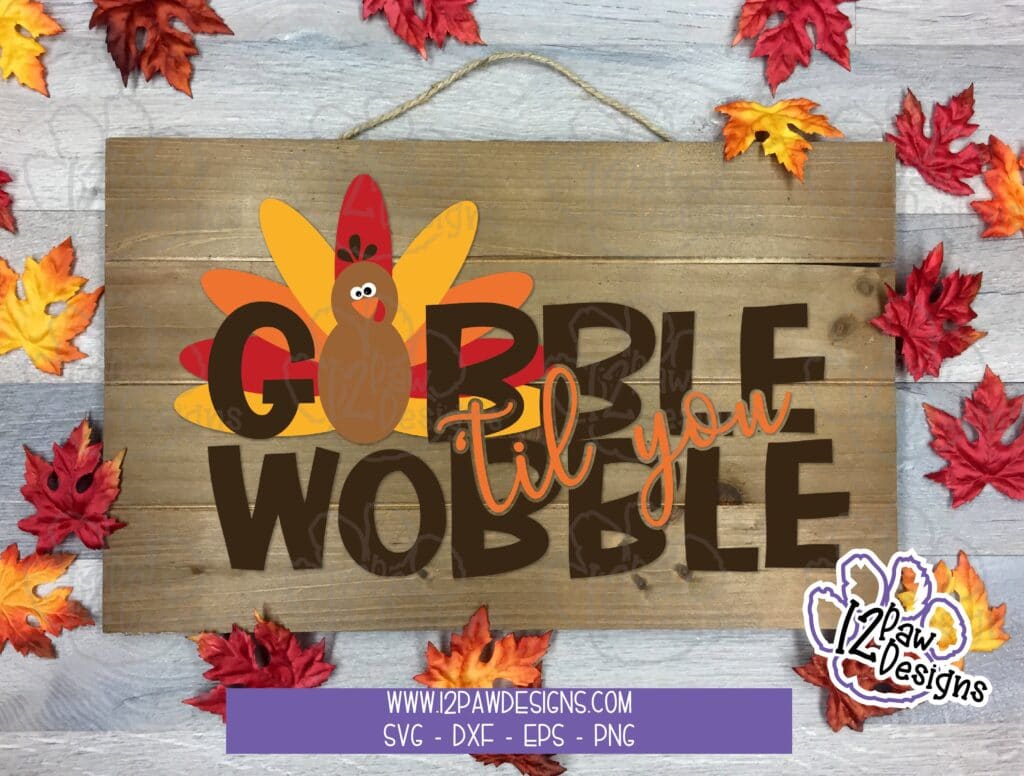
Happy Thanksgiving Week! This also means that we tend to Gobble til you Wobble!! Time for family and friends and remember our blessings and celebrate with gratitude. So I made a gobble SVG to add to the celebration!
This design would be adorable on shirt or sweatshirt. Make them for the littles or the whole family!
This weeks FREE Gobble til you Wobble PNG/SVG/cut file can be found in the Freebie Library. File number is 61 (remember the password is always in the bottom of your weekly email from me).
Remember to join our Facebook Craft Group!!!
You never know when I will pop in for a live or FREE Bonus files!!! The goal of the group is to welcome ALL crafters. I craft in different mediums, styles and type. Wood, vinyl, paint, sublimation, tumblers, etc. No matter what you do this group is for you. Come and join us!!! Click the link! Crafty Paws for All Cricut Silhouette Glowforge Sublimation and More
To get your FREE file please go to my Freebie Library, sign in (don’t worry if you are not a member yet, sign up and the password will be emailed to you!!! Also, remember I include it in the bottom of the weekly email too! 😉 ) and download Number 61 – Gobble til you Wobble. The downloaded file will have multiple file options SVG, PNG, DXF (If you have the free version of Silhouette Studio you will need this file) and EPS.
I really hope you enjoy my Joy Round Design. Remember a ? Pinterest pin would be so appreciated! I can’t wait to see what you create. Please share with me. You can come back here and add a comment or add one to Facebook too!
Gobble til you Wobble Images
Gobble Til You Wobble, Gobble Svg, Thanksgiving, Cricut Silhouette, Svg/Dxf/Png/Eps, Digital Download, Cut FileGobble Til You Wobble, Gobble Svg, Thanksgiving, Cricut Silhouette, Svg/Dxf/Png/Eps, Digital Download, Cut FileGobble Til You Wobble, Gobble Svg, Thanksgiving, Cricut Silhouette, Svg/Dxf/Png/Eps, Digital Download, Cut File
DO NOT resell any of the files as digital download or any other form. DO NOT claim the files as your own. DO NOT modify and resell the files in any form.
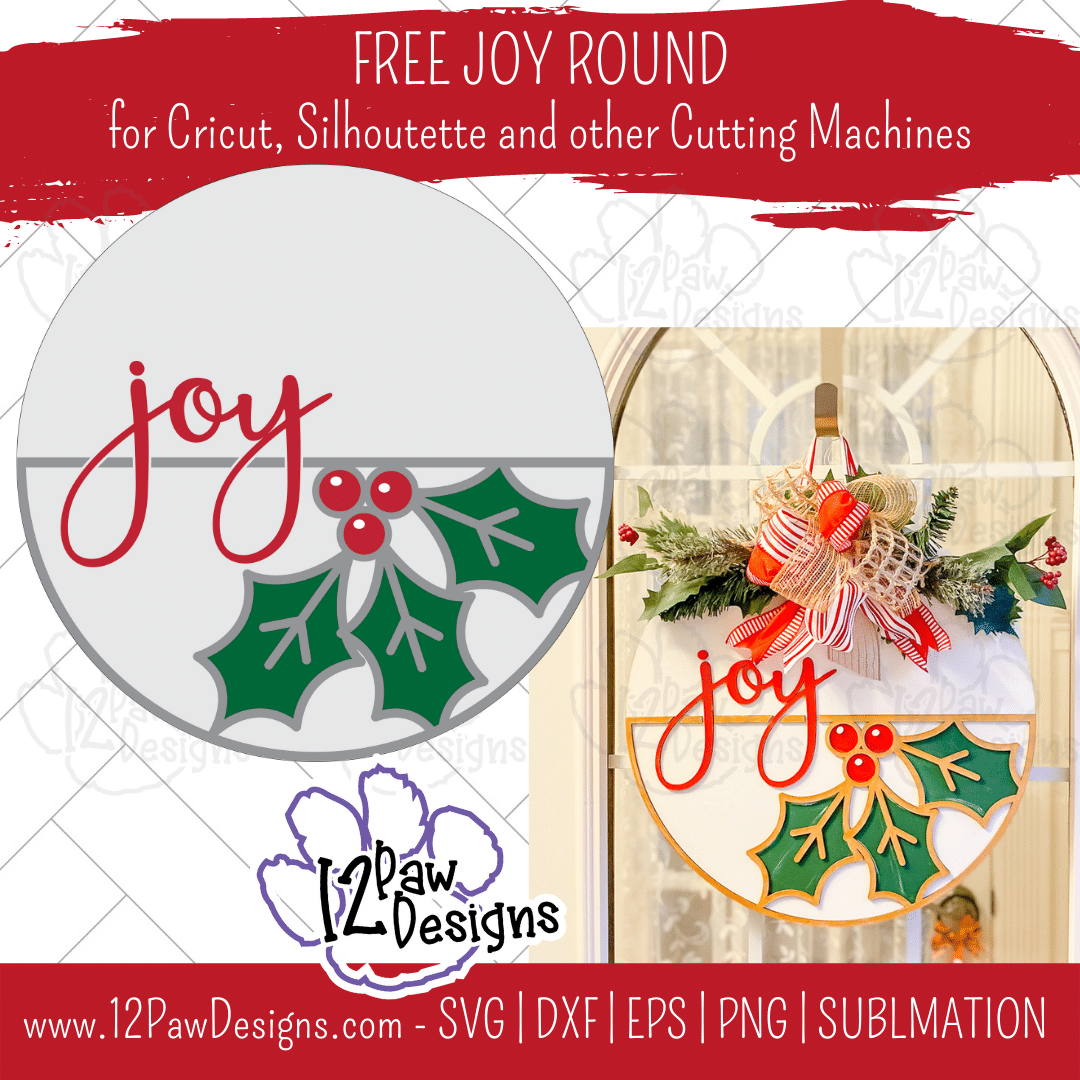
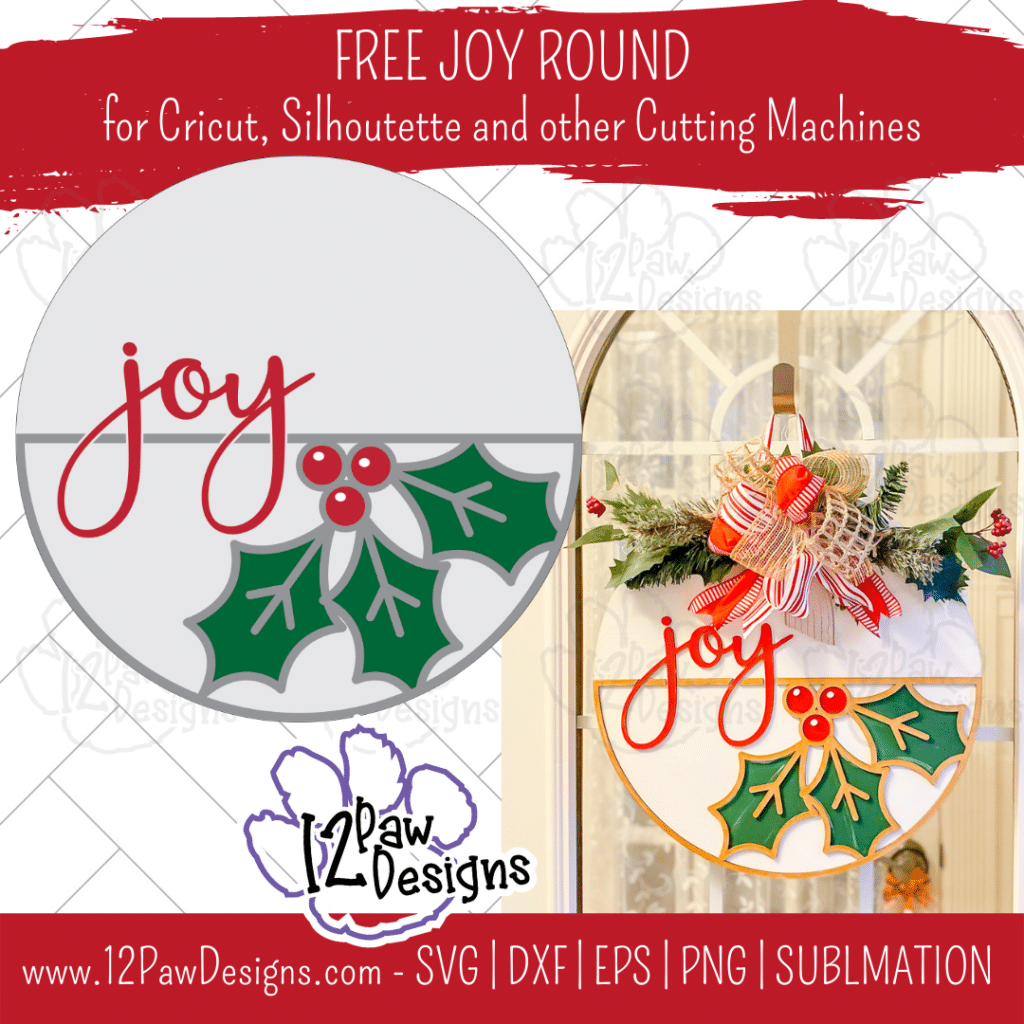
With Christmas only a few short weeks away the next few weeks I will be release files to help you decorate, gifts, etc. This week is a Joy Round. This Joy Christmas Sign can be made with vinyl, stencil and paint, etc. You can even use the Joy Sign by itself on a wooden block, wine glass etc.
Also, with everything being so crazy for the next few months I am going to cut back on the tutorials in the blog. HOWEVER, I will focus on my Crafty Paws Facebook Group and doing lives in there. There will also be “surprise” freebies along the way! So if you have not joined us yet, please do!!!
This weeks FREE Joy Round PNG/SVG/cut file can be found in the Freebie Library. File number is 60 (remember the password is always in the bottom of your weekly email from me).
Remember to join our Facebook Craft Group!!!
You never know when I will pop in for a live or FREE Bonus files!!! The goal of the group is to welcome ALL crafters. I craft in different mediums, styles and type. Wood, vinyl, paint, sublimation, tumblers, etc. No matter what you do this group is for you. Come and join us!!! Click the link! Crafty Paws for All Cricut Silhouette Glowforge Sublimation and More
To get your FREE file please go to my Freebie Library, sign in (don’t worry if you are not a member yet, sign up and the password will be emailed to you!!! Also, remember I include it in the bottom of the weekly email too! 😉 ) and download Number 60 – Joy Round. The downloaded file will have multiple file options SVG, PNG, DXF (If you have the free version of Silhouette Studio you will need this file) and EPS.
I really hope you enjoy my Joy Round Design. Remember a ? Pinterest pin would be so appreciated! I can’t wait to see what you create. Please share with me. You can come back here and add a comment or add one to Facebook too!
Joy Round Images
Joy Round, Joy Sign, Joy Christmas Sign, Cricut Silhouette, Svg/Dxf/Png/Eps, Digital Download, Cut FileJoy Round, Joy Sign, Joy Christmas Sign, Cricut Silhouette, Svg/Dxf/Png/Eps, Digital Download, Cut File
DO NOT resell any of the files as digital download or any other form. DO NOT claim the files as your own. DO NOT modify and resell the files in any form.
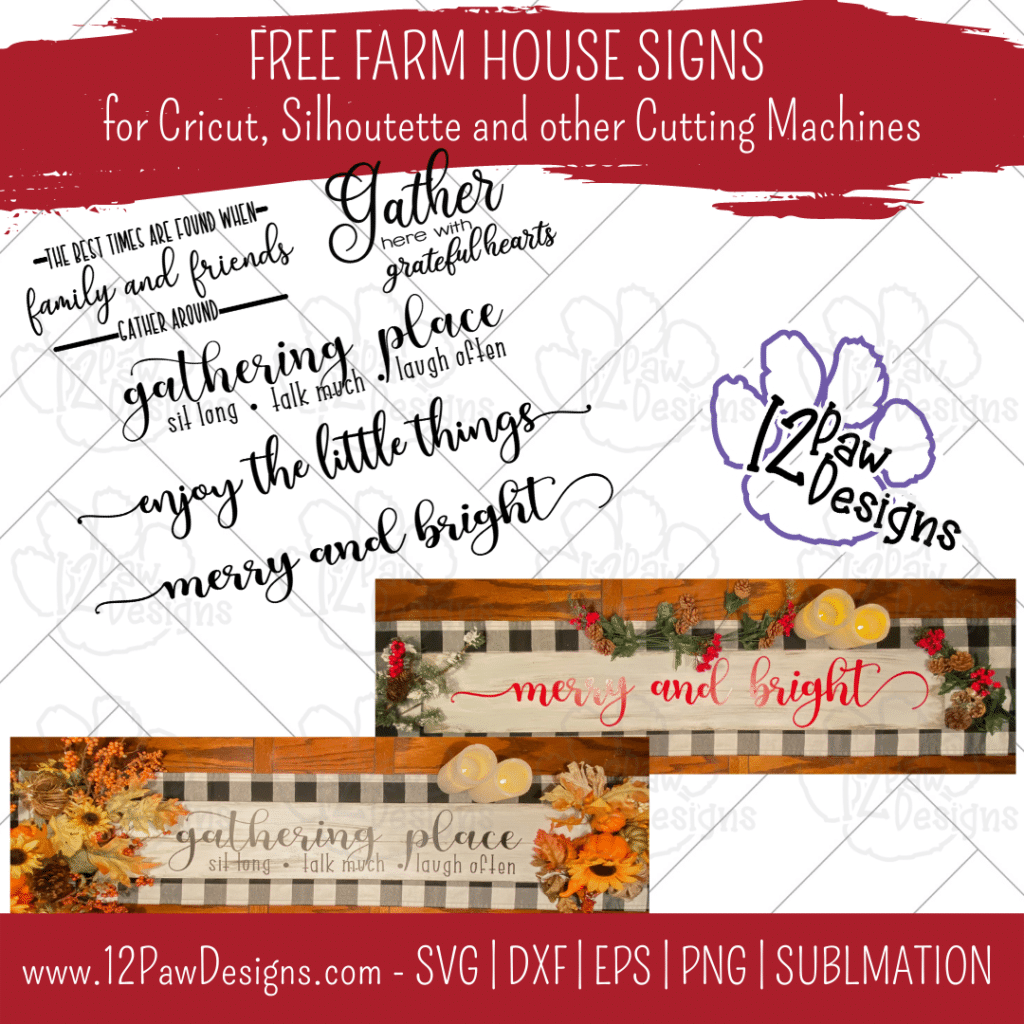
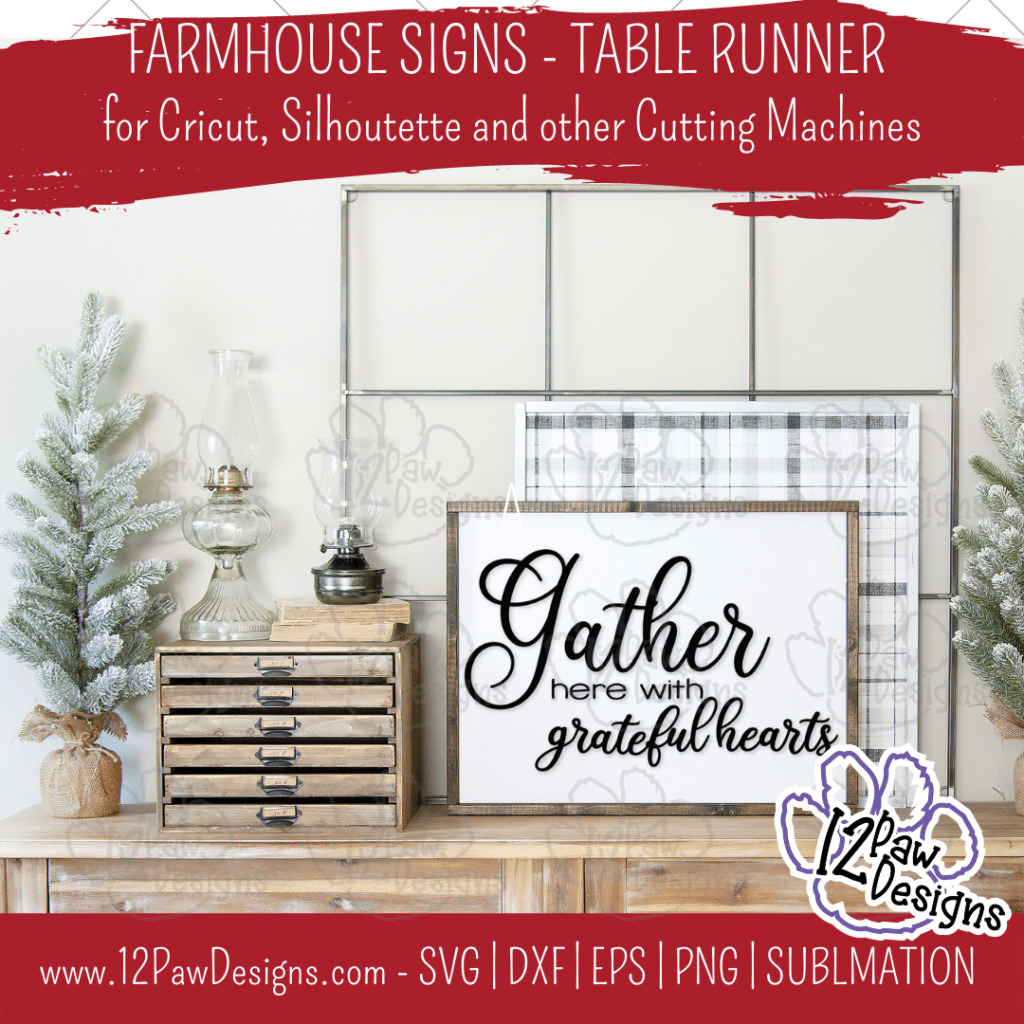
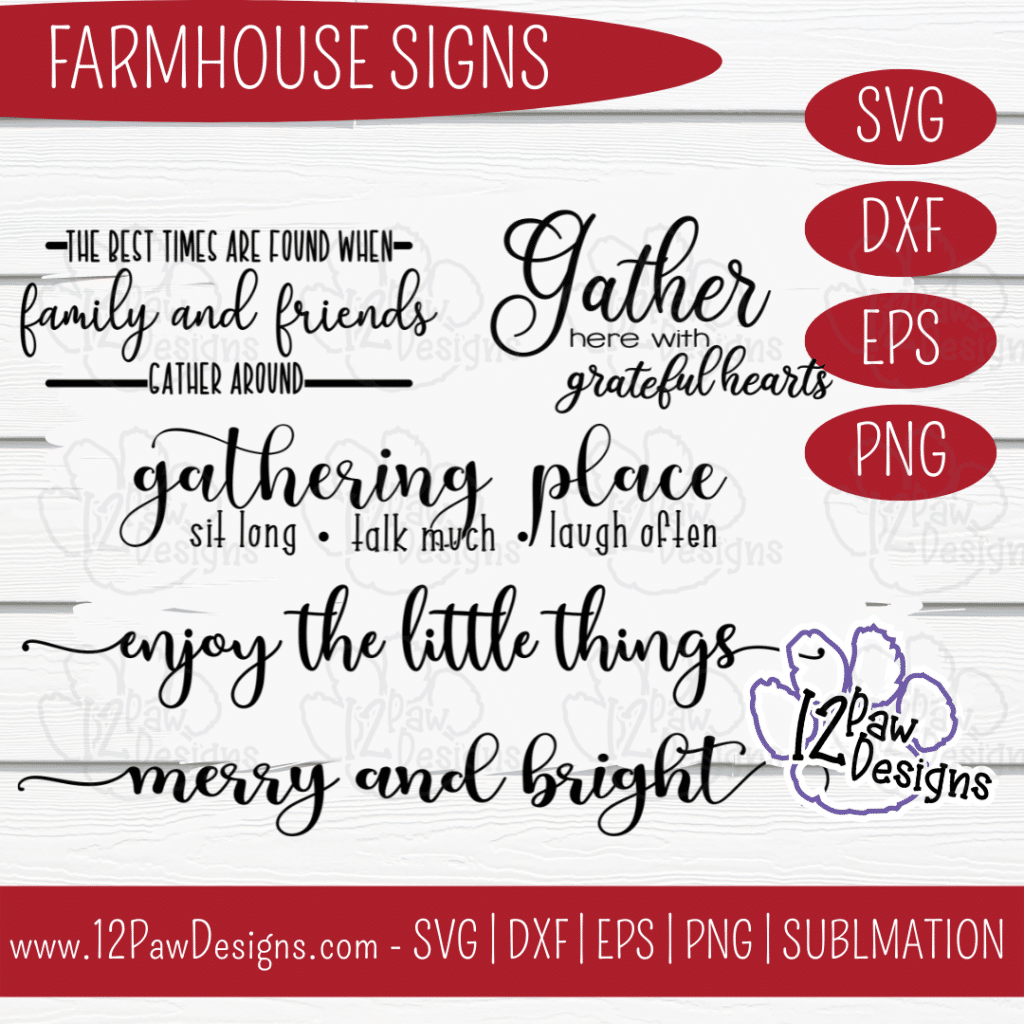
It’s that holiday season where we are coming up on Thanksgiving and decorating for Christmas. This week I have designed Farmhouse Signs that can be use all year long. I made the cool wooden table runner. One side is Farmhouse Sign and the other is Farmhouse Christmas. So you can easily flip back and forth.
In this weeks blog I am showing you how to create your own double sided wooden table runner. I used a board, paint and vinyl. So it was fairly quick and easy to do. This is a bundle of sayings from me to you. You can also just use a word, re-arrange the designs, etc. Many options. As you scroll through the blog you will see some other pictures of options! Enjoy!
This weeks FREE Farmhouse Sign PNG/SVG/cut file can be found in the Freebie Library. File number is 59 (remember the password is always in the bottom of your weekly email from me). I have also created a video tutorial along with some directions on how I made the double sided wooden table runner. I can’t wait to see your projects!!
Remember to join our Facebook Craft Group!!!
I am so excited to let you know that I started a Facebook Craft Group. The goal of the group is to welcome ALL crafters. I craft in different mediums, styles and type. Wood, vinyl, paint, sublimation, tumblers, etc. No matter what you do this group is for you. Come and join us!!! Click the link! Crafty Paws for All Cricut Silhouette Glowforge Sublimation and More
Here are the steps I took to make the Farmhouse Signs Wooden Table Runner
Step 1 – Open the file in your favorite cutting software. Cut vinyl to the size you need for your board. I was frugal and split the design so it fit on my vinyl 12″. I check my vinyl to make sure I have a good cut before ejecting it out of my machine.
Step 2 – Paint your board. I use a baby wipe and a dark grey. I used what I had and the dark grey was a chalk paint. When used the baby wipe I needed to add water so it “stain” the board. I love this technique. It is fast and dries quickly. Make sure you stain both sides.
Step 3 – Next, take your chip brush and your top color and paint over your stain. You want more of a long long streaks to give it a distressed look.
Step 4 – I then took the dark grey again and used chip brush (you could also use a piece of paper towel) and do the edges of the board. I then took a rag or paper towel to wipe it more to give it a distressed looked. I show this in the video. I also used a liner brush to draw a line down the middle of the board to make it look like 2 boards. Again, I used the rag to rub the line to give it a distressed look.
Step 5 – While the board is drying weed your vinyl.
Step 6 – Once you have it weeded use your transfer tape to apply the vinyl to the board. Make sure you burnish it well. If you watch the video i show how i used my squeegee to remove the transfer tape from the vinyl if it pulls up.
Step 7 – Repeat the process for the other side.
Step 8 – Enjoy your table runner. I placed it on tope of another runner to give it that extra look.
To get your FREE file please go to my Freebie Library, sign in (don’t worry if you are not a member yet, sign up and the password will be emailed to you!!! Also, remember I include it in the bottom of the weekly email too! 😉 ) and download Number 59 – Farmhouse Sign. The downloaded file will have multiple file options SVG, PNG, DXF (If you have the free version of Silhouette Studio you will need this file) and EPS.
I really hope you enjoy my Cancer Survivor Design. Remember a ? Pinterest pin would be so appreciated! I can’t wait to see what you create. Please share with me. You can come back here and add a comment or add one to Facebook too!
DO NOT resell any of the files as digital download or any other form. DO NOT claim the files as your own. DO NOT modify and resell the files in any form.
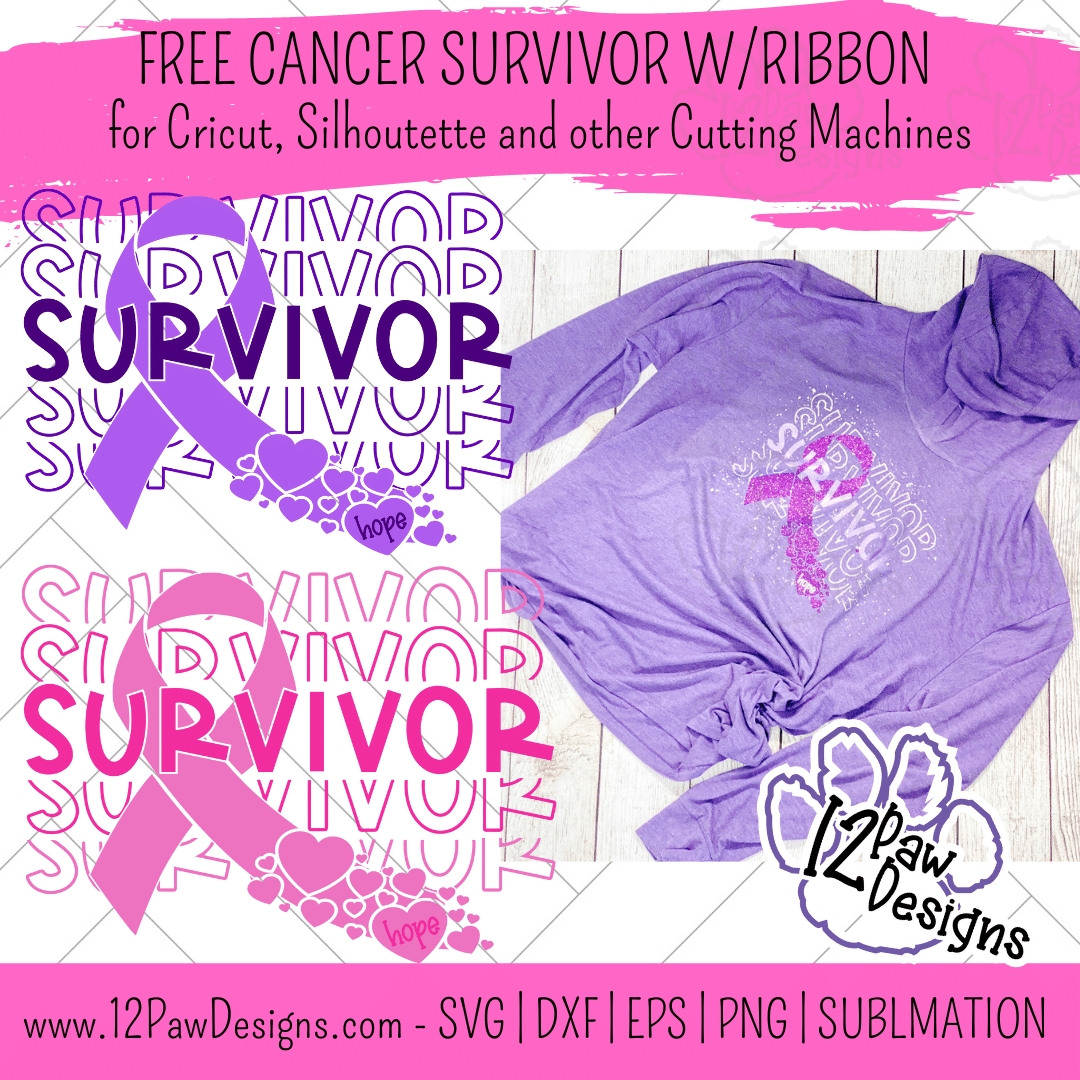
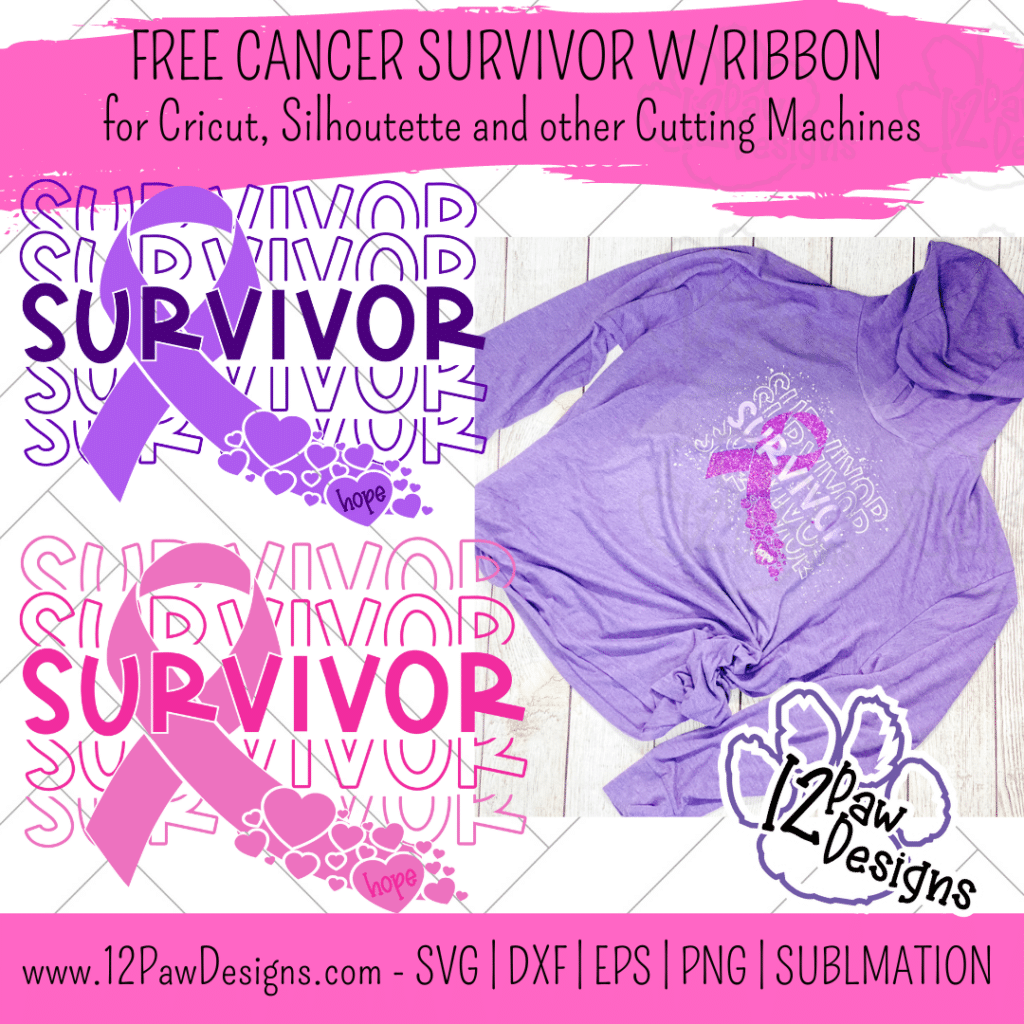
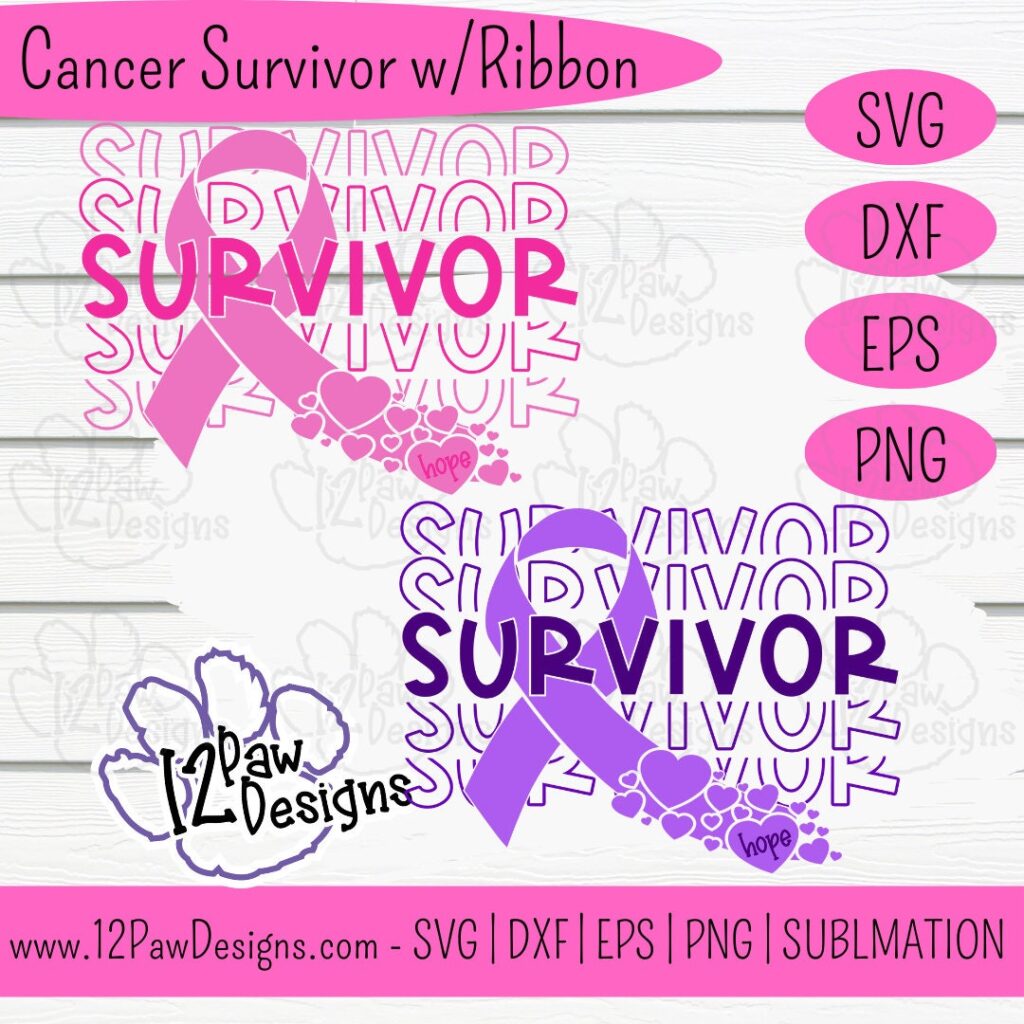
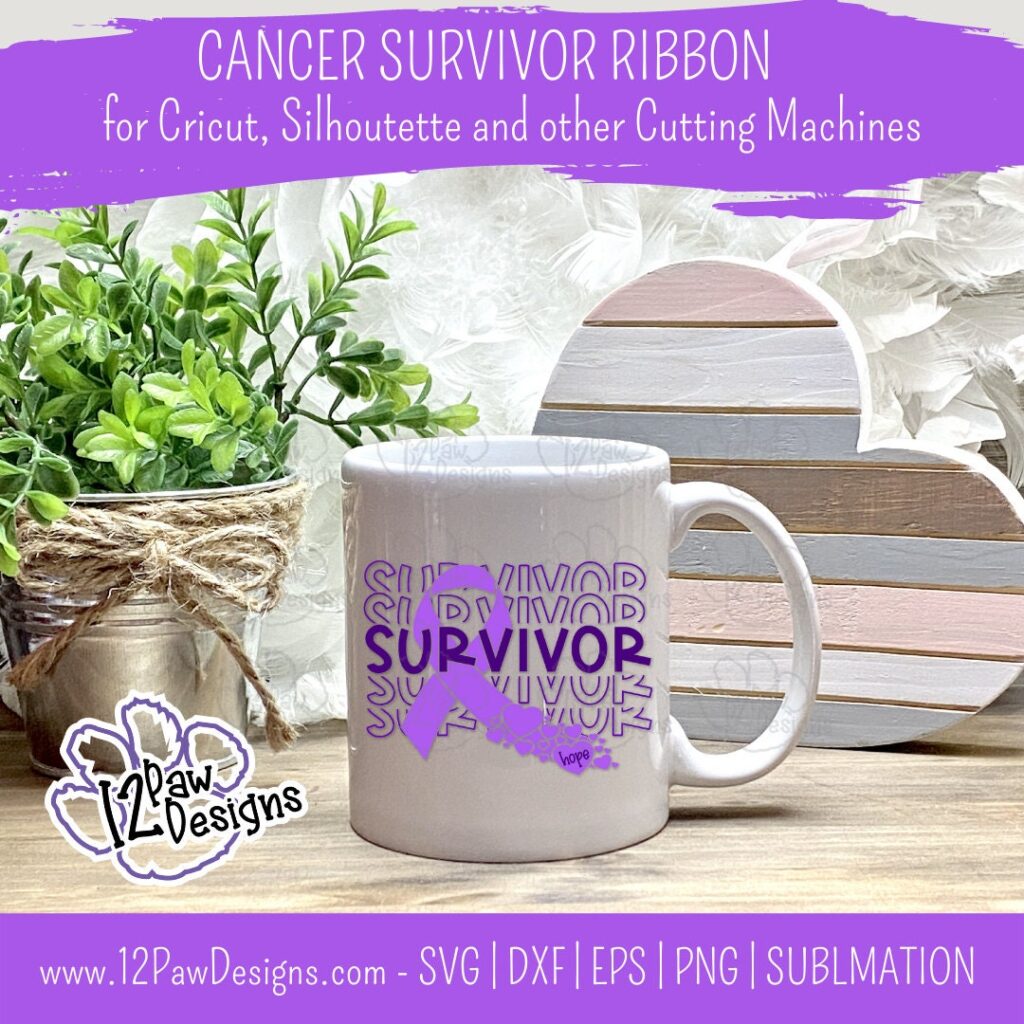
November marks 11 years cancer free from me! WOOOT WOOOOT!! To celebrate I have designed a cancer survivor ribbon image. I want all you survivors to celebrate being a survivor. Celebrate everything you have been through. My thoughts and prayers are with all of you and all of you fighting! FIGHT FIGHT FIGHT!
In this weeks blog I am showing you how to create your own DIY Heat transfer Confetti Sprinkles! Thats right DIY confetti sprinklers! They are super easy to do. I will also being mixing glitter vinyl, shimmer, iridescent vinyl in this design. My goal was to make it a party!!!
This weeks FREE Cancer Survivor with Ribbon PNG/SVG/cut file can be found in the Freebie Library. File number is 58 (remember the password is always in the bottom of your weekly email from me). I have also created a video tutorial along with some directions on how I made these shirts. I can’t wait to see your projects!!
Remember to join our Facebook Craft Group!!!
I am so excited to let you know that I started a Facebook Craft Group. The goal of the group is to welcome ALL crafters. I craft in different mediums, styles and type. Wood, vinyl, paint, sublimation, tumblers, etc. No matter what you do this group is for you. Come and join us!!! Click the link! Crafty Paws for All Cricut Silhouette Glowforge Sublimation and More
Heat Transfer Vinyl colors of your choice I used 4 different types
Shirt
Heat press or source
Weeding tools, scissors
Heat transfer image – I used an old one that I had – I had one that was all white
Plastic razor blade or old gift card
Cup
Parchment paper
Video Tutorial – Cancer Survivor with Ribbon
Here are the steps I took to make the shirt
Step 1 – Open the file in your favorite cutting software. Cut vinyl to the size you need for your shirt. Now if you are doing heat transfer vinyl remember to mirror your image. I actually like to flip my image before I send to cut. This way I don’t have to worry about forgetting to mirror or the software moving it on me. It has saved me vinyl.
Also, remember shiny or “pretty” side down on your mat.
I also did 4 vinyl options.
Step 2 – Once you have everything cut weed your vinyl.
Step 3 – Heat your press to the proper heat setting for your vinyl.
Step 4 – Prepare your vinyl I like to layer everything together prior to pressing. I organize them on how I would put them on the shirt. I did the ribbon first, then the word Survivor, then the word part about and below. the the final top and bottom layer.
Once I have everything layered I fold in half to find the center.
Step 5 – Lets make our confetti sprinkles. Take your old heat transfer and your plastic razor blade. I then scrap the decal off. I then placed the pieces in a cup. Once everything scrapped off you want to take your scissors and start cutting (watch the video for visual). I found that turning the cup to the side I could cut up more pieces. I cut all the pieces as small as I could get them. Remember…you want it to be sprinkle sizes
Step 6 – Next take the shirt and fold in half and give it a quick press. This helps you find the center seam and takes any moisture out.
Step 7 – Now lay your ribbon on the shirt. Remember to use the fold you made earlier to lay that on the fold you made in the shirt. HINT!!!!! You only want to press long enough to get the transfer sheet to release. So 2 to 3 seconds max. The reason is HTV shrinks. Too much heat will make it hard for the next layers to line up. Remove the transfer sheet.
Next the lay the survivor word down. Line that up on the center and in the ribbon. Only press for 2 to 3 seconds max. Remove the transfer sheet.
Now do the word section about and below survivor.
Then finally the top and bottom words.
Step 8 – Once all the layers are on do another press. Because I will do be sprinkles I did not do full time. Just abut 5 to 7 seconds.
Step 9 – Now for the sprinkles. I sprinkled the confetti all over the shirt. Some just like to frame, however, I wanted the party feel. Lay your parchment paper on top and press at the time and time of the heat transfer design.
To get your FREE file please go to my Freebie Library, sign in (don’t worry if you are not a member yet, sign up and the password will be emailed to you!!! Also, remember I include it in the bottom of the weekly email too! 😉 ) and download Number 58 – Cancer Survivor with Ribbon. The downloaded file will have multiple file options SVG, PNG, DXF (If you have the free version of Silhouette Studio you will need this file) and EPS.
I really hope you enjoy my Cancer Survivor Design. Remember a ? Pinterest pin would be so appreciated! I can’t wait to see what you create. Please share with me. You can come back here and add a comment or add one to Facebook too!
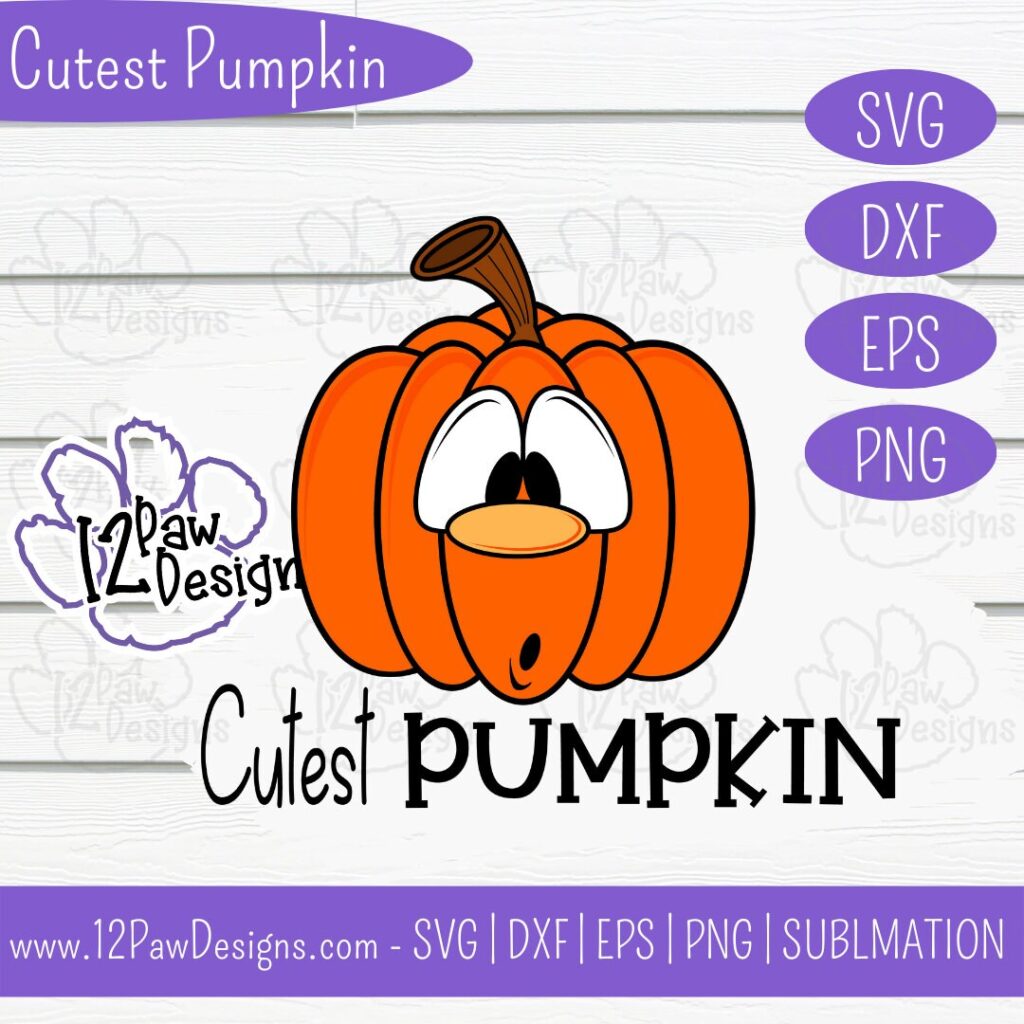
Cancer Survivor, Survivor, Ribbon, Cricut Silhouette, Svg/Dxf/Png/Eps, Digital Download, Cut FileCancer Survivor, Survivor, Ribbon, Cricut Silhouette, Svg/Dxf/Png/Eps, Digital Download, Cut FileCutest Pumpkin, Pumpkin, Funny Pumpkin, Cricut Silhouette, Svg/Dxf/Png/Eps, Digital Download, Cut File
DO NOT resell any of the files as digital download or any other form. DO NOT claim the files as your own. DO NOT modify and resell the files in any form.
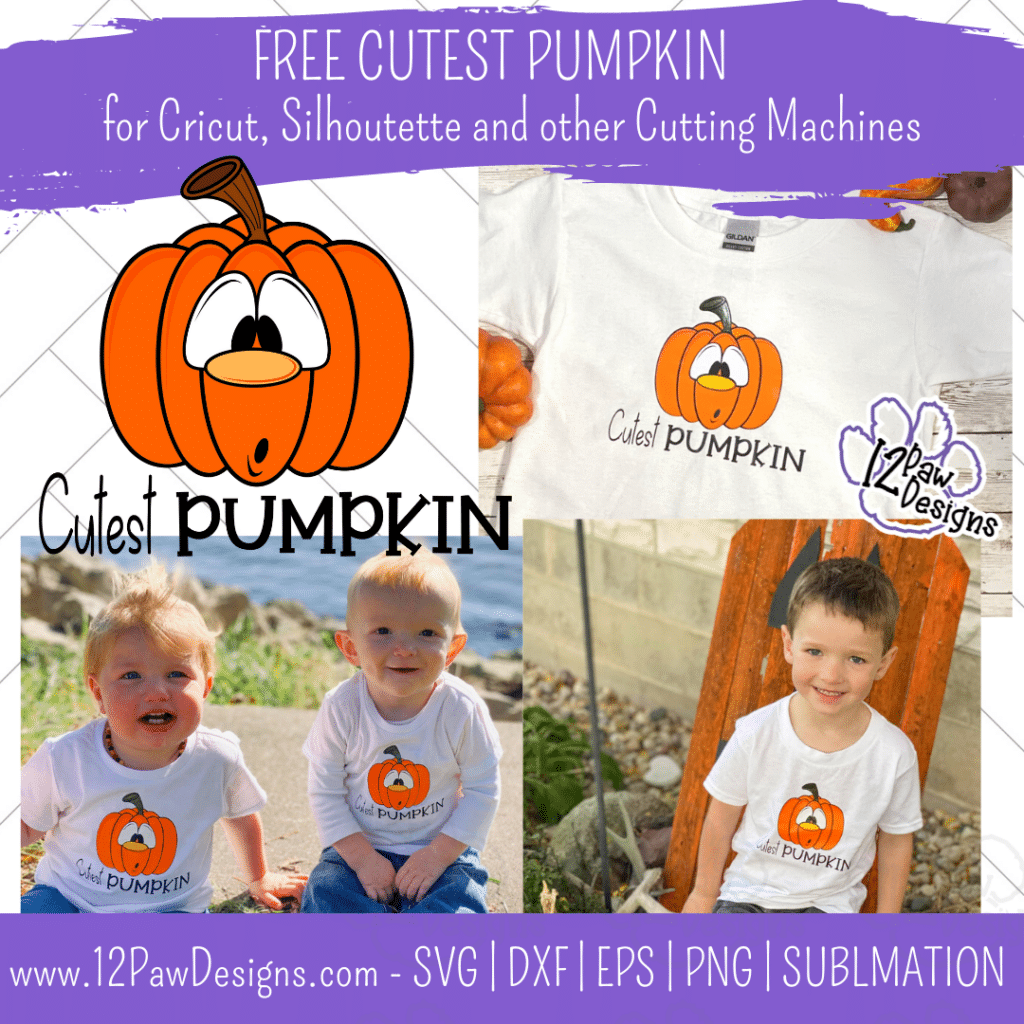
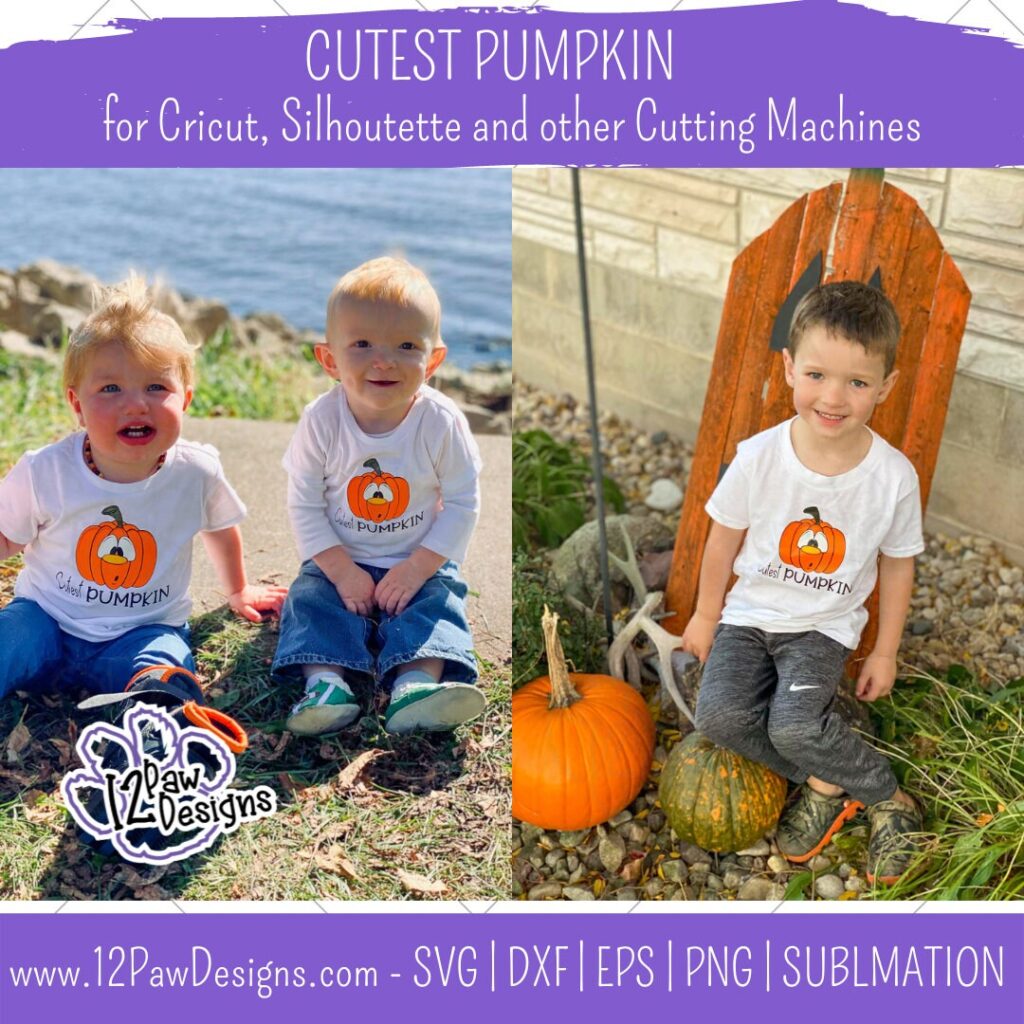
Oh, they ARE the Cutest Pumpkin! This week I am blessed to have the assistance of these 3 adorable cousins to model our Funny Pumpkin! They are absolutely adorable!! I am sharing with you this Cutest Pumpkin file so you can make your own cute shirts!
The blog will focus on making layered vinyl heat transfer shirt. I will show you how I do it and a few tips to help the process.
This weeks FREE Cutest Pumpkin PNG/SVG/cut file can be found in the Freebie Library. File number is 57 (remember the password is always in the bottom of your weekly email from me). I have also created a video tutorial along with some directions on how I made these shirts. I can’t wait to see your projects!!
Remember to join our Facebook Craft Group!!!
I am so excited to let you know that I started a Facebook Craft Group. The goal of the group is to welcome ALL crafters. I craft in different mediums, styles and type. Wood, vinyl, paint, sublimation, tumblers, etc. No matter what you do this group is for you. Come and join us!!! Click the link! Crafty Paws for All Cricut Silhouette Glowforge Sublimation and More
Step 1 – Open the file in your favorite cutting software. Cut vinyl to the size you need for your project. I did 6×6 for a 4T and 24 month and then 5×5 for the 12 month. Now if you are doing heat transfer vinyl remember to mirror your image. I actually like to flip my image before I send to cut. This way I don’t have to worry about forgetting to mirror or the software moving it on me. It has saved me vinyl.
Also, remember shiny or “pretty” side down on your mat.
Step 2 – Once you have everything cut weed your vinyl.
Step 3 – Heat your press to the proper heat setting for your vinyl.
Step 4 – Prepare your vinyl There are quite a few layers. I like to layer everything together prior to pressing. I organize them on how I would put them on the shirt. So the black base of the pumpkin first, then the orange, eyes, stem, nose, highlights, eye lines and mouth. Now remember you can do some items at the same time to press. You just need to make sure that the transfer sheets do not touch.
Once I have everything layered I fold in half to find the center. For the shirt I wanted Cutest Pumpkin words center under. So I cut them off and moved them.
Step 5 – Once the press is at temp place your pressing pillow down. The reason for the pressing pillow is the seams of the shirt. The pillow will help give you even presses and pressure on the shirt.
Step 6 – Next take the shirt and fold in half and give it a quick press. This helps you find the center seam and takes any moisture out. Then lay it on the pillow. I actually did my reverse so I could see it better.
Step 7 – Now lay your black piece down on the shirt. Use the center seam from the fold you did and line that up on the fold you did. You want to go about 1″ down on a kids shirt. Also, place the Cutest Pumpkin words down as well. Now you are going to press. HINT!!!!! You only want to press long enough to get the transfer sheet to release. So 2 to 3 seconds max. The reason is HTV shrinks. Too much heat will make it hard for the next layers to line up. Remove the transfer sheet. Remove transfer sheets.
Next lay your orange down on the black back and again, only press for 2 to 3 seconds max. Remove the transfer sheet.
Next do the eyes. I also did the stem since the transfer sheet didn’t touch. Press, 2 to 3 seconds. Remove transfer sheets.
Then do the highlights and nose. Press 2 to 3 seconds. Remove transfer sheets.
Then eye lines and mouth. Press 2 to 3 seconds. Remove transfer sheets.
Step 8 – Once all the layers are on do one final press for the full recommended time of your HTV. You want to see fibers in the HTV.
Step 9 – Put the shirts on the punkins and go ohhh!!
To get your FREE file please go to my Freebie Library, sign in (don’t worry if you are not a member yet, sign up and the password will be emailed to you!!! Also, remember I include it in the bottom of the weekly email too! 😉 ) and download Number 57 – Cutest Pumpkin . The downloaded file will have multiple file options SVG, PNG, DXF (If you have the free version of Silhouette Studio you will need this file) and EPS.
I really hope you enjoy my Cutest Pumpkin Design. Remember a ? Pinterest pin would be so appreciated! I can’t wait to see what you create. Please share with me. You can come back here and add a comment or add one to Facebook too!
DO NOT resell any of the files as digital download or any other form. DO NOT claim the files as your own. DO NOT modify and resell the files in any form.