This weeks gift file is a laser ready School Earrings file. These are cute earrings that you can cut on a laser. These are great for Back to School earrings for your kids or grand kids or an awesome Teacher earrings! This is a 4 pair gift.
This is a laser ready file. You could also cut thinner versions on a Cricut or silhouette capable of cutting wood. I then painted them with acrylic markers. You can have fun painting them and making them your own. Then glue earring studs to the back. The file also includes the paint palette earring card. I cut and score this on my laser as well.
Head over to the freebie library and download your files. You will find it at number 97. Cut your earrings and have fun painting them. You could also cut them out of white board or leave them neutral!
Interested in the full file? Check our my shop either here on the website or Etsy for the full 11 pairs. Includes large and small crayon, large and small pencil, coffee cup, apple, scissor, bus, ruler, paper, paint palette earring card and bonus crayon box earrings! Until Aug 24th enjoy 50% off this file. This will automatically happen on the website. On Etsy use code SCHOOLEARRING.
How to get your FREE School Earrings design…
To get your FREE file please go to my Freebie Library, sign in (don’t worry if you are not a member yet, sign up and the password will be emailed to you!!! Also, remember I include it in the bottom of the weekly email too! 😉 ) and download Number 97 – School Earrings – Laser Ready. The downloaded file will have multiple file options SVG, PNG, DXF (If you have the free version of Silhouette Studio you will need this file) and EPS.
I really hope you enjoy the School Earrings SVG.. Remember a Pinterest pin would be so appreciated! I can’t wait to see what you create. Please share with me. You can come back here and add a comment or add one to Facebook too!
School Earrings
Back to School Earrings, Teacher Earrings, Crayon Earrings, Pencil Earrings, Teacher Gift, Glowforge, Laser Ready, Svg/Dxf/Png/Pdf, Digital, Cut FileBack to School Earrings, Teacher Earrings, Crayon Earrings, Pencil Earrings, Teacher Gift, Glowforge, Laser Ready, Svg/Dxf/Png/Pdf, Digital, Cut FileBack to School Earrings, Teacher Earrings, Crayon Earrings, Pencil Earrings, Teacher Gift, Glowforge, Laser Ready, Svg/Dxf/Png/Pdf, Digital, Cut File
DO NOT resell any of the files as digital download or any other form. DO NOT claim the files as your own. DO NOT modify and resell the files in any form.
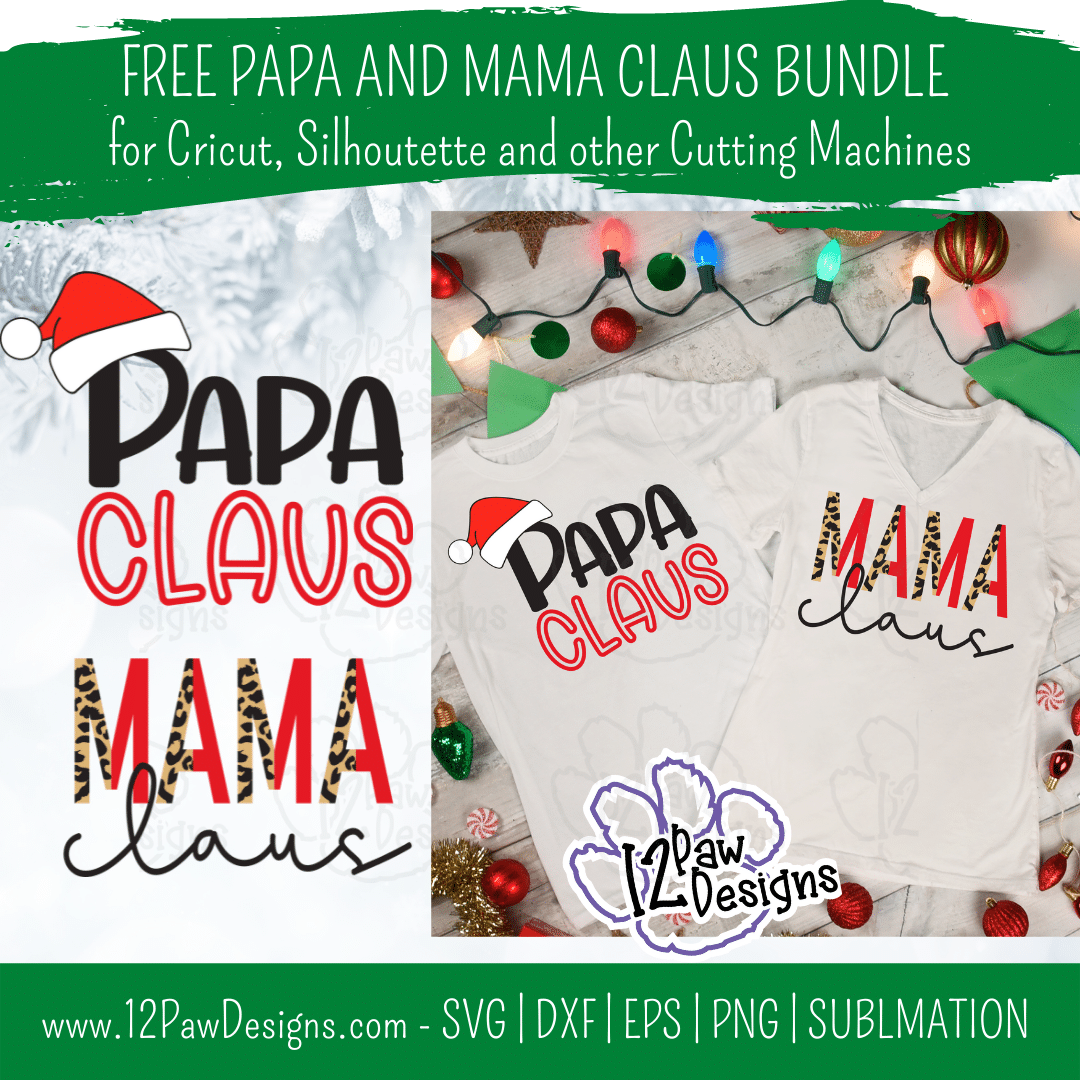
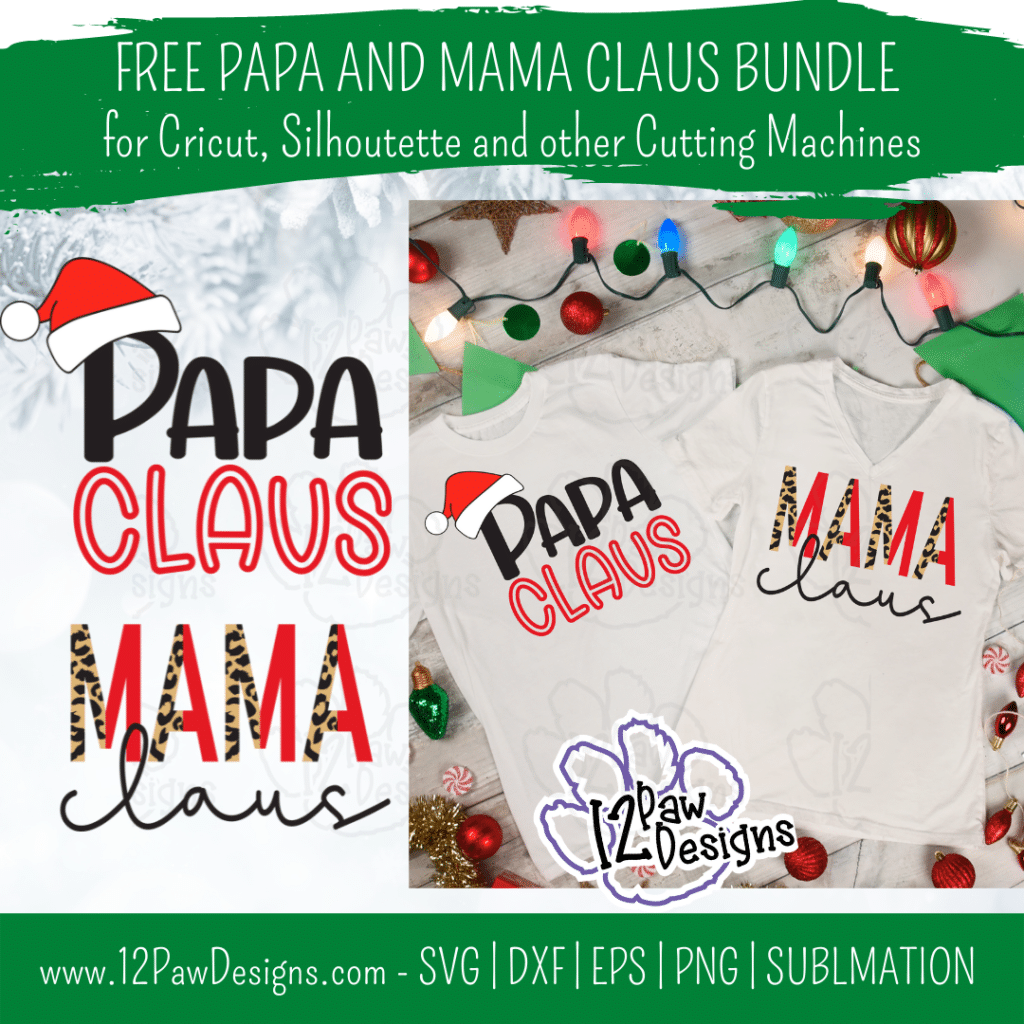
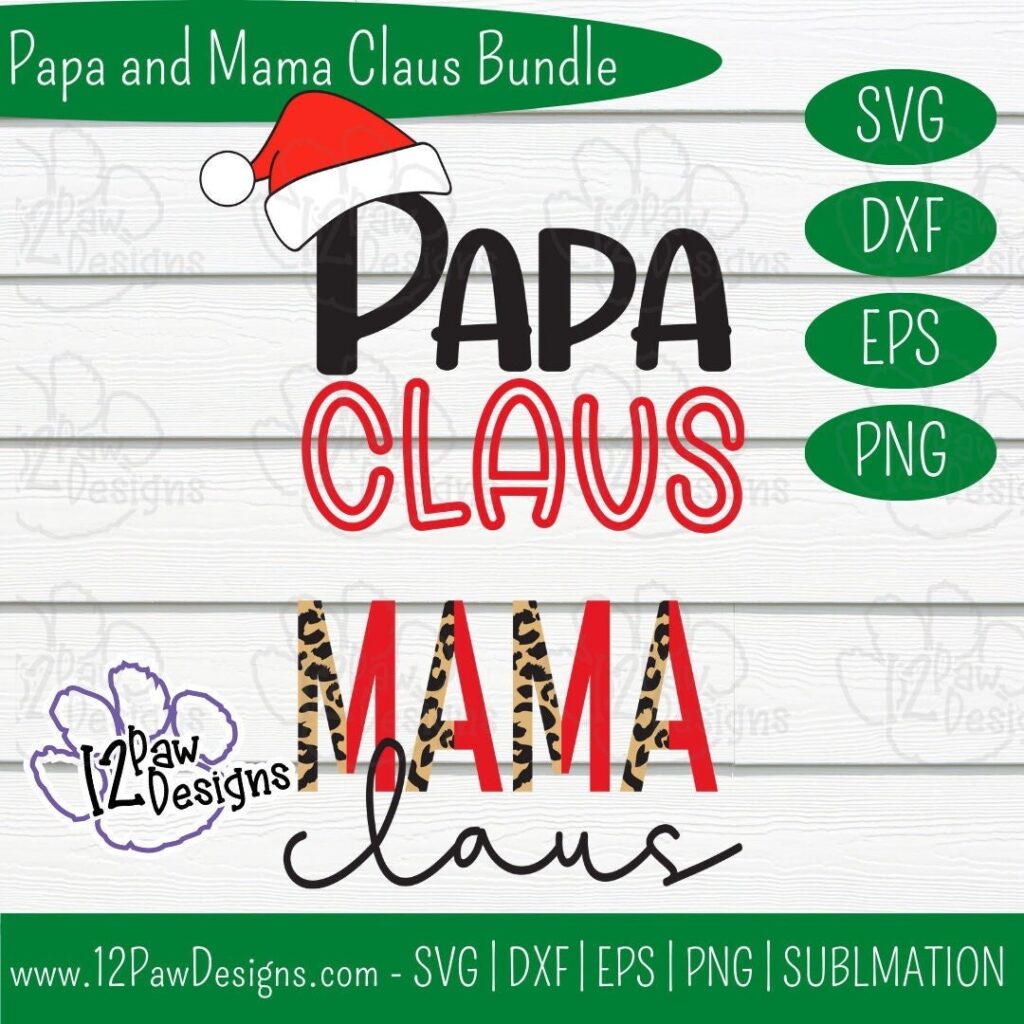
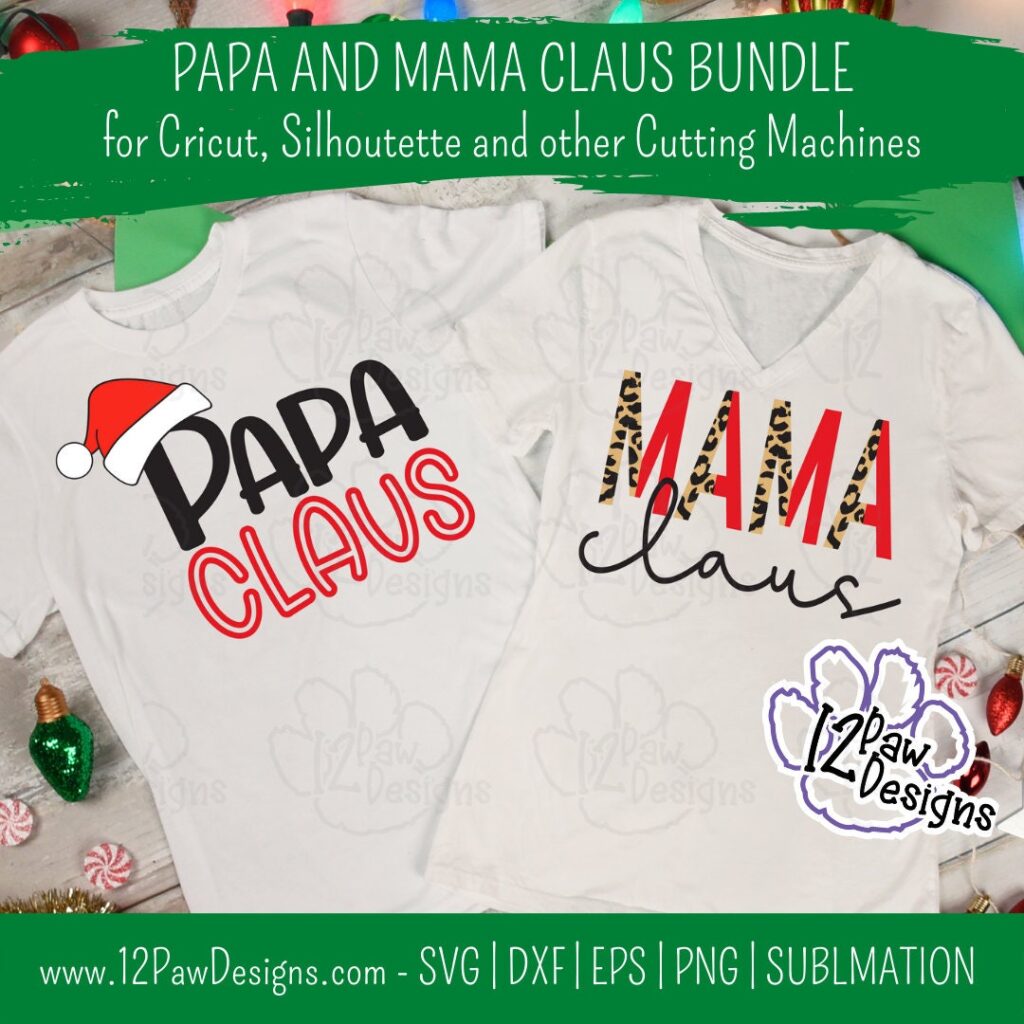
Ho Ho Ho, how is Christmas only a few days away?! I designed some last minute his and her shirts for Christmas. Papa Claus and Mama Claus are sure to be a hit any any gathering! The Mama Claus Shirt has layered leopard print to give it the fun playful design. The Papa Claus design of course has him wearing his hat!
I also want to take a moment to wish everyone a Merry Christmas and a wonderful holiday season. Please be safe and enjoy time with Family and Friends.
This weeks FREE Papa and Mama Claus Bundle PNG/SVG/Sublimation/cut file can be found in the Freebie Library. File number is 65 (remember the password is always in the bottom of your weekly email from me).
Remember to join our Facebook Craft Group!!!
You never know when I will pop in for a live or FREE Bonus files!!! The goal of the group is to welcome ALL crafters. I craft in different mediums, styles and type. Wood, vinyl, paint, sublimation, tumblers, etc. No matter what you do this group is for you. Come and join us!!! Click the link! Crafty Paws for All Cricut Silhouette Glowforge Sublimation and More
To get your FREE file please go to my Freebie Library, sign in (don’t worry if you are not a member yet, sign up and the password will be emailed to you!!! Also, remember I include it in the bottom of the weekly email too! 😉 ) and download Number 65 – Papa and Mama Claus Bundle. The downloaded file will have multiple file options SVG, PNG, DXF (If you have the free version of Silhouette Studio you will need this file) and EPS.
I really hope you enjoy my Joy Round Design. Remember a ? Pinterest pin would be so appreciated! I can’t wait to see what you create. Please share with me. You can come back here and add a comment or add one to Facebook too!
Papa and Mama Claus Bundle
Mama Claus, Papa Claus, Mama Claus Shirt, Cricut Silhouette, Svg/Dxf/Png/Eps, Digital Download, Cut FileMama Claus, Papa Claus, Mama Claus Shirt, Cricut Silhouette, Svg/Dxf/Png/Eps, Digital Download, Cut File
DO NOT resell any of the files as digital download or any other form. DO NOT claim the files as your own. DO NOT modify and resell the files in any form.
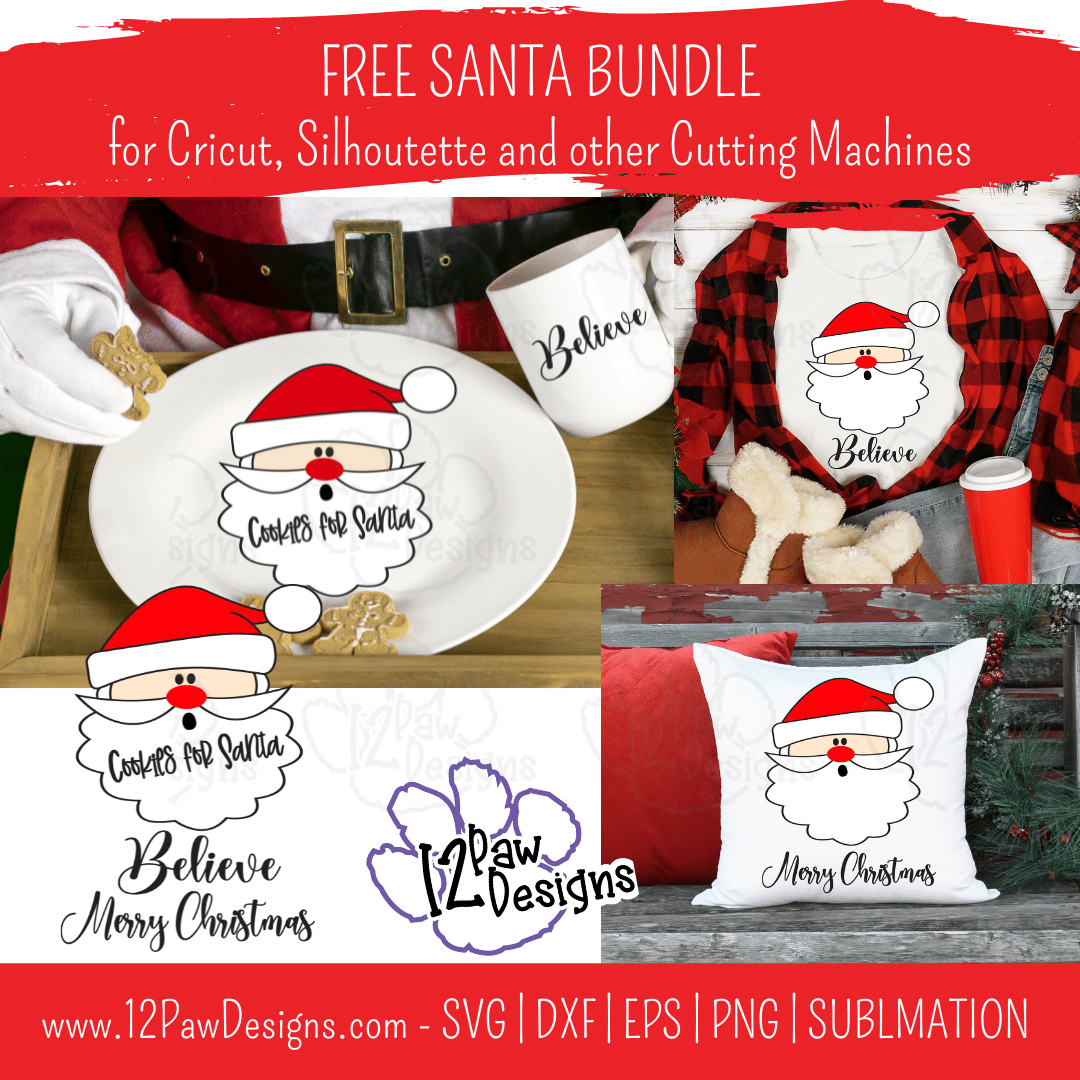
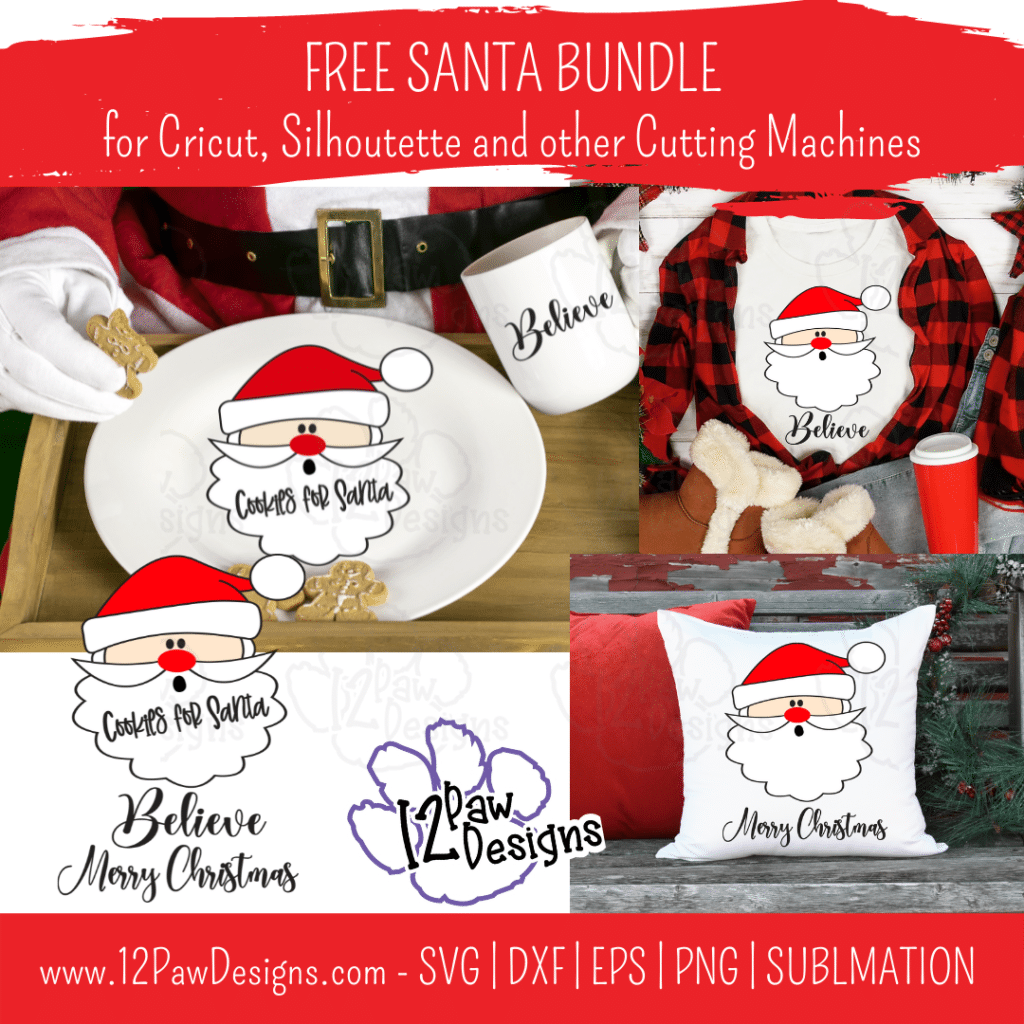
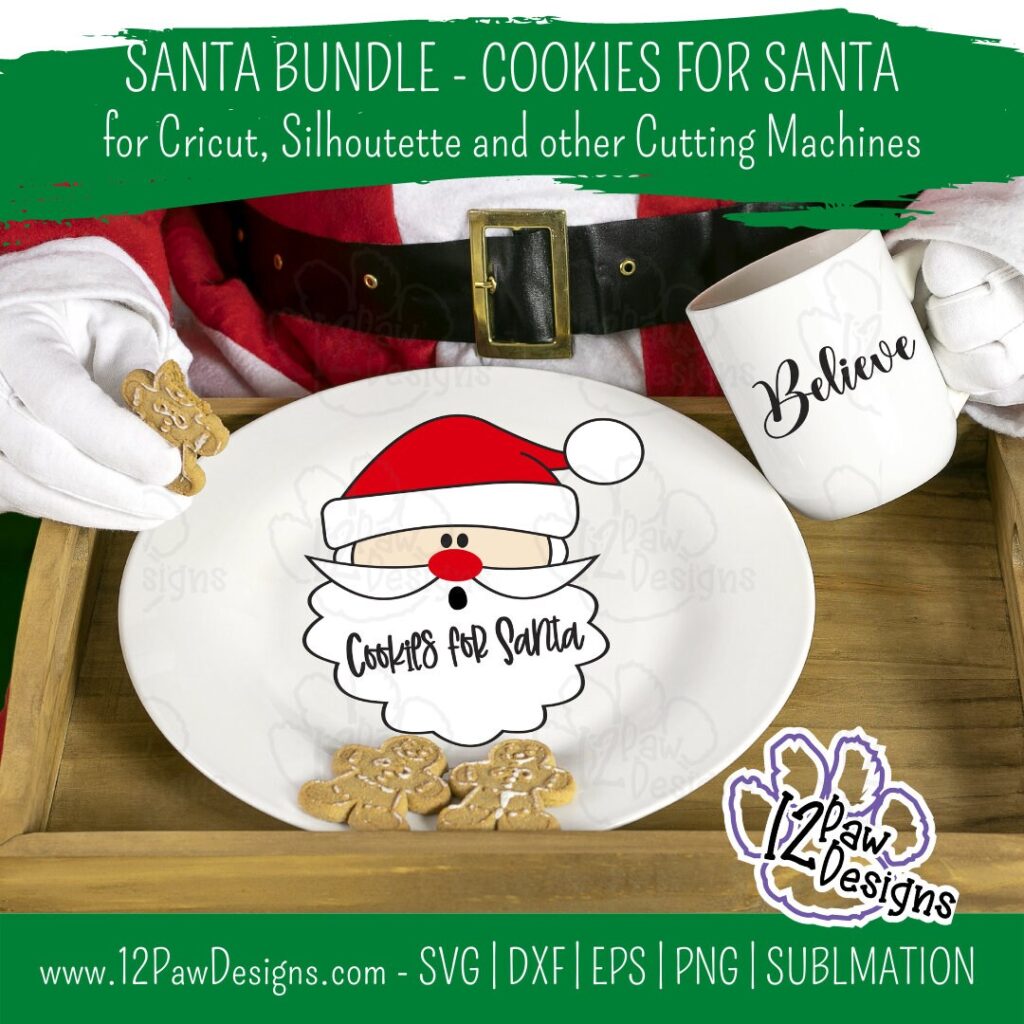
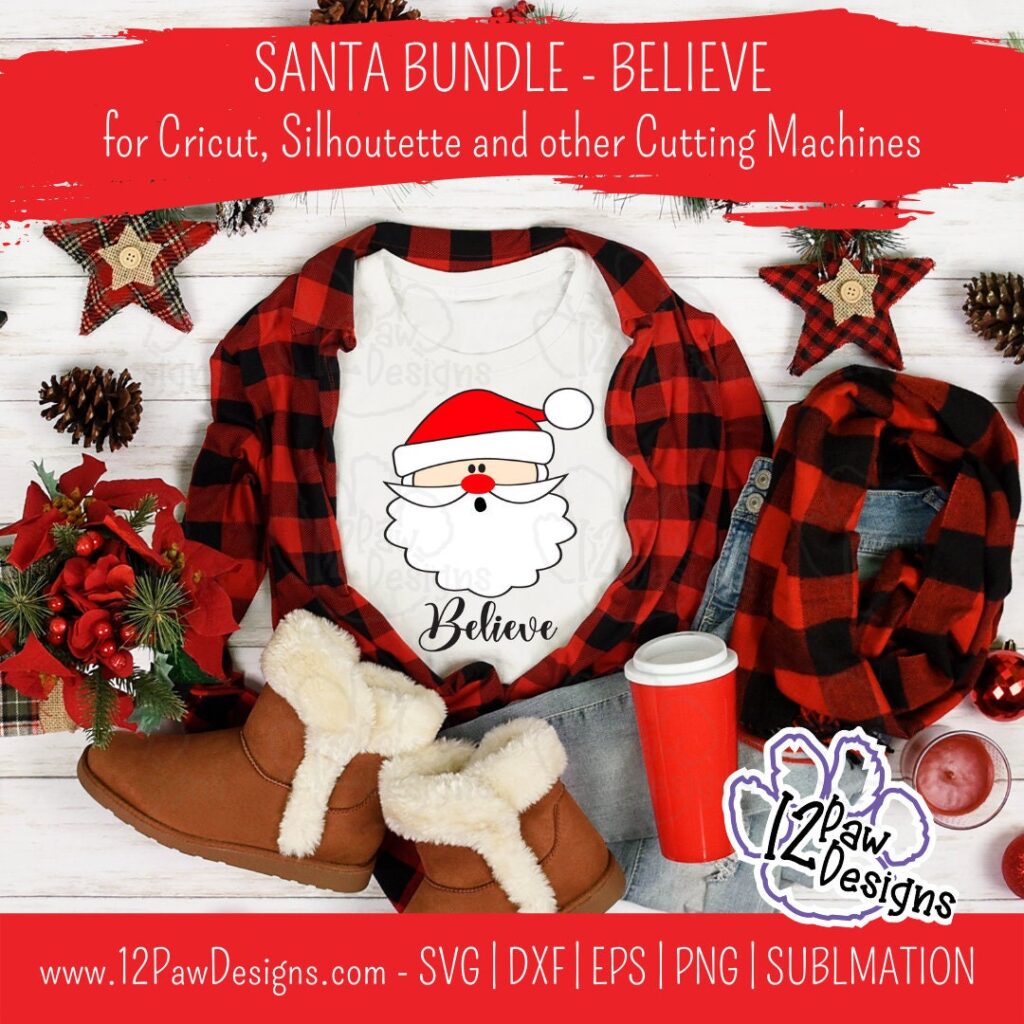
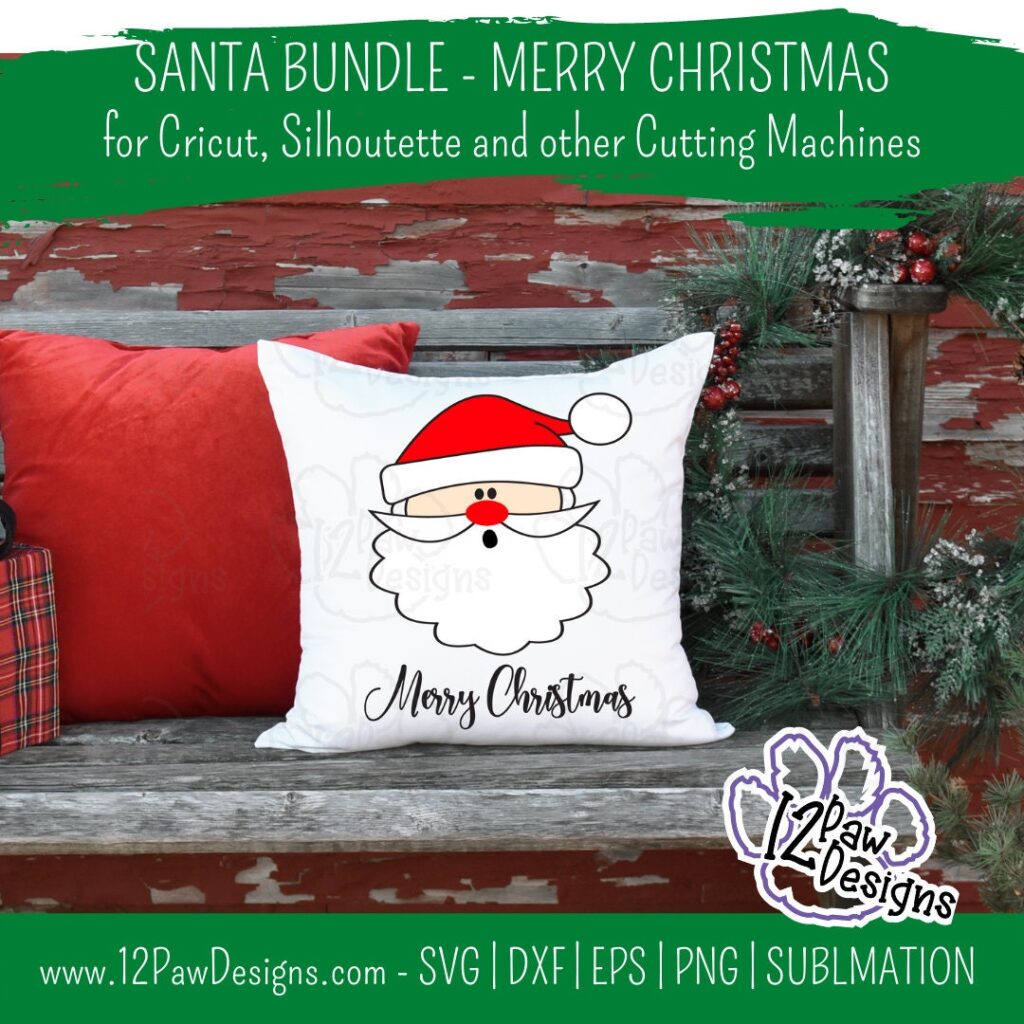
Christmas is not far away now. I designed this file for versatility. So make a Cookies for Santa Plate. Then if you need a shirt for you or your little you can make a Santa Believe shirt. You need a gift for someone special?? How about Santa Merry Christmas Pillow or sign. I have separate PNG files for sublimation as well. There are so many options1 I hope you enjoy!
ALSO….This week in the Crafty Paws Facebook group I will be sharing and additional free file, Santa Placemat. It will be perfect for Christmas eve!
This weeks FREE Santa Bundle PNG/SVG/Sublimation/cut file can be found in the Freebie Library. File number is 64 (remember the password is always in the bottom of your weekly email from me).
Remember to join our Facebook Craft Group!!!
You never know when I will pop in for a live or FREE Bonus files!!! The goal of the group is to welcome ALL crafters. I craft in different mediums, styles and type. Wood, vinyl, paint, sublimation, tumblers, etc. No matter what you do this group is for you. Come and join us!!! Click the link! Crafty Paws for All Cricut Silhouette Glowforge Sublimation and More
To get your FREE file please go to my Freebie Library, sign in (don’t worry if you are not a member yet, sign up and the password will be emailed to you!!! Also, remember I include it in the bottom of the weekly email too! 😉 ) and download Number 64 – Santa Bundle. The downloaded file will have multiple file options SVG, PNG, DXF (If you have the free version of Silhouette Studio you will need this file) and EPS.
I really hope you enjoy my Joy Round Design. Remember a ? Pinterest pin would be so appreciated! I can’t wait to see what you create. Please share with me. You can come back here and add a comment or add one to Facebook too!
Cookies For Santa Bundle
Cookies For Santa, Santa Believe, Santa Merry Christmas, Cricut Silhouette, Svg/Dxf/Png/Eps, Digital Download, Cut FileCookies For Santa, Santa Believe, Santa Merry Christmas, Cricut Silhouette, Svg/Dxf/Png/Eps, Digital Download, Cut FileCookies For Santa, Santa Believe, Santa Merry Christmas, Cricut Silhouette, Svg/Dxf/Png/Eps, Digital Download, Cut FileCookies For Santa, Santa Believe, Santa Merry Christmas, Cricut Silhouette, Svg/Dxf/Png/Eps, Digital Download, Cut File
DO NOT resell any of the files as digital download or any other form. DO NOT claim the files as your own. DO NOT modify and resell the files in any form.
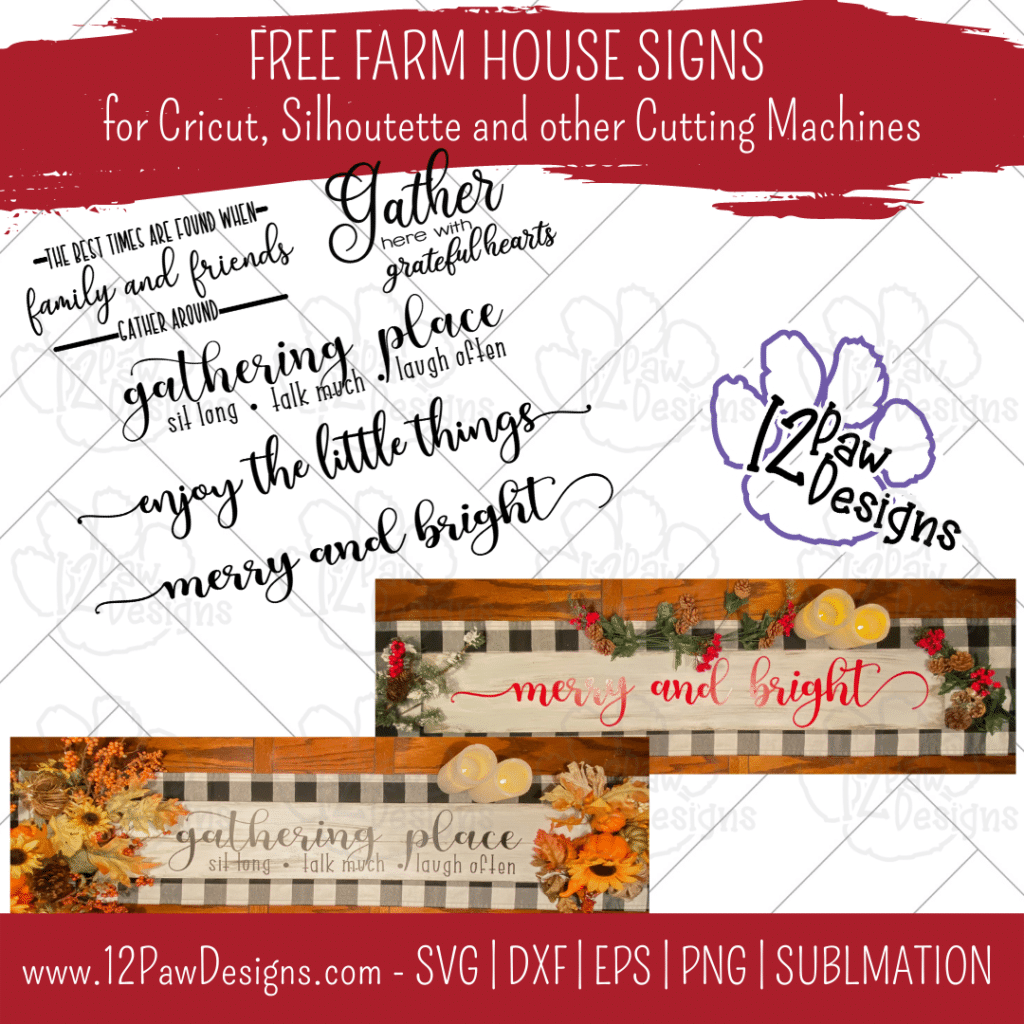
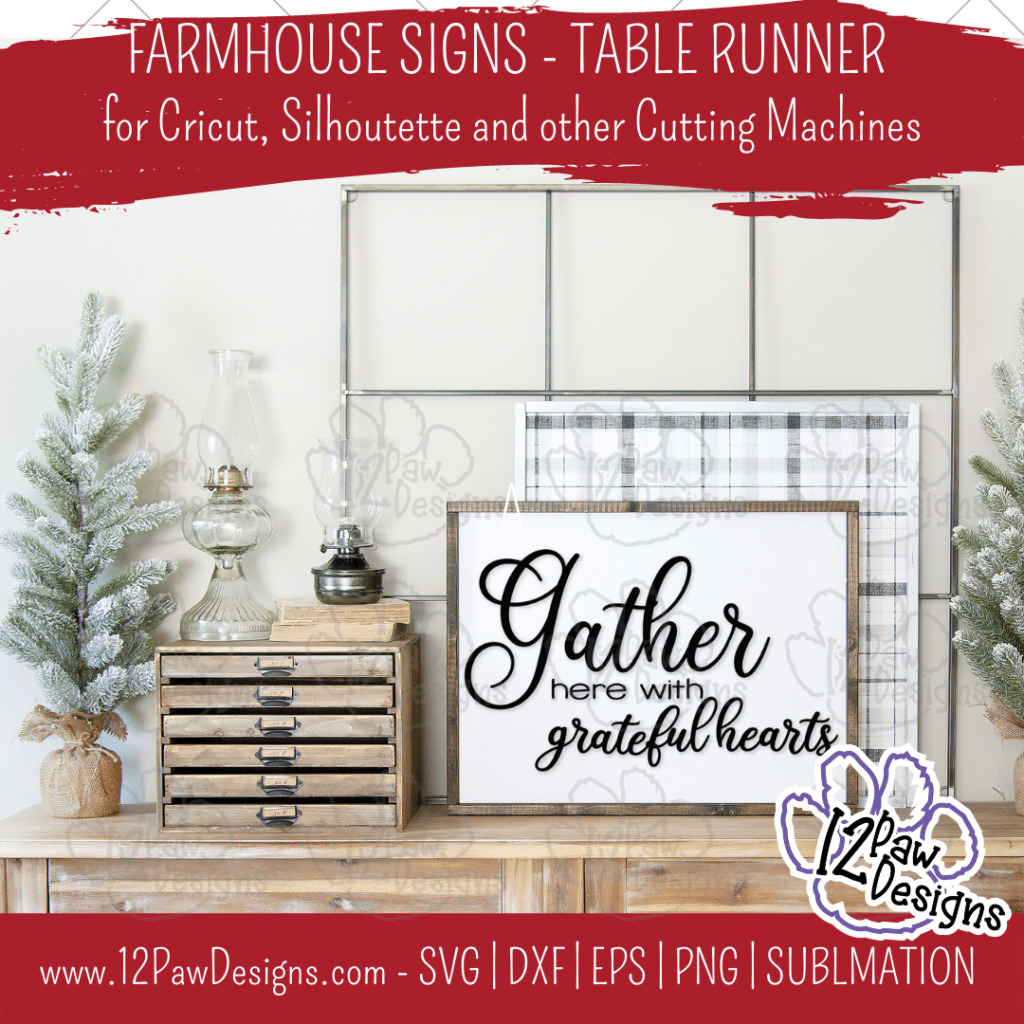
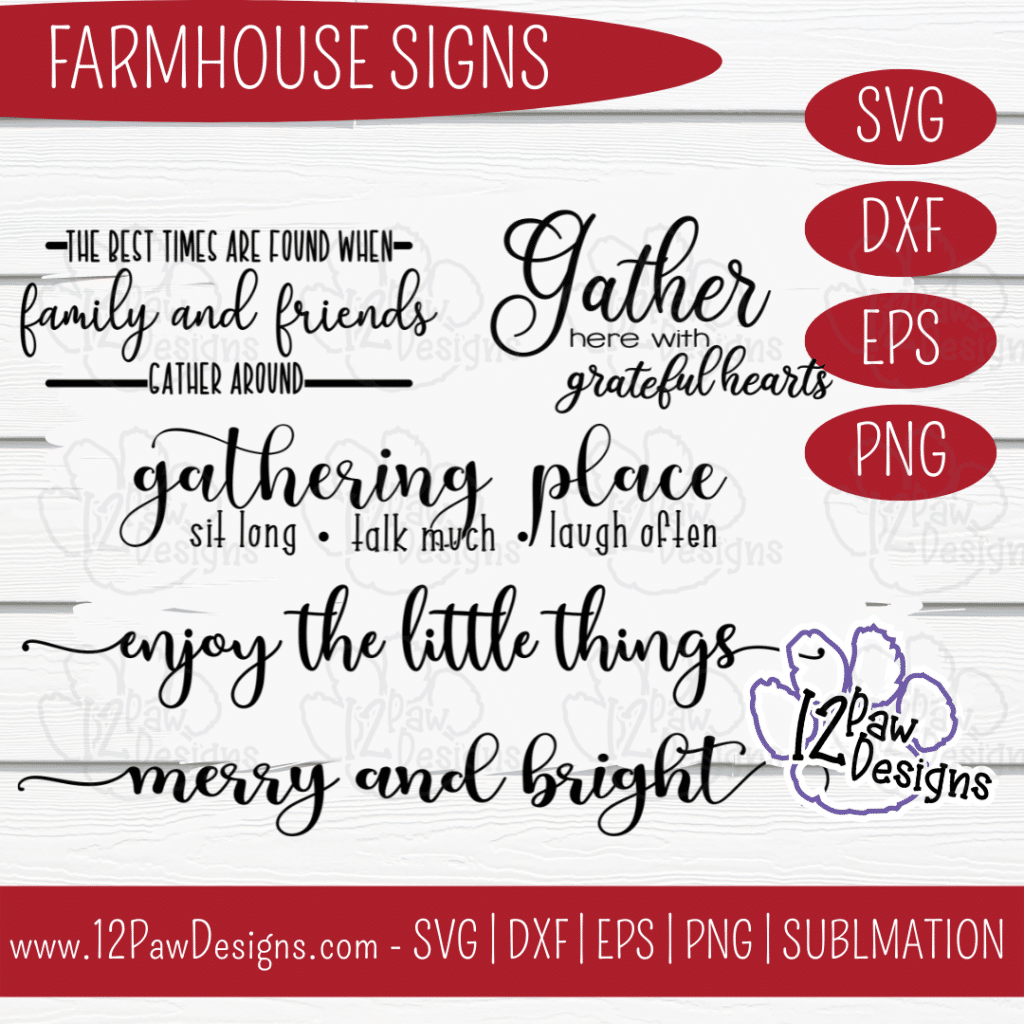
It’s that holiday season where we are coming up on Thanksgiving and decorating for Christmas. This week I have designed Farmhouse Signs that can be use all year long. I made the cool wooden table runner. One side is Farmhouse Sign and the other is Farmhouse Christmas. So you can easily flip back and forth.
In this weeks blog I am showing you how to create your own double sided wooden table runner. I used a board, paint and vinyl. So it was fairly quick and easy to do. This is a bundle of sayings from me to you. You can also just use a word, re-arrange the designs, etc. Many options. As you scroll through the blog you will see some other pictures of options! Enjoy!
This weeks FREE Farmhouse Sign PNG/SVG/cut file can be found in the Freebie Library. File number is 59 (remember the password is always in the bottom of your weekly email from me). I have also created a video tutorial along with some directions on how I made the double sided wooden table runner. I can’t wait to see your projects!!
Remember to join our Facebook Craft Group!!!
I am so excited to let you know that I started a Facebook Craft Group. The goal of the group is to welcome ALL crafters. I craft in different mediums, styles and type. Wood, vinyl, paint, sublimation, tumblers, etc. No matter what you do this group is for you. Come and join us!!! Click the link! Crafty Paws for All Cricut Silhouette Glowforge Sublimation and More
Here are the steps I took to make the Farmhouse Signs Wooden Table Runner
Step 1 – Open the file in your favorite cutting software. Cut vinyl to the size you need for your board. I was frugal and split the design so it fit on my vinyl 12″. I check my vinyl to make sure I have a good cut before ejecting it out of my machine.
Step 2 – Paint your board. I use a baby wipe and a dark grey. I used what I had and the dark grey was a chalk paint. When used the baby wipe I needed to add water so it “stain” the board. I love this technique. It is fast and dries quickly. Make sure you stain both sides.
Step 3 – Next, take your chip brush and your top color and paint over your stain. You want more of a long long streaks to give it a distressed look.
Step 4 – I then took the dark grey again and used chip brush (you could also use a piece of paper towel) and do the edges of the board. I then took a rag or paper towel to wipe it more to give it a distressed looked. I show this in the video. I also used a liner brush to draw a line down the middle of the board to make it look like 2 boards. Again, I used the rag to rub the line to give it a distressed look.
Step 5 – While the board is drying weed your vinyl.
Step 6 – Once you have it weeded use your transfer tape to apply the vinyl to the board. Make sure you burnish it well. If you watch the video i show how i used my squeegee to remove the transfer tape from the vinyl if it pulls up.
Step 7 – Repeat the process for the other side.
Step 8 – Enjoy your table runner. I placed it on tope of another runner to give it that extra look.
To get your FREE file please go to my Freebie Library, sign in (don’t worry if you are not a member yet, sign up and the password will be emailed to you!!! Also, remember I include it in the bottom of the weekly email too! 😉 ) and download Number 59 – Farmhouse Sign. The downloaded file will have multiple file options SVG, PNG, DXF (If you have the free version of Silhouette Studio you will need this file) and EPS.
I really hope you enjoy my Cancer Survivor Design. Remember a ? Pinterest pin would be so appreciated! I can’t wait to see what you create. Please share with me. You can come back here and add a comment or add one to Facebook too!
DO NOT resell any of the files as digital download or any other form. DO NOT claim the files as your own. DO NOT modify and resell the files in any form.
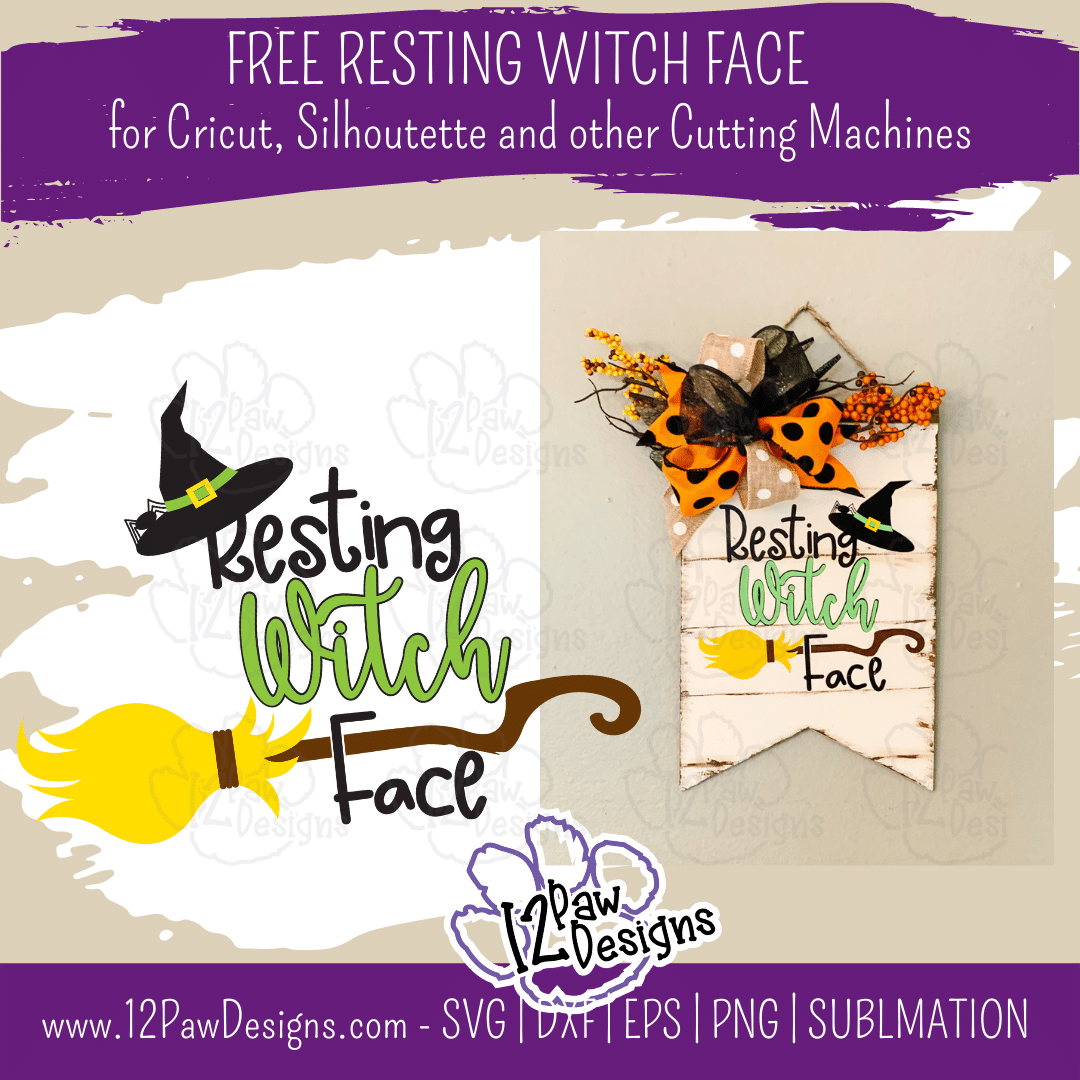
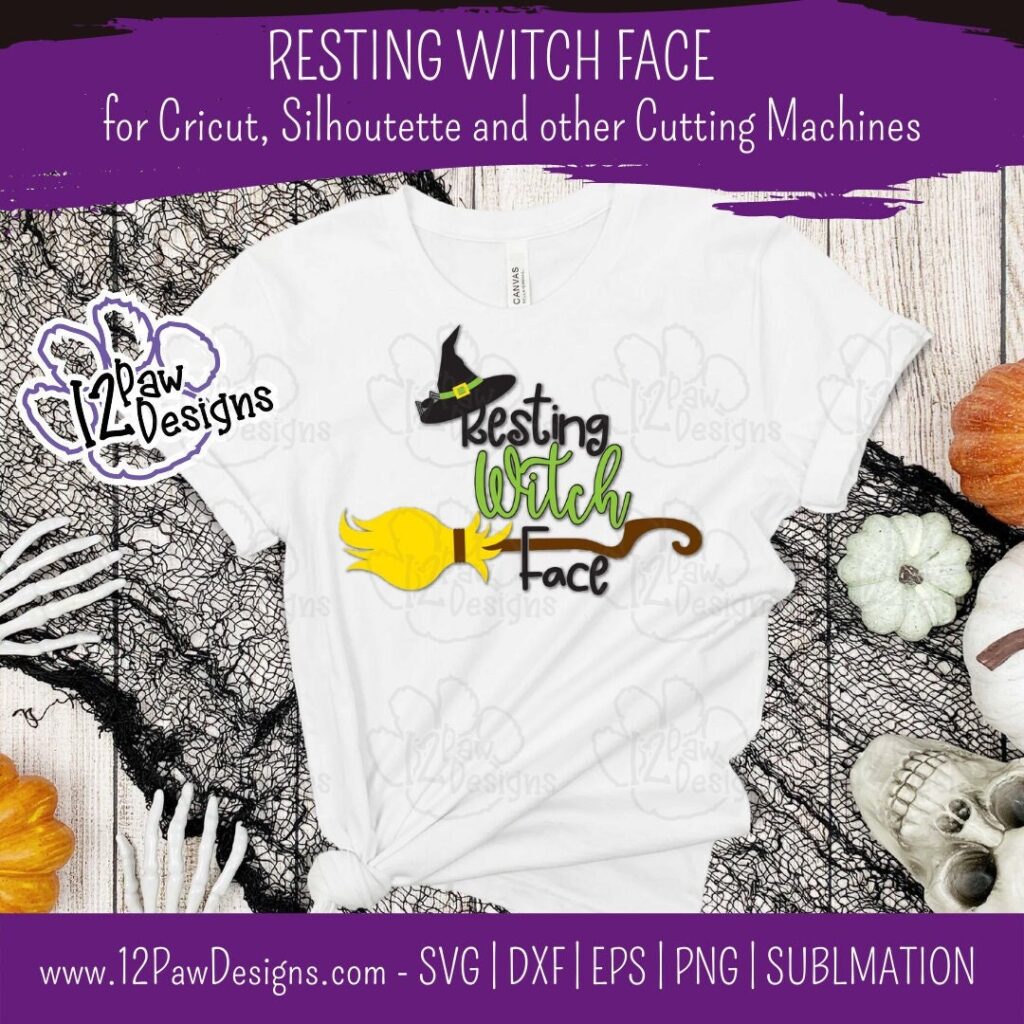
Resting Witch Face make can make a funny Halloween shirt, sign or bag! It is so much fun at Halloween how everyone can joke around with Funny Witch sayings. Resting Witch Face is one of those sayings. This cute design includes a fun witch hat with a spider and a funky witches broom. Take the free cutting file and let your imagination go. I will be showing how I made this distressed sign using a Dollar Tree Banner that I up-cycled.
This weeks FREE Resting Witch Face PNG/SVG/cut file can be found in the Freebie Library. File number is 56 (remember the password is always in the bottom of your weekly email from me). I have also created a video tutorial along with some directions on how I made this sign. I can’t wait to see your projects!!
Remember to join our Facebook Craft Group!!!
I am so excited to let you know that I started a Facebook Craft Group. The goal of the group is to welcome ALL crafters. I craft in different mediums, styles and type. Wood, vinyl, paint, sublimation, tumblers, etc. No matter what you do this group is for you. Come and join us!!! Click the link! Crafty Paws for All Cricut Silhouette Glowforge Sublimation and More
Florals – I picked up 2 picks from the Dollar Tree
Weeding tools, scissors, cutting knife, transfer tape, squeegee, etc
Glue Gun
Painters tape
Floral Wire or wire tire
Video Tutorial – Resting Witch Face Sign
Here are the steps I took to make my sign
Step 1 – Take a metal scrapper and scrape off the glitter. Then take a 60 grit sanding block and sand the sign. Next take the painters tape and cover the top piece of the banner.
Step 2 – Paint the sign. Since I was using white it took 3 coats. Give it dry time between coats. You can also use a heat gun to speed up the dry time. If you get paint on the edges you can use baby wipes to clean your edges up.
Step 3 – Open the file in your favorite cutting software. Cut vinyl to the size you need for your project. Weed your vinyl between your paint coats
Step 4 – Once the sign is dry take the brown paint and a liner brush and paint\draw thin lines across the sign to look like wood. I had a metal ruler, you could use a ruler, wood, etc. Once you have that done take a brush, make up sponge or rag and go around the edges of the sign. You can see the technique I used in the video. Then take the rag and blend to look distressed. Especially around the lines to give it that distressed look.
Step 5 – Using the same rag stain paint the top piece of wood. If you have some paint or something on the edge of your sign you can also use the rag to cover the edges.
Step 6 – Now its time to apply the vinyl. Take your transfer tape and apply it to the word base. Then using your squeegee apply it to your sign. Make sure you leave room at the tope for a bow and some florals.
Next take the witch vinyl and the parchment paper and put the witch on the parchment paper. Find your placement. Attach the top part of the transfer tape down making a hinge. Then lift up the hinge to remove the parchment paper and then apply the vinyl down.
Next take the broom bristles and the broom stick and align them up together with your transfer tape and parchment if needed. Apply the full broom to the sign. Watch your spacing to get it on the letter F.
Next apply the witch hat. You can hang it on the R or the g in Resting. Then apply the hat band and then the buckle.
Step 7 – Time to make the bow. Since this is a smaller sign we will make a smaller bow. I took 3 rolls of ribbon and cut 8″ to 9″ lengths. I cut 2 of each. Then take the first strip and fold over ⅔ of it in a loop. Repeat this for all 6 loops. It should look like a floral bouquet. Take the floral wire or wire tie and tie the bow off. Now fluff and pull the ends out to form a bow. Trim the ends in dove tail or angles. Check out the video for the tutorial on the bow.
Step 8 – Take some floral berries and attach it to the top of the sign with hot glue gun. Then glue the bow to the tope of the sign. Fluff and arrange.
To get your FREE file please go to my Freebie Library, sign in (don’t worry if you are not a member yet, sign up and the password will be emailed to you!!! Also, remember I include it in the bottom of the weekly email too! 😉 ) and download Number 56 – Resting Witch Face . The downloaded file will have multiple file options SVG, PNG, DXF (If you have the free version of Silhouette Studio you will need this file) and EPS.
I really hope you enjoy my Resting Witch Face Design. Remember a ? Pinterest pin would be so appreciated! I can’t wait to see what you create. Please share with me. You can come back here and add a comment or add one to Facebook too!
DO NOT resell any of the files as digital download or any other form. DO NOT claim the files as your own. DO NOT modify and resell the files in any form.