Category: Cutting Machines

  • Easter Subway Tile that are Eggcellent

    Easter Subway Tile that are Eggcellent

    Easter Subway Tile SVG- Easter Subway Tile Cut File - Cricut Silhouette - svg/dxf/png/eps - Digital Download
    Easter Subway Tile SVG- Easter Subway Tile Cut File – Cricut Silhouette – svg/dxf/png/eps – Digital Download

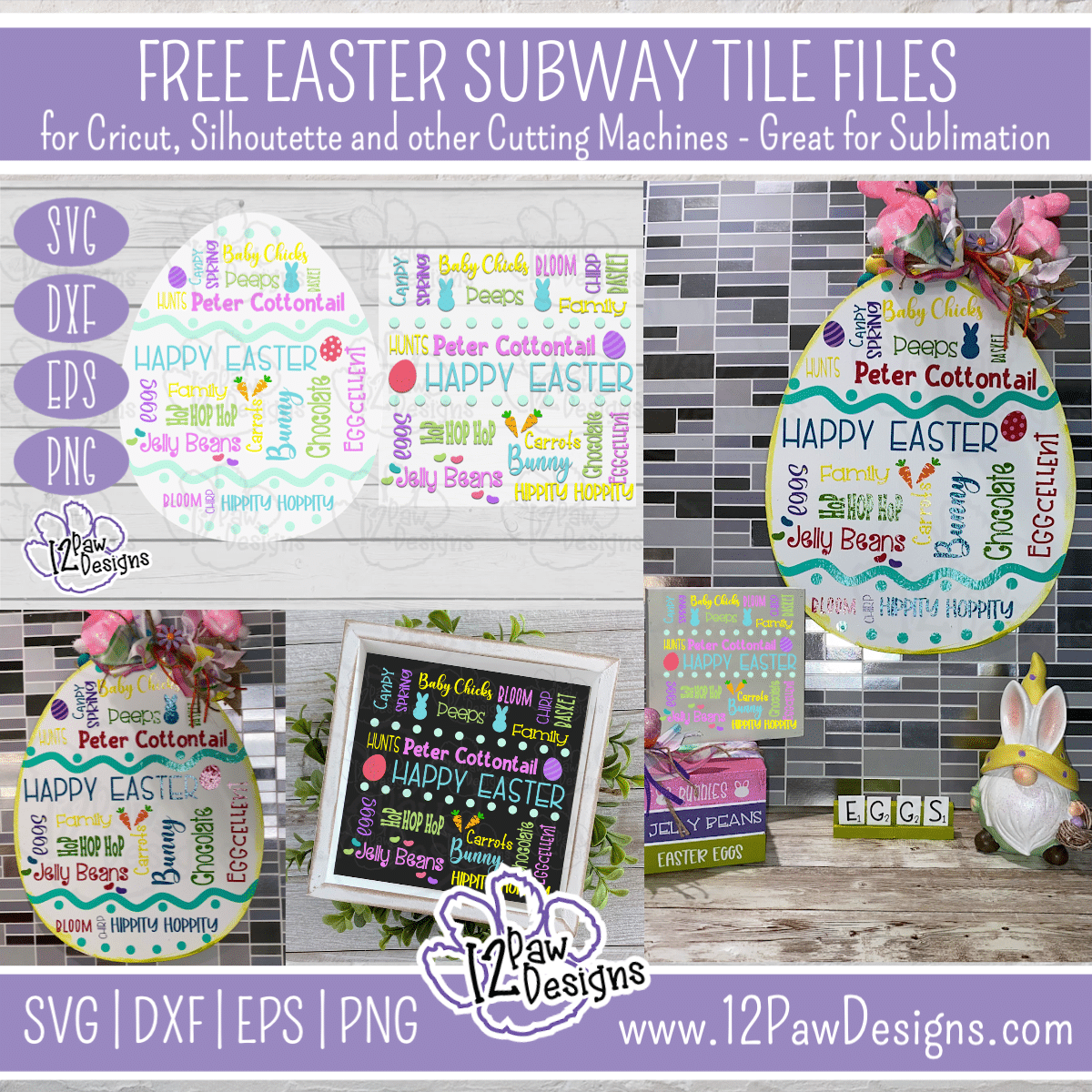
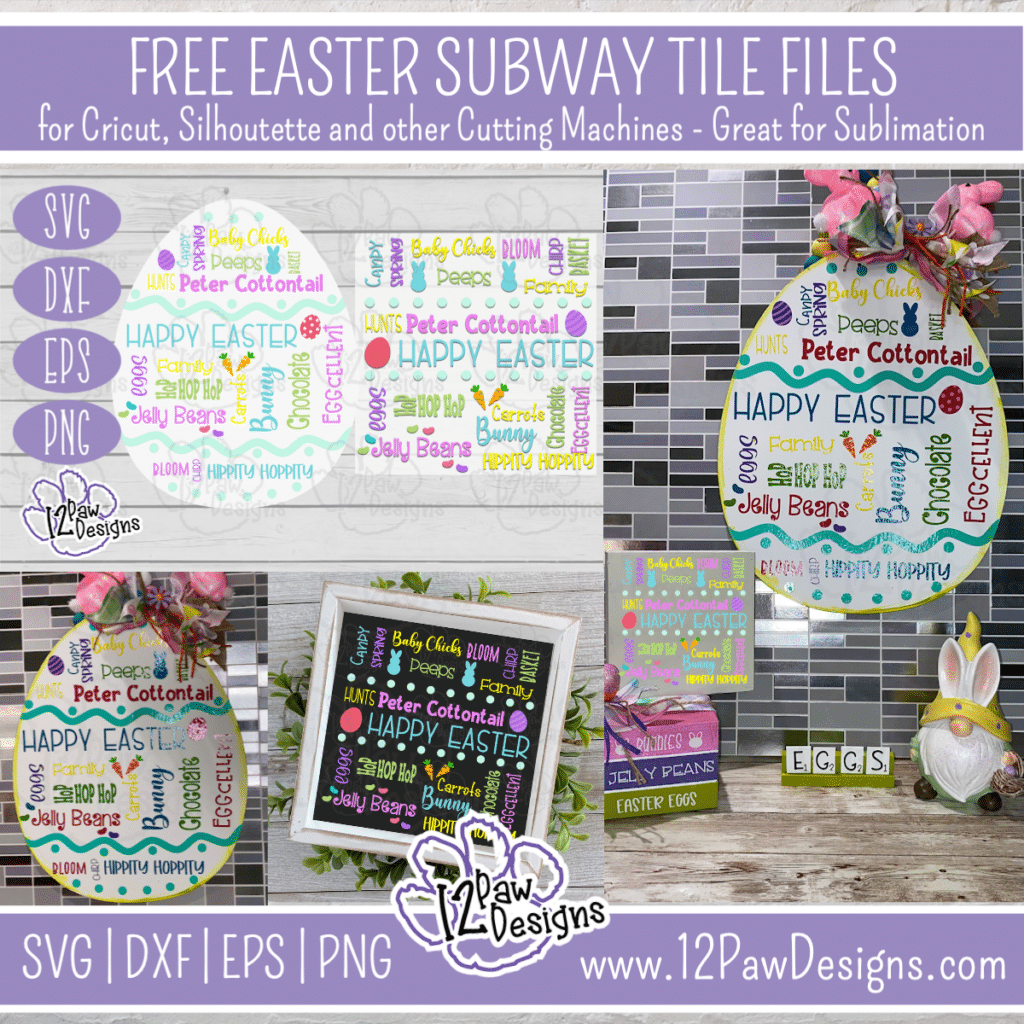
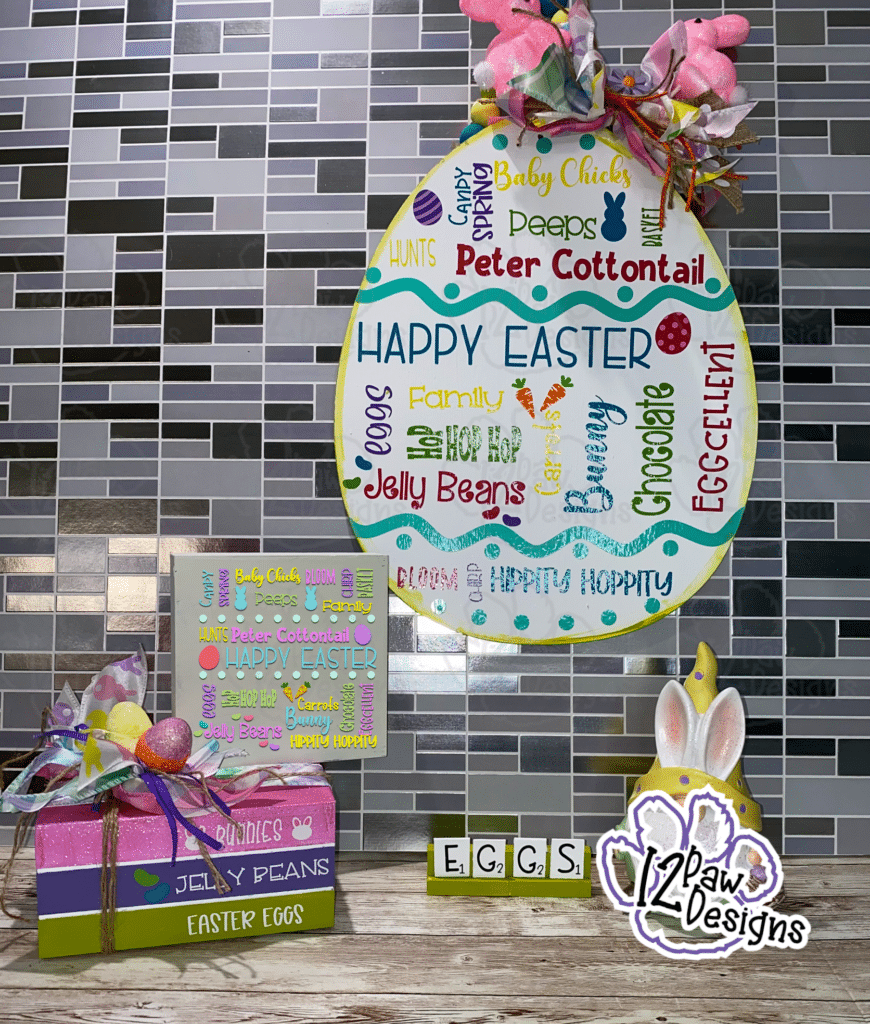
    This weeks Freebie file is and Eggcellent Easter Subway Tile. There are two file option one that you can use the egg form from the Dollar Tree and one that is a square that you can use on anything! The choice is yours! We will also be using the parchment paper technique to layer the vinyl.

    Also remember that I am still doing the give away of the keychains from last week and a super cute Welcome Peeps Sign!!! One or maybe two to my Facebook followers and one and maybe two to my IG followers. This drawing will happen on Friday!!!

    Also, I case you missed this really cool news I will be taking part in participating in our first ever 123-SVG Alumni Showcase.  What is this you asked???  This is the kick off for the next class of how to design your own SVG\cut files.  Just like what you see me sharing every week!!! So during the showcase that will begin on March 23rd each day one designer from the previous courses will be featured.   There will be free files, free tutorials, etc!!  I am so excited!  I will be featured on Thursday, March 25th. I have the cutest file and project for you. SIGN UP FOR THE WEEK OF FREE CRAFTING FUN HERE: https://mydesignsinthechaos.ck.page/e0aeaf3c19 and come and check out the blog on Thursday!!!

    Easter Subway Tile SVG- Easter Subway Tile Cut File - Cricut Silhouette - svg/dxf/png/eps - Digital Download
    Easter Subway Tile SVG- Easter Subway Tile Cut File – Cricut Silhouette – svg/dxf/png/eps – Digital Download
    Supply List

    Cutting Machine and software
    Easter Subway Tile File (click on the link)
    Vinyl– I used Starcraft brand and I used white, black, orange, 2 colors green, purple, 2 colors of pink, teal, Yellow and blue
    Weeding tool, scissors, cutting knife, and transfer tape
    Parchment Paper
    Egg Sign from the Dollar Tree
    Ribbon, jute, beads, picks to finish the project
    Paint – I used celery from Waverly, however, you can use any coordinating color of your choice
    Sponge – I like to use the make up sponges from the Dollar tree.

    The video shows you all steps i used to make my egg sign but let me touch on the steps here.
    1. Lightly sand the back side of your egg sign. I then applied 2 coats of acrylic paint. You can use any light color. Acrylic or chalk, use what you have on hand!
    2. While my paint is drying I cut all my vinyl. The file is grouped by color for you to make it easier to cut. I also added a cut box around the words to help with good clean cuts and to make it easier to weed.
    3. Once every thing is cut you can then go through and weed your vinyl. When weeding i like to use a sharp point tweezers. Also, as I am pulling my vinyl off i like to keep it close to the project so it weeds easier.
    4. Once everything is weeded I trim everything down to the size of the weeding box.
    5. Now its time to layer our vinyl. I started out with the teal which is my egg decoration. I used my transfer tape and applied it to the vinyl to pick it up. Make sure you have extra transfer tape on onside to do a hinge with it.
    6. Next, take your egg and put it down, then lay your parchment paper on top. Put your vinyl\transfer on top and slide it around until you have it placed where you want it. Take that extra transfer tape you have on the one side and attach it your work surface. This is your hinge. Pick up your transfer tape, pull out your parchment paper and lay down your vinyl. Use your squeegee and rub it on. Then pull off your transfer tape. Again, staying close to the egg.
    7. Next i picked the blue which is the Happy Easter. It goes right below the decoration pieces. Repeat the same steps as about. Lay your transfer tape down on the vinyl (used the same transfer tape for the whole project). Remember to leave extra on the one side, pull the vinyl and transfer tape away from the backing. Lay your parchment paper down on the egg, put the Vinyl\tape down and move it around to get your position. Don’t be afraid to look at the PNG file to see your placement. Once you have your spot, hinge it down, pull out your parchment paper and lay your vinyl down.
    8. Repeat for all other colors.
    9. Then take your paint and sponge and dry sponge a little bit of paint around the edge of the egg to get it a little extra.
    10. Decorate as you wish.
    11. ENJOY!!!

    To get your FREE file please go to my Freebie Library, sign in (don’t worry if you are not a member yet, sign up and the password will be emailed to you!!!) and download Number 19 Easter Egg Subway Tile and/or 20 Easter Subway Tile. This download file will have multiple file options SVG, PNG, DXF (If you have the free version of Silhouette Studio you will need this file) and EPS. 

    Have and amazing day and enjoy these free files. Remember to check out the Alumni Showcase that will be happening this week and make sure you follow me for you chance to win! Remember a ? Pintrest pin would be so appreciated! I can’t wait to see what you create. Please share with me. You can come back here and add a comment or add one to Facebook too!

    Also, please check out my shop. I am always adding new designs. You might also find ready made tumblers in there in the future!!!
    https://12pawdesigns.com/shop/

    If you have any questions or run into an issue please let me know!!!

    Lorri?
    Lorri@12PawDesigns.com

    Let’s Conntect!

    Want to connect more with 12 Paw Designs???:
    • Website: https://12pawdesigns.com
    • FB Page: https://www.facebook.com/12pawdesigns/
    • Instagram: https://www.instagram.com/12pawdesigns/
    • Pinterest: https://www.pinterest.com/12PawDesigns

    DO NOT resell any of the files as digital download or any other form.
    DO NOT claim the files as your own.
    DO NOT modify and resell the files in any form.

  • Need a Cute Bunny Keychain and Wristlet?

    Need a Cute Bunny Keychain and Wristlet?

    Bunny body Keychain Tray SVG- Bunny Tag Cut File - Cricut Silhouette - svg/dxf/png/eps - Digital Download
    Bunny body Keychain Tray SVG- Bunny Tag Cut File – Cricut Silhouette – svg/dxf/png/eps – Digital Download

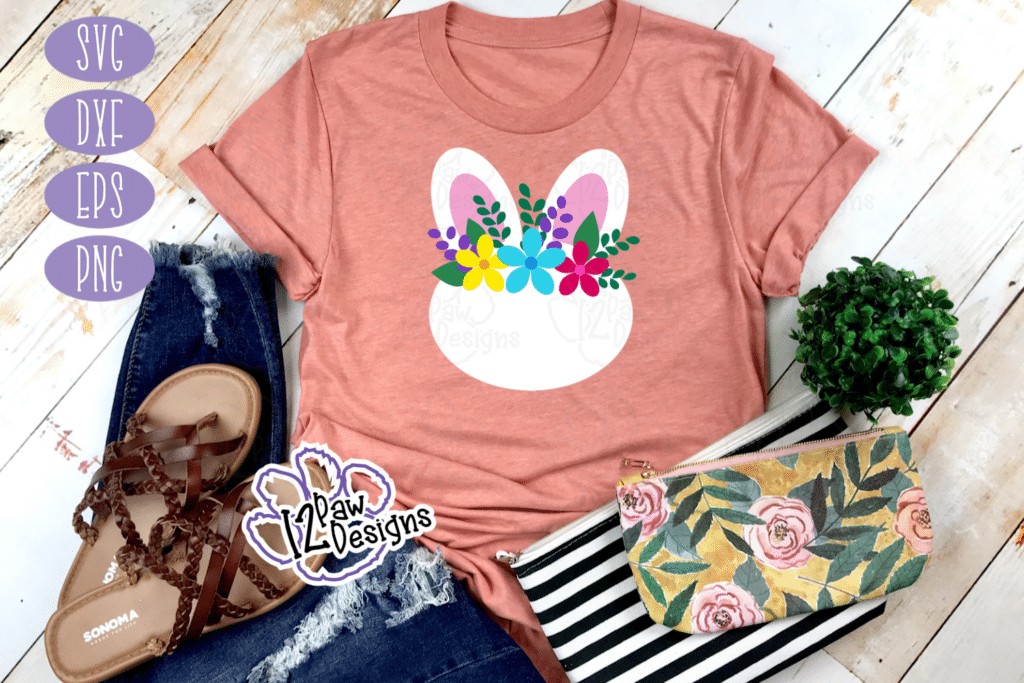
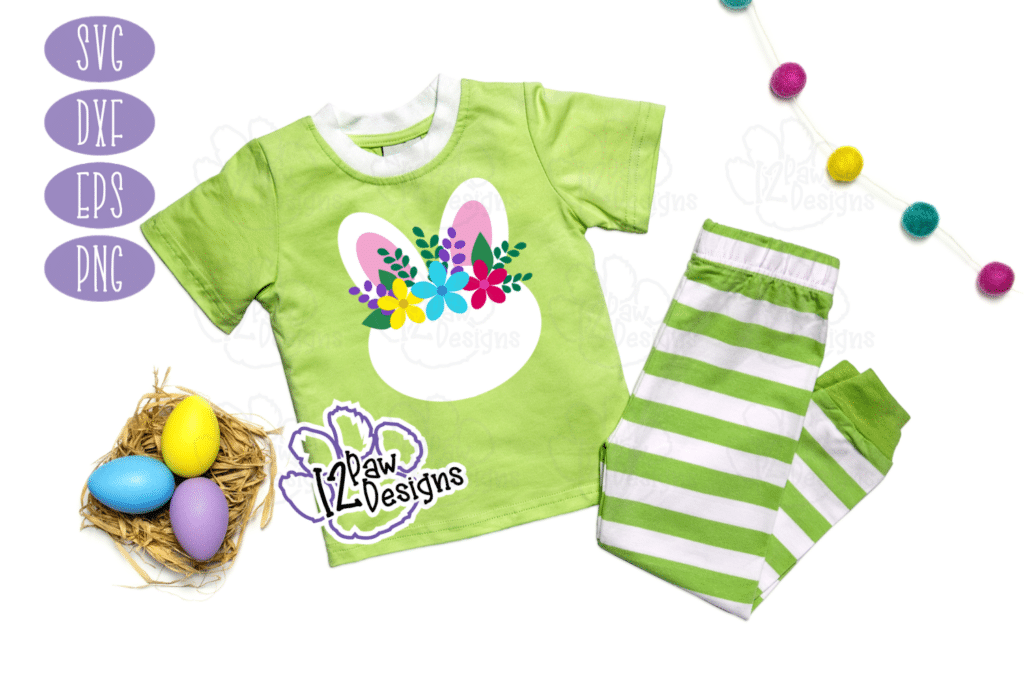
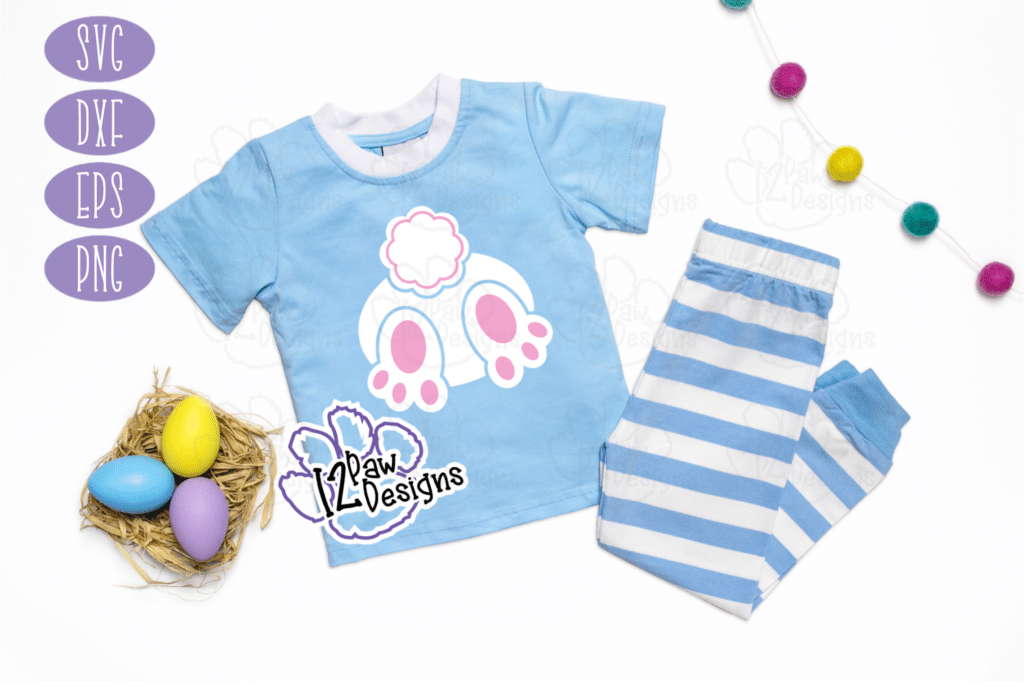
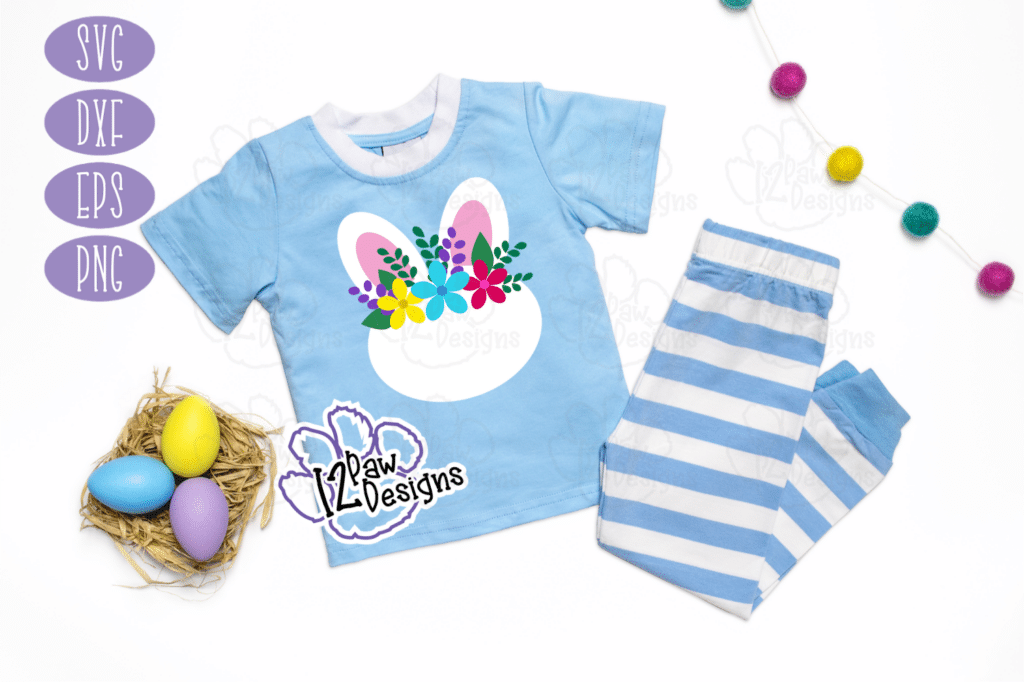
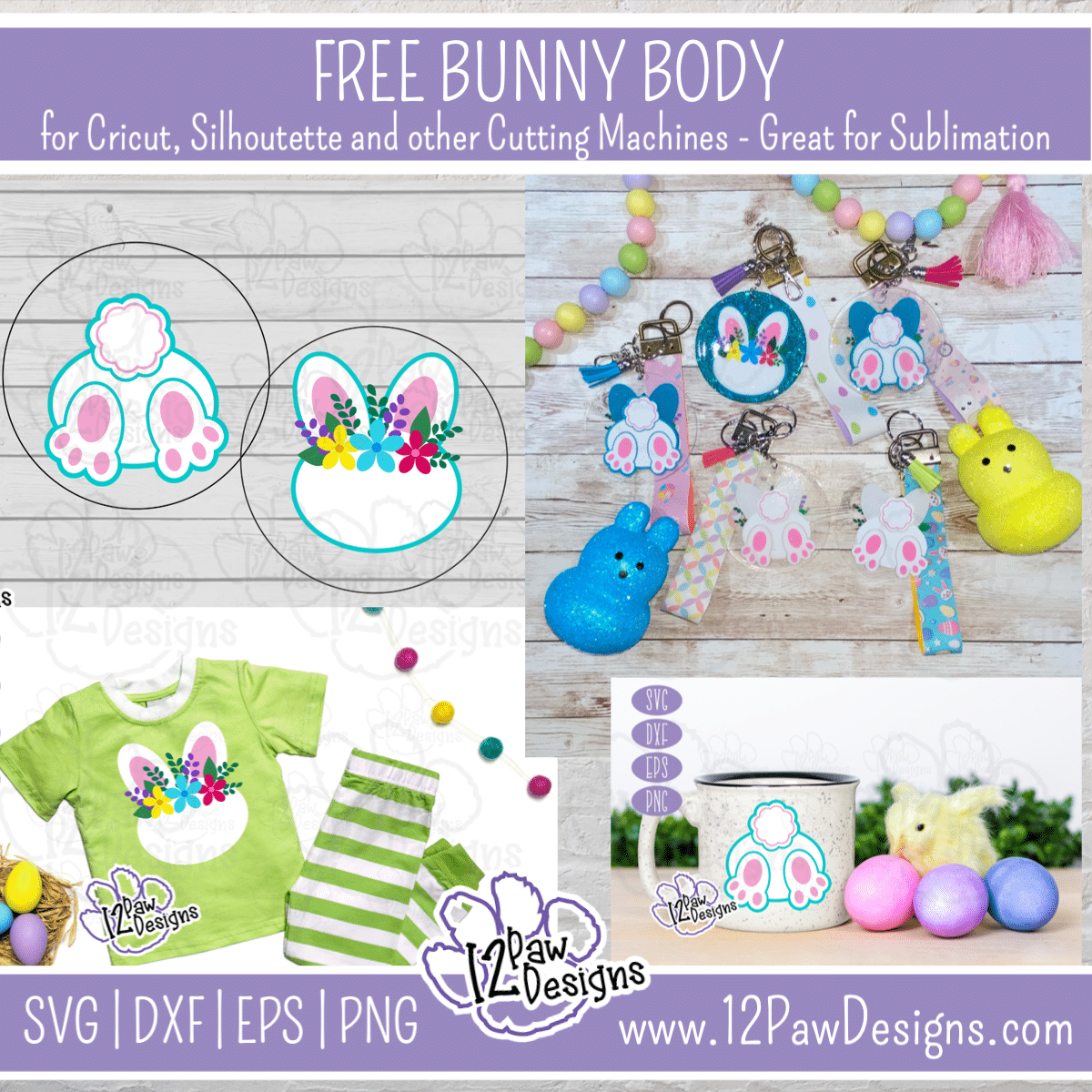
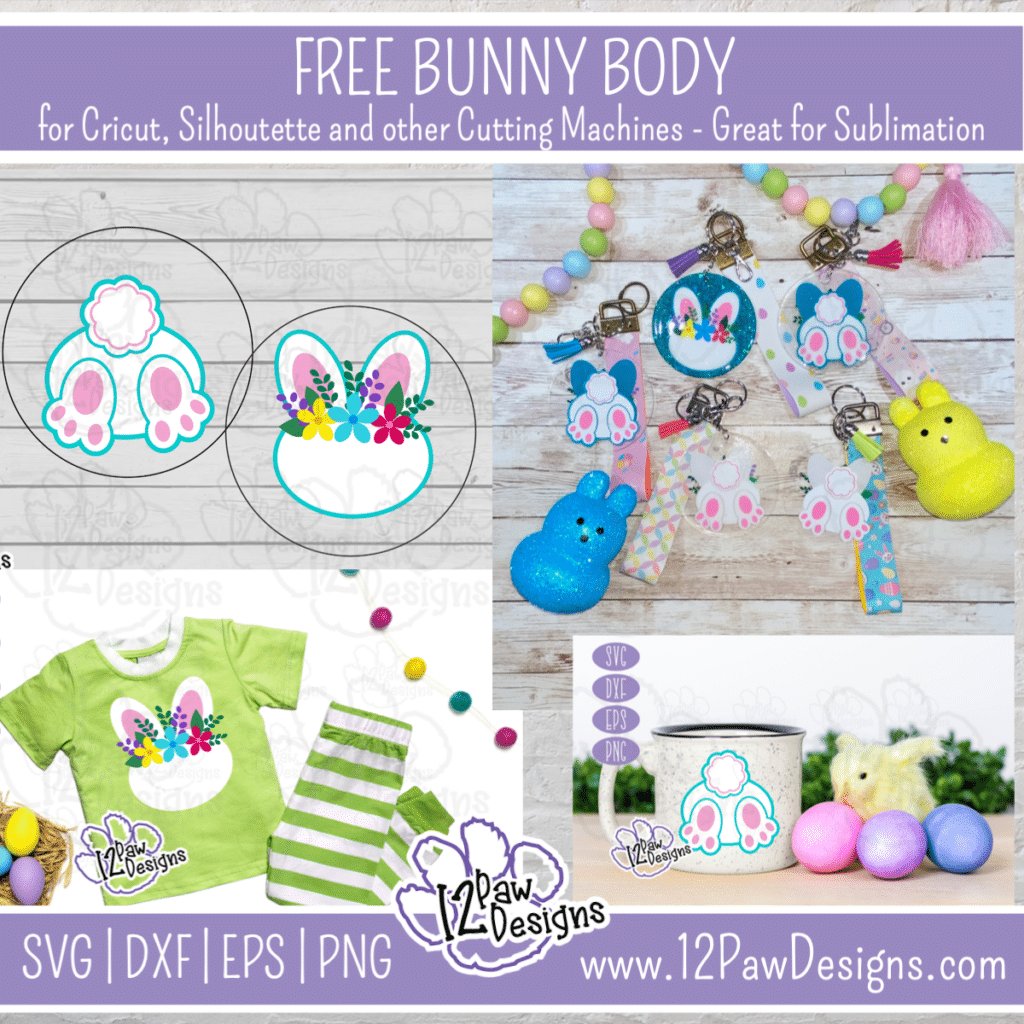
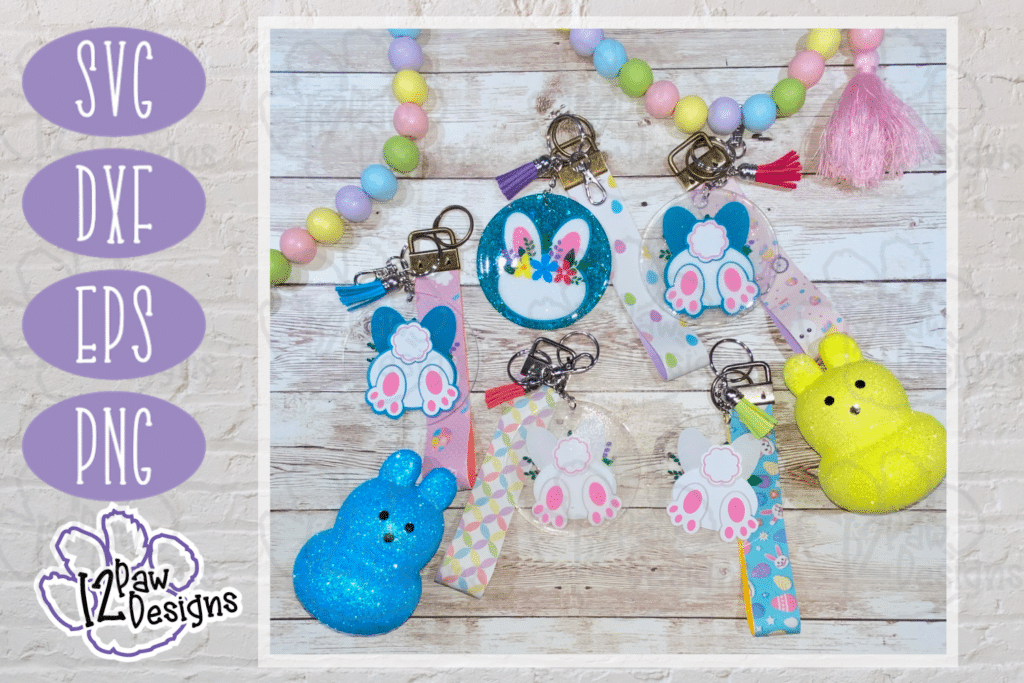
    Yes you do NEED a cute Bunny Keychain and Wristlet! This project is for anyone!!! ALSO, I am going to be giving one away!! One to my Facebook followers and one to my IG followers. Check out social media for more information and for an extra surprise give away!!! You can do a simple layering of vinyl on an acrylic blank or you if you have the stuff or are looking to get into resin or epoxy you can take it to the next level. I will also be showing you how I made the FOBs\Wristlet. This was a really fun project and so versatile. You can even take cutting files and use them mugs, tumblers, shirts, totes etc. Just have fun!!!

    Bunny body Keychain Tray SVG- Bunny Tag Cut File - Cricut Silhouette - svg/dxf/png/eps - Digital Download
    Bunny body Keychain Tray SVG- Bunny Tag Cut File – Cricut Silhouette – svg/dxf/png/eps – Digital Download

    Here are some other things you can make!

    • Bunny body Keychain Tray SVG- Bunny Tag Cut File - Cricut Silhouette - svg/dxf/png/eps - Digital Download
    • Bunny body Keychain Tray SVG- Bunny Tag Cut File - Cricut Silhouette - svg/dxf/png/eps - Digital Download
    • Bunny body Keychain Tray SVG- Bunny Tag Cut File - Cricut Silhouette - svg/dxf/png/eps - Digital Download
    • Bunny body Keychain Tray SVG- Bunny Tag Cut File - Cricut Silhouette - svg/dxf/png/eps - Digital Download
    • Bunny body Keychain Tray SVG- Bunny Tag Cut File - Cricut Silhouette - svg/dxf/png/eps - Digital Download
    • Bunny body Keychain Tray SVG- Bunny Tag Cut File - Cricut Silhouette - svg/dxf/png/eps - Digital Download
    • Bunny body Keychain Tray SVG- Bunny Tag Cut File - Cricut Silhouette - svg/dxf/png/eps - Digital Download

    Supply List

    Cutting Machine and software
    Bunny Body File(click on the link)
    Vinyl– Todays vinyl is from https://www.143vinyl.com/ it is the Starcraft brand and I used white, black, orange,2 colors green, purple, 2 colors of pink, teal, Yellow
    White, teal and pink cardstock
    Weeding tool, scissors, cutting knife, and transfer tape
    Acrylic blanks – the ones i used are from Amazon
    Glitter – to add a little glitz to your UV Resin if you would like.
    UV Resin and silicon brush or metal stir stick
    Faux Leather
    HTV that matches the Faux Leather
    Fob hardware – I bought this from Amazon
    Keychain hardware and tassels to accessories

    To get your FREE file please go to my Freebie Library, sign in (don’t worry if you are not a member yet, sign up and the password will be emailed to you!!!) and download Number 18 Bunny Body Keychain or Shirt. This download file will have multiple file options SVG, PNG, DXF (If you have the free version of Silhouette Studio you will need this file) and EPS. 

    I hope you enjoy the FREE Bunny file. Thank you again for stopping by and being part of my dream and 12 Paw Designs! Have an absolutely amazing day!!! Remember a ? Pintrest pin would be so appreciated! I can’t wait to see what you create. Please share with me. You can come back here and add a comment or add one to Facebook too!

    Also, please check out my shop. I am always adding new designs. You might also find ready made tumblers in there in the future!!!
    https://12pawdesigns.com/shop/

    As a special thank you use code BDAY20 to take 20% off anything in the shop right now! It is my birthday month and I want to share it with you!!!

    If you have any questions or run into an issue please let me know!!!

    Lorri?
    Lorri@12PawDesigns.com

    Let’s Conntect!

    Want to connect more with 12 Paw Designs???:
    • Website: https://12pawdesigns.com
    • FB Page: https://www.facebook.com/12pawdesigns/
    • Instagram: https://www.instagram.com/12pawdesigns/
    • Pinterest: https://www.pinterest.com/12PawDesigns

    DO NOT resell any of the files as digital download or any other form.
    DO NOT claim the files as your own.
    DO NOT modify and resell the files in any form.
  • A TIERED TRAY A BUNNY WOULD LOVE!

    A TIERED TRAY A BUNNY WOULD LOVE!

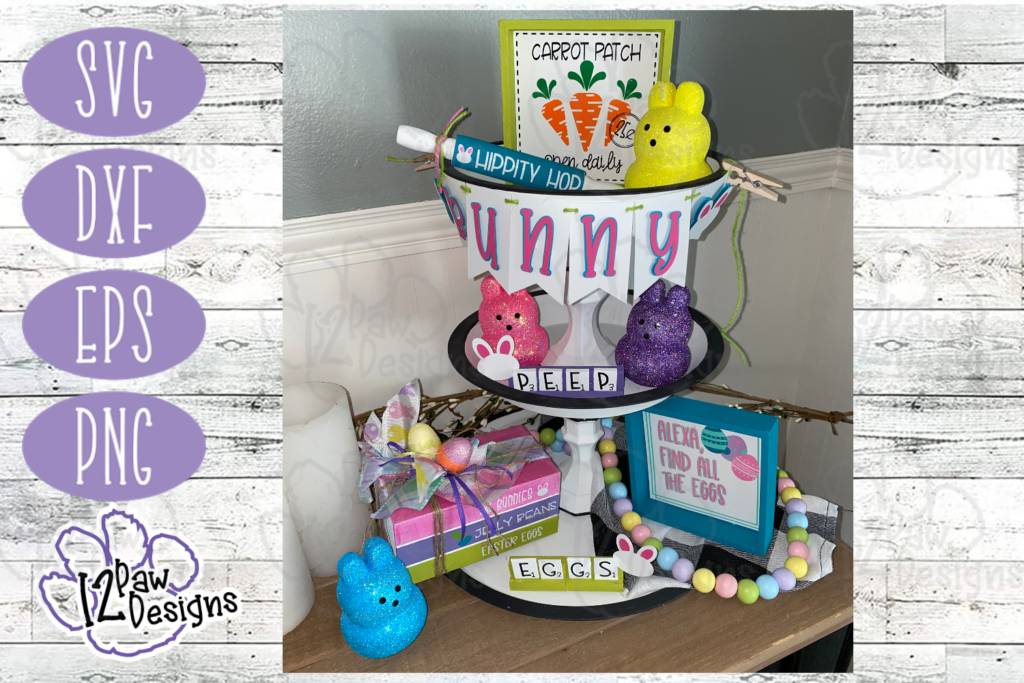
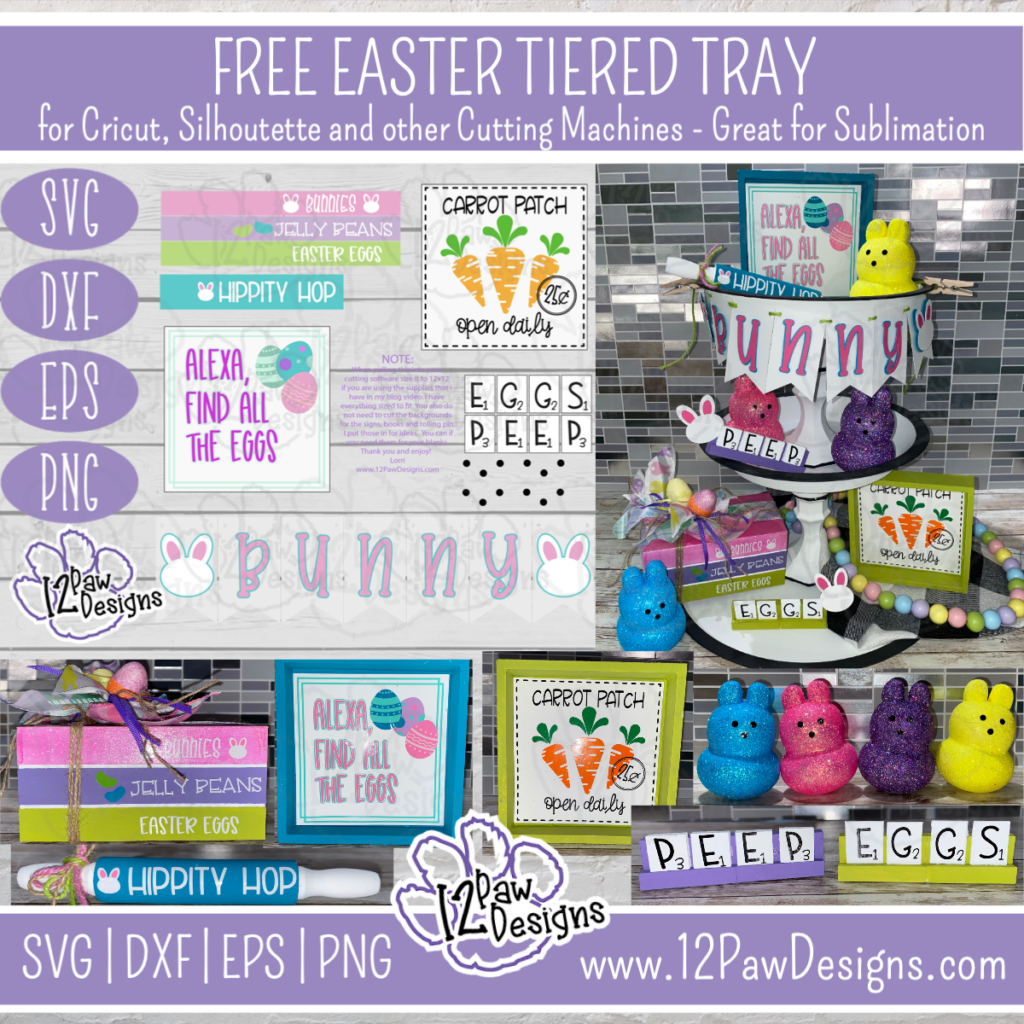
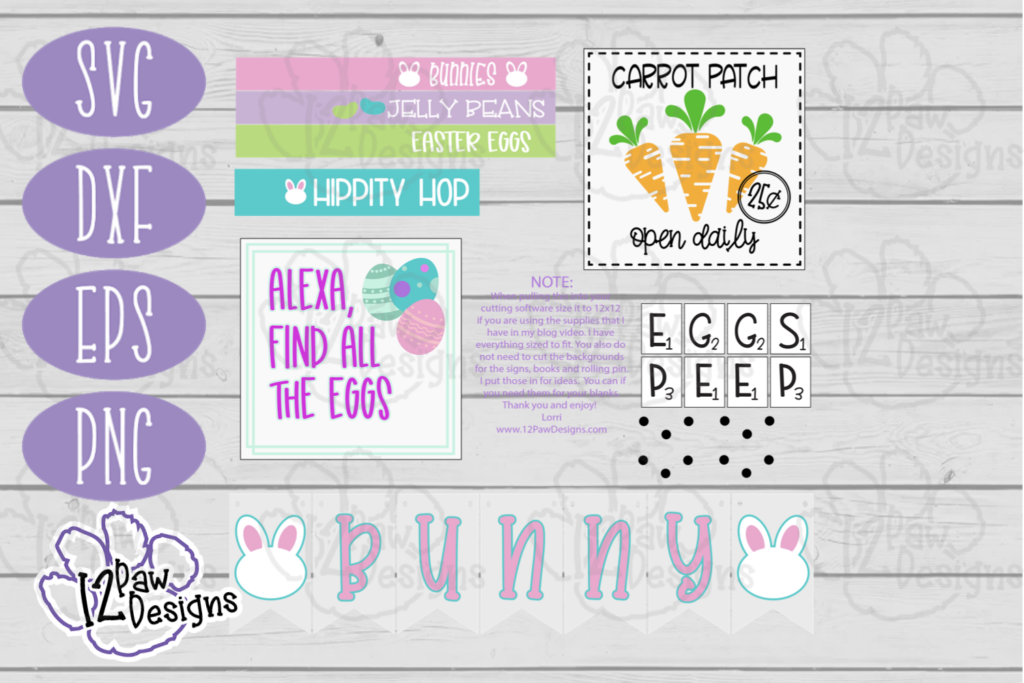
    Happy Sunday Funday Freebie! Today we are making a Tiered Tray a Bunny Would Love! Tiered trays are so popular and absolutely love mine so much I actually have two!. We are making books, rolling pin, signs, banner, scrabble trays and glitter peeps. So yes, any BUNNY would love this! Here are some pictures of my finished project. Below is a supply list and video tutorial along with the link to the FREE files.

    Easter Tiered Tray SVG- Tiered Tray Cut File - Cricut Silhouette - svg/dxf/png/eps - Digital Download
    Easter Tiered Tray SVG- Tiered Tray Cut File – Cricut Silhouette – svg/dxf/png/eps – Digital Download

    Supply List

    Cutting Machine and software
    Vinyl– Todays vinyl is from https://www.143vinyl.com/ it is the Starcraft brand and I used white, black, orange, green, 2 colors of purple, 2 colors of pink, 2 colors of teal
    White, teal and pink cardstock
    Weeding tool, scissors, cutting knife, glue gun, paint brushes, foam tape and transfer tape
    Dollar tree – tumble tower blocks, 3 in 1 game (for the scrabble pieces or you can purchase them from walmart), small wood crate for the books (you can also cut 3.5×5″ wood blocks)
    Wooden rolling pin
    Blanks for signs
    Modge Podge
    Glitter
    Plaster Bunnies from the Dollar Tree
    Ribbon of choice and jute

    To get your FREE file please go to my Freebie Library, sign in (don’t worry if you are not a member yet, sign up and the password will be emailed to you!!!) and download Number 17 Easter Tiered Tray. There are file options SVG, PNG, DXF (If you have the free version of Silhouette Studio you will need this file) and EPS. 

    I hope you enjoy the FREE tiered tray file. Thank you again for stopping by and being part of my dream and 12 Paw Designs! Have an absolutely amazing day!!! Remember a ? Pintrest pin would be so appreciated!

    Also, please check out my shop. I am always adding new designs. You might also find ready made tumblers in there in the future!!!
    https://12pawdesigns.com/shop/

    As a special thank you use code BDAY20 to take 20% off anything in the shop right now! It is my birthday month and I want to share it with you!!!

    If you have any questions or run into an issue please let me know!!!

    Lorri?
    Lorri@12PawDesigns.com

    Let’s Conntect!

    Want to connect more with 12 Paw Designs???:
    • Website: https://12pawdesigns.com
    • FB Page: https://www.facebook.com/12pawdesigns/
    • Instagram: https://www.instagram.com/12pawdesigns/
    • Pinterest: https://www.pinterest.com/12PawDesigns

    DO NOT resell any of the files as digital download or any other form.
    DO NOT claim the files as your own.
    DO NOT modify and resell the files in any form.
  • OH MY LUCKY CHARMS SUBWAY TILE SIGN FOR YOU

    OH MY LUCKY CHARMS SUBWAY TILE SIGN FOR YOU

    St Patricks Day Subway Tile SVG- St Pat Subway Tile Shamrock Cut File - Cricut Silhouette - svg/dxf/png/eps - Digital Download
    St Patricks Day Subway Tile SVG- St Pat Subway Tile Shamrock Cut File – Cricut Silhouette – svg/dxf/png/eps – Digital Download

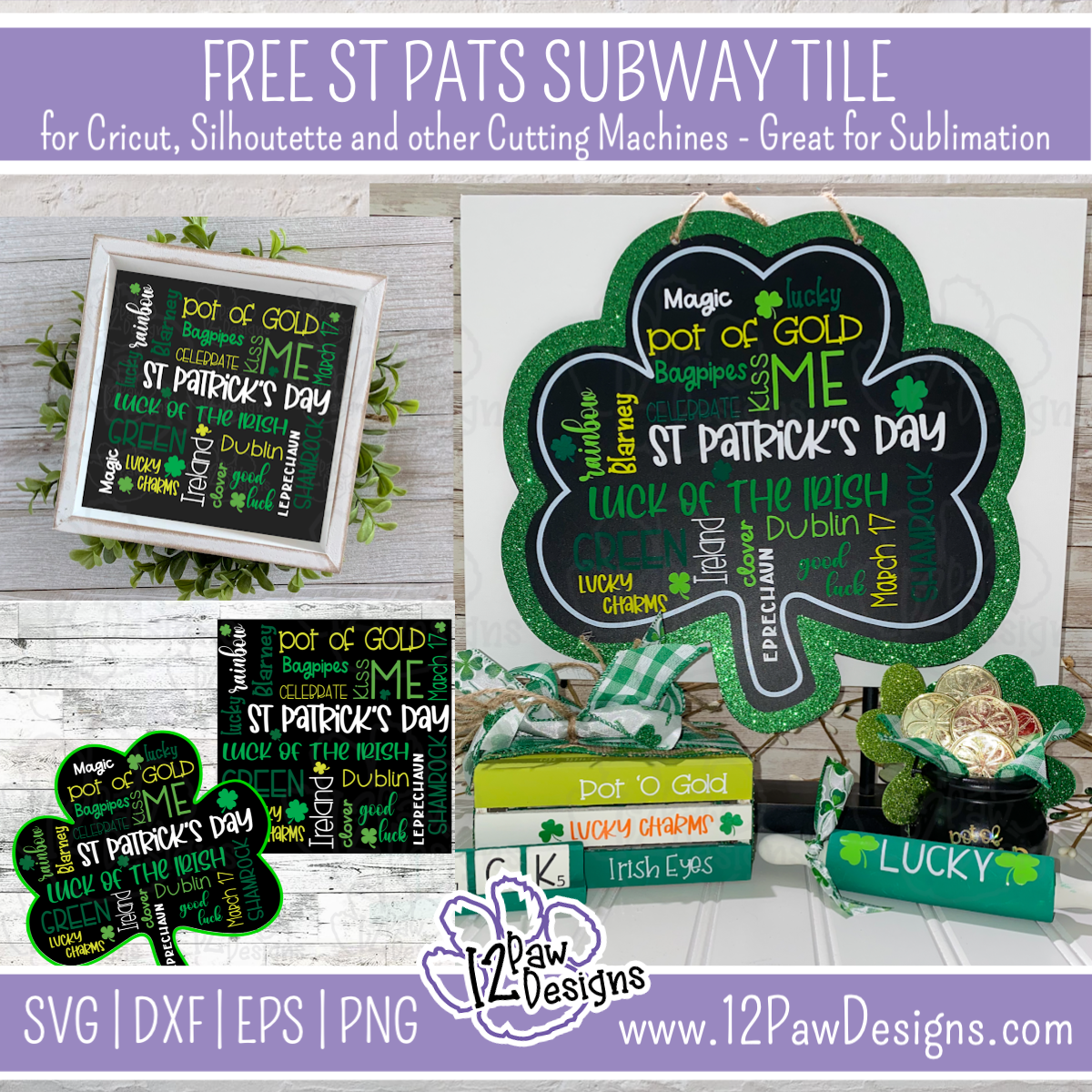
    OH MY LUCKY CHARMS….Subway Tile Signs for you! Here is another Sunday Funday Freebie!!! There are 2 options to chose from! If you have or find a Dollar Tree Shamrock chalk board there is the Shamrock version. I have also designed and made a version to go on a square sign!! Below you will find a video tutorial on how I create registration marks in my cutting software to help layer the vinyl for the sign. I used 5 colors of vinyl in making the signs. I have also grouped the colors for you. So when you load it into your cutting software you just need to add the registration marks and cut!!!

    Supply List

    Cutting Machine and software
    Vinyl– Todays vinyl is from https://www.143vinyl.com/ it is the Starcraft brand and I used White, Pastel Green, Lime Green, Light Green and Green
    Weeding tool, scissors, cutting knife and transfer tape
    Dollar tree – Shamrock chalk board

    Here are some more images of the files for you

    To get your FREE file please go to my Freebie Library, sign in (don’t worry if you are not a member yet, sign up and the password will be emailed to you!!!) and you will see 15. St Patricks Day Subway Tile – Shamrock and 16. St Patricks Day Subway Tile – Square. The zip will will have at least 4 file options SVG, PNG, DXF (If you have the free version of Silhouette Studio you will need this file) and EPS.  For these files today there are 2 PNG files for those of you that do print and cut or sublimation.

    I hope you enjoy the FREE St Patricks Day Subway tile Files. Remember a ? Pintrest pin and following would be so appreciated!

    Also, please check out my shop. I am always adding new designs. You might also find ready made tumblers in there in the future!!!
    https://12pawdesigns.com/shop/

    As a special thank you use code BDAY20 to take 20% off anything in the shop right now! It is my birthday month and I want to share it with you!!!

    If you have any questions or run into an issue please let me know!!!

    Lorri?
    Lorri@12PawDesigns.com

    Let’s Conntect!

    Want to connect more with 12 Paw Designs???:
    • Website: https://12pawdesigns.com
    • FB Page: https://www.facebook.com/12pawdesigns/
    • Instagram: https://www.instagram.com/12pawdesigns/
    • Pinterest: https://www.pinterest.com/12PawDesigns

    DO NOT resell any of the files as digital download or any other form.
    DO NOT claim the files as your own.
    DO NOT modify and resell the files in any form.
  • Happy Valentine’s Day!

    Happy Valentine’s Day!

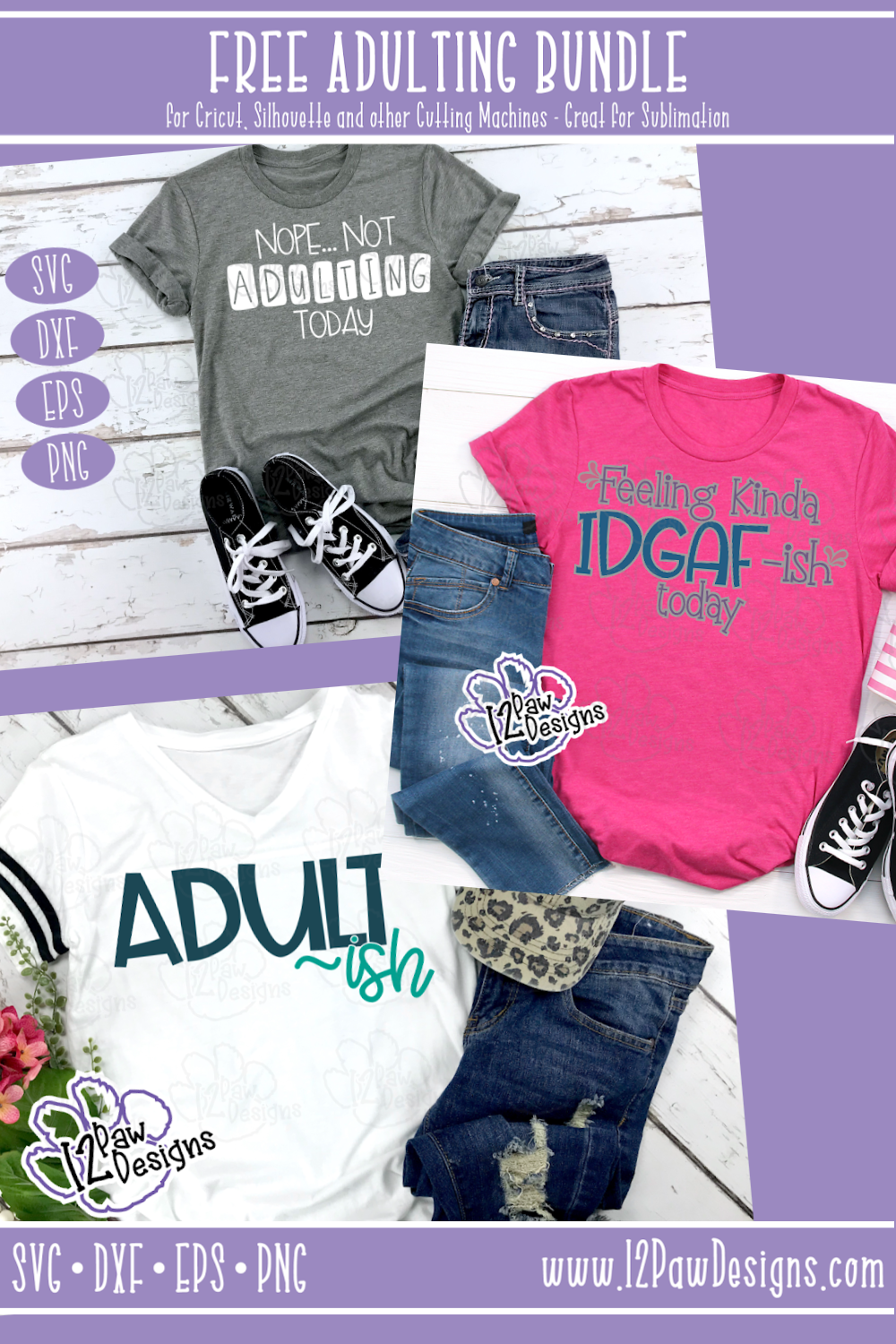
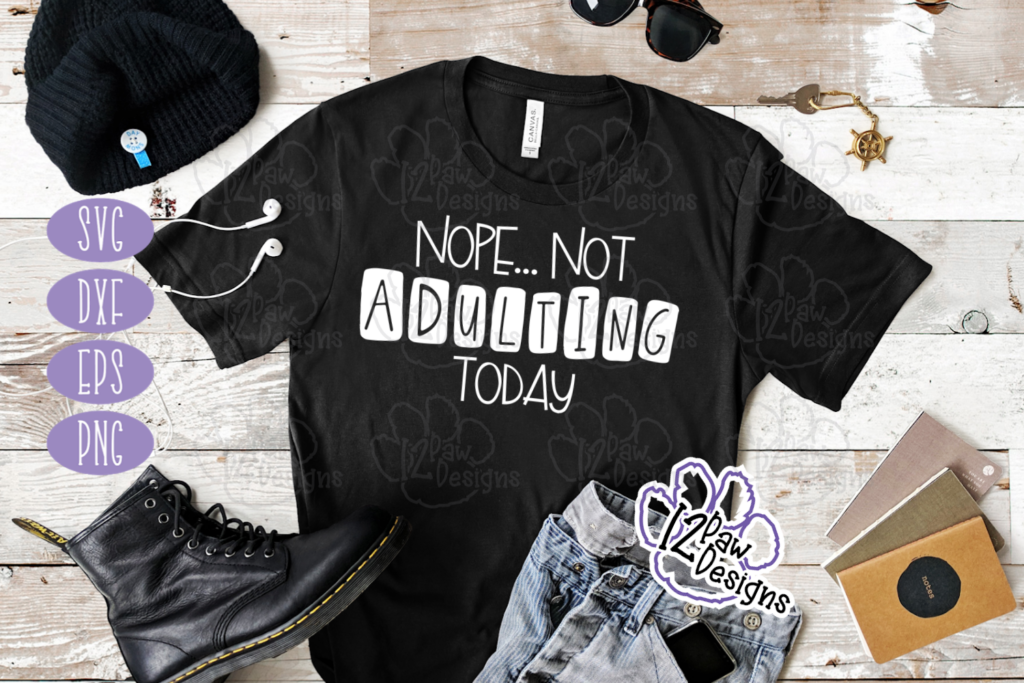
    Happy Valentine’s Day! Today we are celebrating Sunday Funday Freebie Day with some funny adulting humor! Let’s face it adulting is hard and then add in this last year! So pat yourself on the back and remind yourself you are doing amazing! Don’t be hard on yourself. Laugh and enjoy life. We will all get through this. So with that being said I have a FREE Adulting Bundle for you. In the bundle there are different options and choices, why, because one, I couldn’t make up my mind and two, I want male and female options.

    I have also created a video on using HTV (Heat Transfer Vinyl) on a shirt. This weeks video I used Cricut Design studio to show you how to upload your project and send it to your cutter. You will also see a little trick that i like to do. What is that you asked?? Mirror or flip you image (SVG) before sending it to cut. We have all forgotten to mirror. This little trick has helped me not to forget, especially if you cancel to go back and tweak something. Also, you will see a little visitor while I was weeding. Mr Lumiere loves to help mom craft and especially weed vinyl. #gingersnap

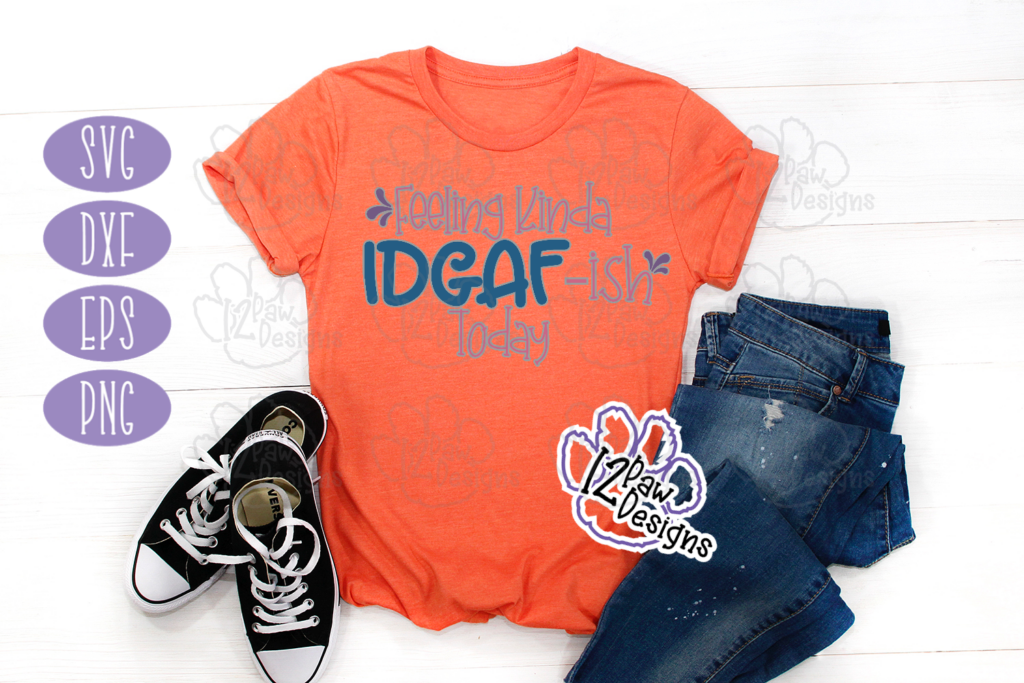
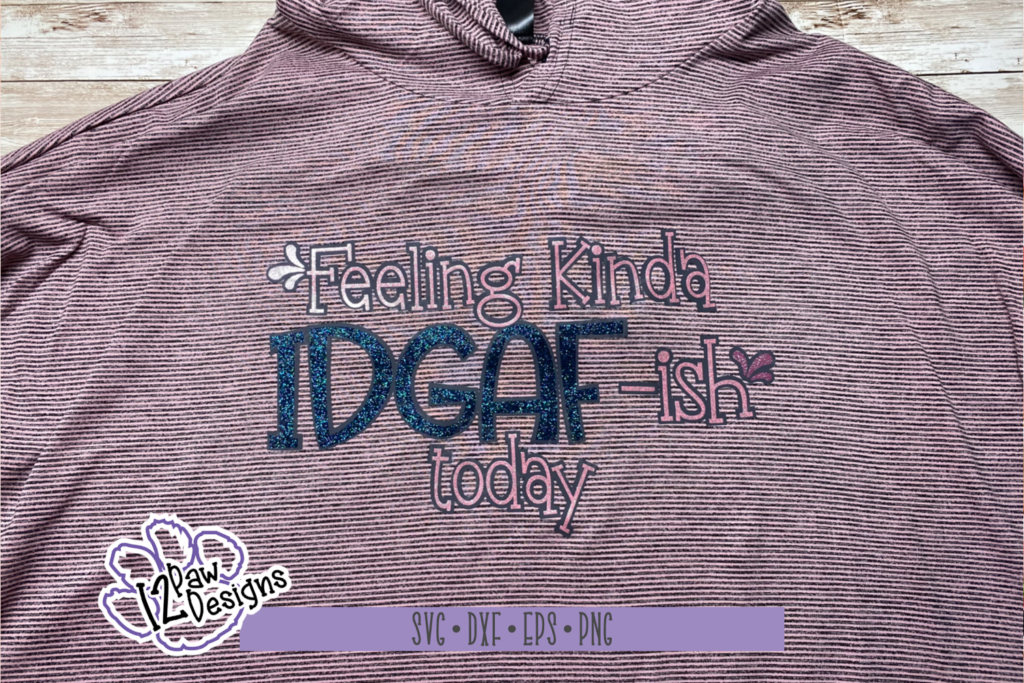
    Feeling Kinda IDGAF~ish Today
    Feeling Kinda IDGAF~ish Today

    Supply List

    Cutting Machine and software
    Heat Transfer Vinyl (HTV) – Todays vinyl is from https://www.143vinyl.com/ it is the Starcraft brand
    Weeding tool
    Heat press or Easy Press
    Teflon sheet of parchment paper

    To get your FREE files head please go to my Freebie Library, sign in (don’t worry if you are not a member yet, sign up and the password will be emailed to you!!!) and download Number 12, Feeling Kinda IDGAF~ish Today. In the zip file you download will be 4 files.  They are SVG, PNG, DXF (If you have the free version of Silhouette Studio you will need this file) and EPS.  The files in the bundle are number 11, Adult-ish and number 13, Nope…Not Adulting Today.

    I hope you enjoy the FREE Adulting Bundle. Thank you again for stopping by and being part of my dream and 12 Paw Designs! Have an absolutely amazing day!!! Remember a ? Pintrest pin would be so appreciated!

    Also, please check out my shop. I am always adding new designs. You might also find ready made tumblers in there in the future!!!
    https://12pawdesigns.com/shop/

    If you have any questions or run into an issue please let me know!!!

    Lorri?
    Lorri@12PawDesigns.com

    Let’s Conntect!

    Want to connect more with 12 Paw Designs???:
    • Website: https://12pawdesigns.com
    • FB Page: https://www.facebook.com/12pawdesigns/
    • Instagram: https://www.instagram.com/12pawdesigns/
    • Pinterest: https://www.pinterest.com/12PawDesigns

    DO NOT resell any of the files as digital download or any other form.
    DO NOT claim the files as your own.
    DO NOT modify and resell the files in any form.